

Controversial: your search bar is costing you sales.
Product finders—interactive quizzes, smart filters, or AI recommenders—act like a virtual sales assistant and cut choice overload.
They speed decisions, lift conversions by 15–30%, and capture preference data you can use for targeting and inventory.
If your catalog is large or products are technical, a finder stops browsers from bouncing.
In this post we show which finder fits which catalog, the UX rules that actually work, and a simple rollout checklist so you can ship one fast.
Overview of Ecommerce Product Finders

An ecommerce product finder is an interactive tool that guides shoppers through questions, filters, or behavioral signals to deliver relevant product recommendations. It acts like a virtual sales assistant sitting between your homepage and the final buy decision, matching shoppers with products based on what they actually need or want.
Product finders matter most when your catalog is huge or your products are technically dense. If you’re running a supplement store with 200 SKUs targeting overlapping health goals, or selling running shoes segmented by gait type and terrain, or offering laptops with hundreds of configurations, you need something that narrows choices fast. Without it, visitors scan endlessly, guess wrong, or bounce.
The results are concrete: product finders cut bounce rates, speed up conversions, and lift average order values by surfacing bundles or premium options that match stated needs. They also capture preference data you can use for email segmentation and smarter inventory planning. Operators see conversion bumps of 15 to 30 percent in categories where static listings can’t communicate product differences clearly.
Core Types of Ecommerce Product Finders
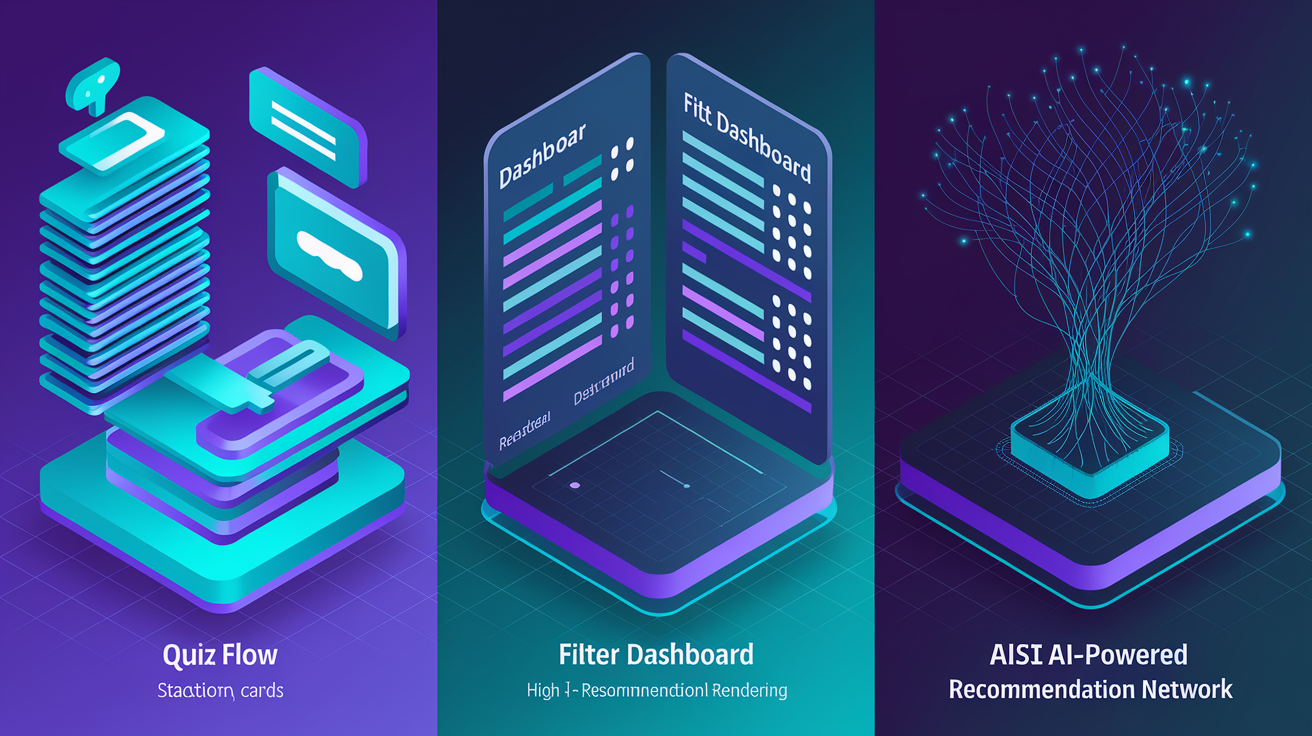
Product finders come in a few structural formats because shopper intent and catalog complexity vary widely. Quizzes work when you need to educate. Filters work when shoppers already know what matters. AI engines work when you’ve got behavioral signals and a massive catalog.
Quiz-Based Product Finders
Quiz finders ask a short sequence of questions (usually five to seven) and use conditional logic to route shoppers toward recommended SKUs or categories. Questions capture demographics, preferences, and goals. Each answer narrows the pool or adjusts hidden scoring.
Beauty, supplements, apparel, and intimate goods lean heavily on quizzes because product performance is subjective and tied to personal characteristics. A skincare quiz might ask about skin type, climate, and routine goals, then recommend a serum and moisturizer combo. A bralette finder asks size, support level, and aesthetic preference to cut down on fit-related returns.
Quiz finders feel consultative. They replicate in-store advice and create a sense of ownership before a shopper ever hits add to cart.
Filter-Based Product Finders
Filter finders rely on structured product attributes like size, color, material, price range, and technical specs exposed as checkboxes, sliders, or dropdowns. As shoppers select criteria, the product grid updates in real time. This format works when shoppers already have clarity about what they want and products are defined by objective, comparable specs.
Electronics, appliances, and technical goods use filter finders heavily. A laptop selector might expose processor type, RAM, storage, screen size, and price. A TV finder surfaces resolution, screen size, brand, and smart platform compatibility. The cognitive load is higher than a quiz, but the format respects shopper agency.
The catch: filter finders fail when product data is incomplete, inconsistent, or poorly tagged. If attributes are missing or miscategorized, the tool either shows irrelevant products or hides the right one. Both outcomes destroy trust faster than having no finder at all.
AI Recommendation Engines
AI-driven finders analyze browsing behavior, purchase history, cart additions, and session duration to predict intent and surface ranked recommendations. These engines use machine learning models trained on aggregate shopper data, collaborative filtering, and sometimes natural language processing if the finder includes a conversational interface.
AI finders deliver personalization at scale without requiring explicit shopper input. They adapt in real time. If a visitor clicks running shoes three times, browses trail models, and lingers on waterproof specs, the engine may surface a trail runner with weatherproof features even if the shopper never filled out a quiz. These systems improve as data accumulates, making them especially valuable for large catalogs and repeat visitors.
The tradeoff is opacity. Shoppers may not understand why a product was recommended, which can reduce trust if the match feels random. Hybrid models that blend quiz inputs with behavioral signals often perform best.
Benefits and Conversion Impact

Product finders reduce cognitive friction by eliminating the need for shoppers to self-filter hundreds of SKUs or decode technical jargon without help. They compress the decision timeline, often turning a 10-minute browse into a two-minute guided flow that ends with a confident add to cart.
From a psychology standpoint, finders create a feeling of personalization. When a tool asks about your goals and then explains why a specific product fits, it mimics the experience of being helped by a knowledgeable salesperson. That perceived effort increases purchase confidence and reduces post-purchase regret.
Key benefits:
Reduced decision fatigue. Shoppers presented with fewer, better-matched options convert faster.
Higher relevance. Recommendations tied to stated needs or behavior feel more trustworthy than generic upsells.
Faster search flow. Guided paths eliminate trial and error browsing.
Increased average order value. Finders can surface bundles, add-ons, or premium tiers aligned with shopper priorities.
Lower product return rates. Better fit and clearer expectations lead to fewer mismatched purchases.
Stronger retention. Shoppers who receive personalized experiences return more often. Over half report becoming repeat customers after a personalized interaction.
Long term, product finders contribute to customer lifetime value by improving first-order satisfaction and enabling smarter retargeting. The preference data captured during a quiz or filter session can feed email campaigns, restock alerts, and seasonal promotions tailored to individual needs. Operators who treat the finder as both a conversion tool and a data capture mechanism see compounding returns over time.
Key UX and UI Considerations
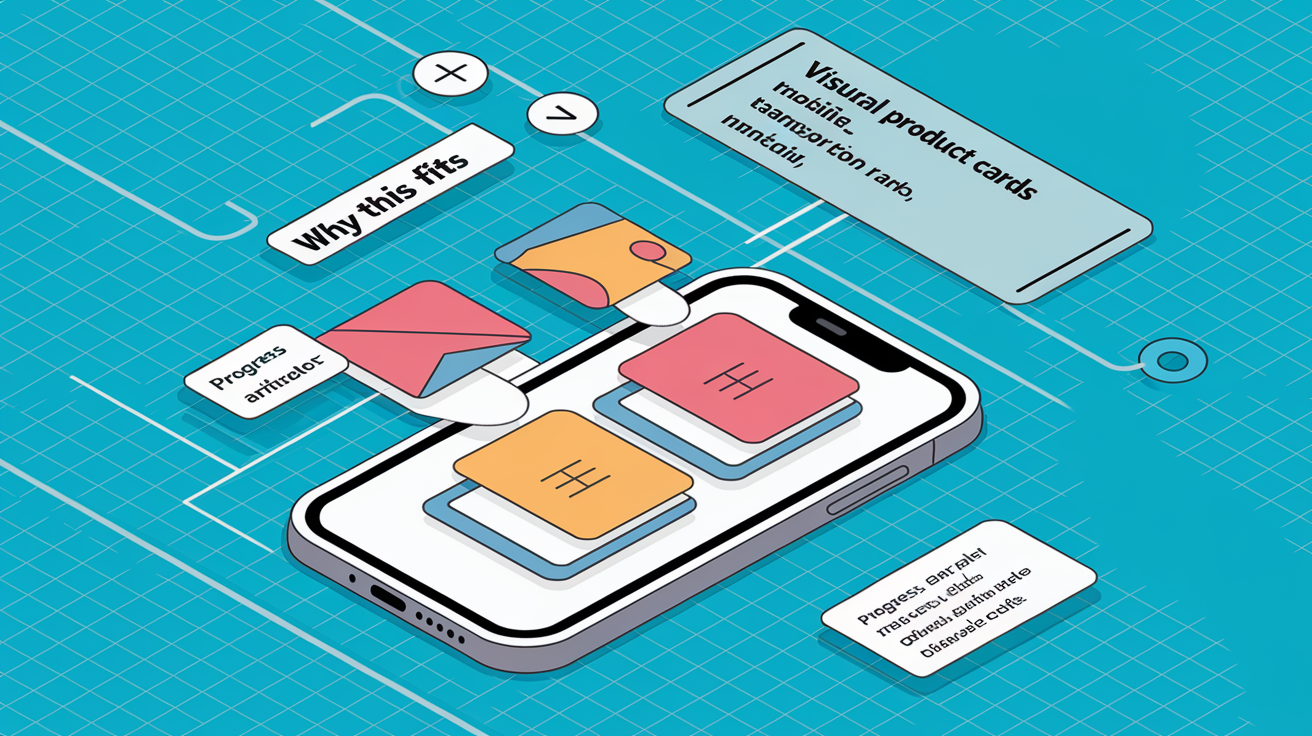
An effective product finder balances simplicity, transparency, and visual clarity. Shoppers need to understand what the tool does, trust that their inputs matter, and move through the flow without friction. Overcomplicated question sequences or unclear result pages undermine the entire value proposition.
Intuitive navigation means starting with the most impactful question first, keeping language plain, and using visual cues like progress indicators to signal how close the shopper is to results. Mobile performance is non-negotiable. Over 60 percent of ecommerce traffic comes from phones, and a finder that works beautifully on desktop but breaks on mobile will lose the majority of its audience.
Reducing cognitive load involves limiting choices per question (three to five options is ideal), using images or icons to make options scannable, and offering a “no preference” or “skip” button when a question isn’t relevant. Transparent logic, showing why a question is being asked or how results are ranked, builds trust and keeps engagement high even when the flow takes a few steps.
| Principle | Why It Matters |
|---|---|
| Progress indicators | Shoppers complete more when they see proximity to the end (Goal Gradient Effect). |
| Clear question copy | Ambiguity causes drop-offs. Plain language and examples improve completion. |
| Visual product cards | Images, specs, and “why this fits” messaging increase confidence in recommendations. |
| Mobile-first layout | Most traffic is mobile. Thumb-friendly buttons and short text blocks are essential. |
| Explicit result logic | Explaining how the match was made increases trust and reduces perception of randomness. |
Implementation Steps for Ecommerce Product Finders

Deploying a product finder is less about technology and more about structured thinking. Clean data, clear logic, iterative testing. Rushing implementation without organizing your catalog or mapping decision rules will produce a tool that frustrates shoppers and wastes engineering time.
Start with realistic expectations. A basic quiz or filter finder can launch in days if your product data is clean and your platform supports low-code tools. A sophisticated AI engine with real-time personalization and multi-channel sync will take weeks and require API work, testing infrastructure, and ongoing model tuning.
Audit and clean your product catalog. Identify which attributes matter for decision making (size, activity type, material, compatibility). Fill gaps in product data. If 40 percent of SKUs are missing key specs, the finder will fail before it launches.
Define decision questions and map them to filters or scoring rules. For a quiz: “What’s your primary use case?” maps to product tags like “trail running” or “road running.” For filters: “Processor type” maps directly to a SKU attribute. Document the logic in a spreadsheet before building anything.
Design the front-end question flow and result templates. Keep it short (five to seven questions for quizzes). Use conversational copy. Build result pages that show product images, key specs, a “why this fits” sentence, and clear CTAs (add to cart, compare, view details).
Integrate with your product feed, inventory system, and analytics. Ensure the finder pulls live SKU data so recommendations reflect stock levels. Connect events (quiz start, question answered, result viewed, product clicked) to your analytics platform so you can measure drop-off and conversion.
Set up A/B testing infrastructure. Test different question sequences, copy variations, and result page layouts. Industry benchmarks show that testing can improve completion rates by up to 10 percent.
Run a soft launch with a sample audience. Use internal teams or a small customer segment to identify bugs, confusing questions, or irrelevant recommendations before going wide.
Launch, measure, and iterate. Track completion rate, conversion rate, average order value, and return rate for finder-driven purchases versus organic browse. Refine questions, adjust scoring, and add features (bundle suggestions, comparison tables) based on behavior data.
Common pitfalls: building a finder with more than seven questions, ignoring mobile layout, failing to explain why results were chosen, and treating the tool as “set and forget” instead of a living system that improves with data. The best finders evolve monthly based on what shoppers actually do.
Tools and Software for Product Finders
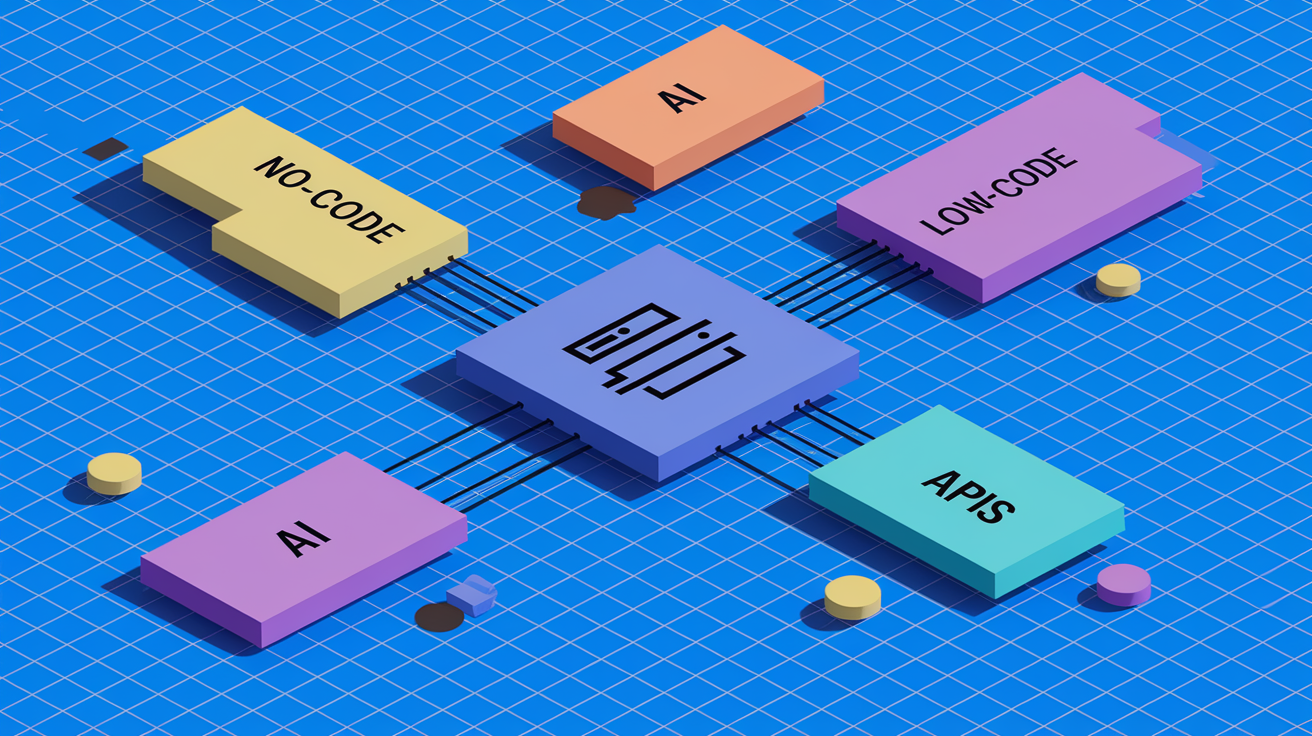
No-code and low-code platforms dominate the product finder software landscape because most operators want speed and flexibility without custom development. These tools provide drag and drop question builders, pre-designed UI templates, and one-click integrations with major ecommerce platforms. Setup times range from hours to days, and pricing is typically subscription based with tiers by traffic or feature set.
Platform-native plugins are the fastest path for Shopify, WooCommerce, and BigCommerce stores. Shopify’s app marketplace includes dozens of quiz and filter tools. Many sync directly with product tags, collections, and metafields. WooCommerce operators use plugins that layer on top of WooCommerce’s attribute system. BigCommerce supports similar apps, often with API-based syncing to external recommendation engines. These plugins work well for small to midsize catalogs and straightforward logic but can hit limits when conditional branching or advanced personalization is required.
Enterprise AI solutions are built for scale, complexity, and omnichannel use. These platforms use machine learning to rank products, adapt recommendations in real time based on session behavior, and integrate with CRM, email, and analytics systems. They require more setup (data engineering, API work, and often a dedicated customer success manager) but deliver sophisticated personalization that simple quiz tools can’t match.
Common feature sets shoppers prioritize when evaluating tools:
Conditional logic and branching so question flows adapt based on prior answers.
Live inventory sync to avoid recommending out-of-stock products.
Analytics and funnel tracking to identify drop-off points and measure conversion lift.
Email and CRM integration to capture quiz responses as zero-party data for retargeting.
A/B testing and multivariate testing to optimize question copy, flow length, and result presentation.
Integration With Ecommerce Platforms

Integrating a product finder involves connecting the tool’s logic engine to your product data, embedding the UI into your storefront, and wiring up analytics so you can measure what’s working. The technical complexity varies by platform, but the conceptual model is consistent. The finder queries your catalog, applies decision rules, and returns ranked SKUs.
Most integrations happen through app installs, embedded scripts, or API connectors. App-based integrations are cleanest for hosted platforms because they handle data sync, UI injection, and updates automatically. Script-based integrations offer more control but require theme edits and occasional maintenance when the platform updates its front-end code. API-driven integrations are reserved for headless storefronts or custom builds where the finder needs to pull data from multiple sources (PIM, ERP, inventory management) and render in a decoupled front end.
Shopify
Shopify’s app ecosystem makes product finder integration straightforward. Most apps authenticate via OAuth, sync product collections and metafields automatically, and inject the finder UI as a section in the theme editor or as an embedded app block. Question logic typically maps to product tags, collections, or metafields you define in Shopify’s admin.
Testing and iteration are simple because changes to questions or logic happen inside the app dashboard without touching theme code. Analytics events can be sent to Shopify’s native analytics or third-party tools like Google Analytics via the app’s settings.
WooCommerce
WooCommerce plugins integrate via the WordPress plugin architecture. They hook into WooCommerce’s product attributes, categories, and custom taxonomies. Some plugins add shortcodes or Gutenberg blocks that let you place the finder on any page or post.
Because WooCommerce runs on self-hosted infrastructure, plugin performance and compatibility with other plugins matter more than on Shopify. Test the finder on a staging site first, especially if you’re running a complex theme or other heavy plugins (page builders, membership systems).
BigCommerce
BigCommerce supports app-based finders through its App Marketplace and API-driven integrations for custom builds. Apps authenticate via OAuth and pull product data through BigCommerce’s Catalog API. The finder UI typically renders as a widget embedded in Stencil themes using BigCommerce’s script manager or page builder.
BigCommerce’s APIs are robust, making it a strong choice for headless or multi-channel deployments where the finder needs to serve both web and mobile app users.
After integrating any finder, run smoke tests. Walk through the entire flow on desktop and mobile, check that inventory syncs correctly, confirm that analytics events fire, and verify that recommendation logic produces sensible results. Monitor performance weekly during the first month to catch edge cases or data inconsistencies early.
Real-World Use Cases and Examples
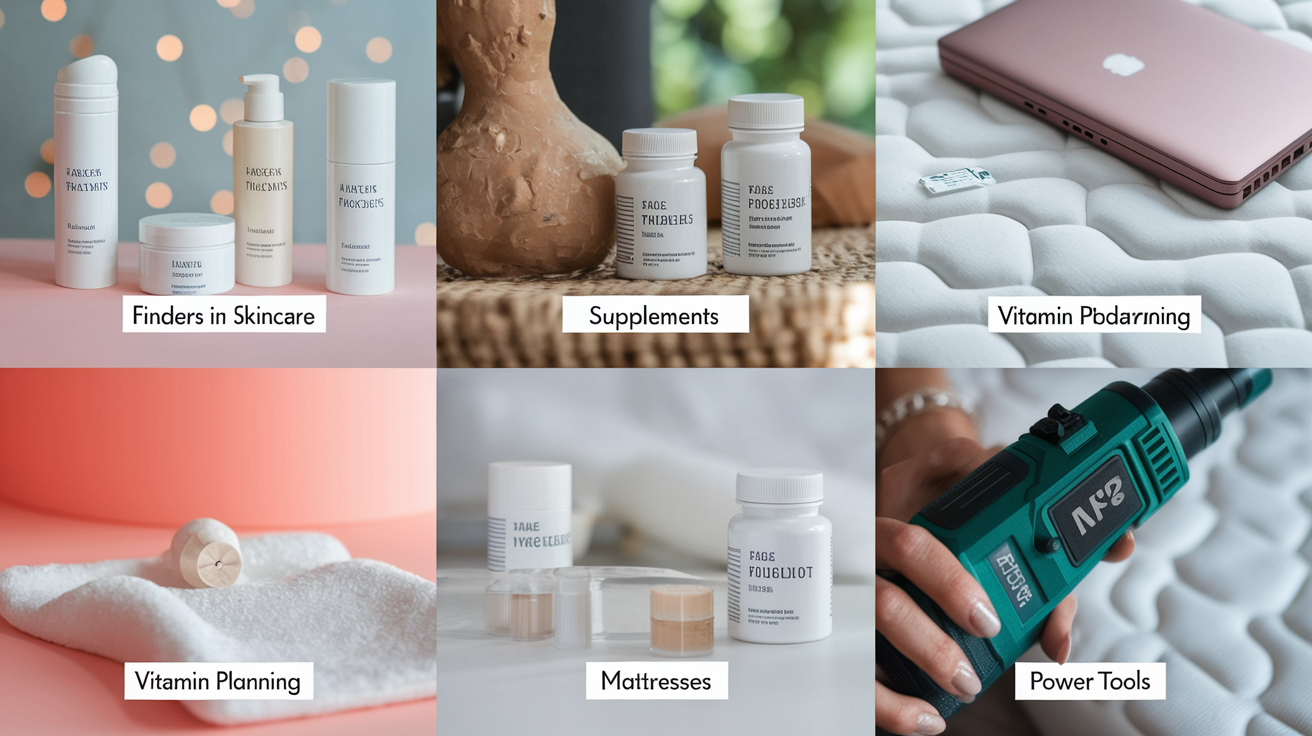
Product finders solve different problems depending on the category. High-consideration purchases with complex specs benefit from guided education. Routine purchases benefit from speed and convenience. Highly personal categories benefit from customization and zero-party data capture.
Skincare and beauty. Quiz-based finders ask about skin type, concerns (acne, aging, sensitivity), climate, and routine goals, then recommend serums, cleansers, and moisturizers. These finders capture preference data that drives email flows and subscription offers.
Supplements and nutrition. Finders ask dietary goals, restrictions, activity level, and health history to recommend personalized vitamin packs or protein formulations. Some offer follow-up consultations with nutritionists, blending the finder with human support.
Laptop and electronics selectors. Filter-driven finders let shoppers narrow by processor, RAM, storage, screen size, and price. Results show side-by-side spec comparisons and highlight which model fits specific use cases (gaming, business, creative work).
Mattress and bedding finders. Quizzes ask about sleep position, firmness preference, partner movement sensitivity, and budget, then recommend mattress types (memory foam, hybrid, innerspring) with explainers about why each fits.
Power tools and equipment. B2B and prosumer tool sites use finders that ask about project type, material, and experience level to recommend drills, saws, or pneumatic systems. Some include compatibility checks for accessories and replacement parts.
Cross-industry patterns: finders that capture zero-party data (stated preferences) outperform purely algorithmic tools in categories where trust and education matter. Finders that show explicit “why this fits” messaging reduce returns. Finders embedded on high-traffic pages (homepage, category landing pages) as slide-outs or modals see higher engagement than finders buried in navigation menus.
Final Words
You now know how an ecommerce product finder trims decision time and lifts conversions by guiding shoppers through large catalogs.
We walked through the main formats, quiz, filter, and AI, then the measurable wins, UX rules, implementation steps, and platform integrations. Each section was aimed at turning that theory into a working product finder you can test fast.
Start by auditing your top SKUs and product attributes, then pick a small test and measure conversion lift. With a clear plan, deploying a product finder ecommerce tool can be a quick, high-impact win for revenue and experience.
FAQ
Q: What is an ecommerce product finder?
A: An ecommerce product finder is a tool that guides shoppers through large catalogs using quizzes, filters, or AI, helping them find the right product faster and reducing decision friction for higher conversions.
Q: How do product finders work at a high level?
A: Product finders work by collecting user inputs or behavior, mapping those to product attributes or models, then returning ranked results tailored to needs, shortening search paths and increasing relevance.
Q: What types of product finders exist and when should I use each?
A: The types of product finders include quiz-based, filter-based, and AI recommendation engines; quizzes suit preference-heavy categories, filters work for attribute-rich catalogs, and AI fits personalization at scale.
Q: What measurable benefits do product finders deliver?
A: Product finders deliver higher conversion rates (often 10–30 percent), lower bounce, increased average order value, reduced returns, faster purchase decisions, and improved customer satisfaction and retention.
Q: How do I choose the right product finder for my store?
A: Choose the right product finder by matching your catalog complexity, traffic, and data quality: use filters for attribute-rich catalogs, quizzes for preference-heavy categories, and AI when you have scale and behavior data.
Q: What data do product finders need to work well?
A: Product finders need clean product attributes and taxonomy, accurate inventory and pricing, good images, and—if using AI—behavioral signals and historical conversions for reliable matching and ranking.
Q: How should I measure success for a product finder?
A: Measure success by tracking conversion rate lift, AOV change, time-to-purchase, bounce-rate change, recommendation click-through and conversion rates, and repeat-purchase or retention improvements.
Q: What are the key UX principles for high-performing product finders?
A: Key UX principles are clear, short questions; fast mobile-first flows; visible progress; transparent criteria for results; minimal choices per step; and easy escape to full search or filters.
Q: How long does implementation take and what are the typical steps?
A: Implementation typically takes 4–12 weeks depending on scope. Steps include data cleanup, attribute mapping, designing flows, integrating plugin or API, analytics hookup, user testing, and iterative launch.
Q: Which tools and integrations should I consider?
A: Consider no-code product-finder builders, platform plugins for Shopify/WooCommerce/BigCommerce, and enterprise AI solutions. Prioritize easy analytics, PIM or catalog integrations, and fast theme embedding.
Q: How should I test and roll out a product finder?
A: Test and roll out by A/B testing against baseline search, using holdout groups, starting on high-traffic categories, monitoring conversion and AOV, and iterating question logic or weights based on results.
Q: What common pitfalls should I watch for?
A: Common pitfalls include poor product data, overly long quizzes, slow load times, opaque recommendation rules, and failing to connect analytics—each can kill conversion gains if not fixed early.
Q: Which product categories benefit most from product finders?
A: Categories that benefit most are beauty and skincare, apparel and fit-based products, supplements, mattresses, electronics with specs, and tools—anywhere choices are complex or preferences drive fit and satisfaction.