


Still rekeying sales into spreadsheets every night?
That slow work hides cash, errors, and decisions.
POS system integration changes that.
It connects your register to accounting, inventory, payroll, ecommerce, and scheduling so every sale, refund, and clock-in flows automatically.
The result: daily P&Ls, up-to-date stock counts, faster payroll accruals, and fewer reconciliation surprises.
Here’s the thesis: choose real-time APIs (programmatic links) or webhooks (event pushes) where you need instant truth, use native connectors for quick wins, and test middleware if you run many systems.
Read on to see the simplest first step for your store.
Understanding POS System Integration and How It Delivers Immediate Business Value

POS system integration automates how sales, payment, inventory, labor, and customer data moves between your point-of-sale terminal and the rest of your business software. Accounting platforms, payroll systems, inventory management, ecommerce stores, scheduling tools. Instead of rekeying daily revenue totals or manually updating stock counts across spreadsheets, an integrated POS pushes every transaction detail straight into downstream systems the moment it happens. SKUs sold, tenders, discounts, taxes, employee hours. All of it.
For multi-location operators or cloud retailers, integration creates a single source of truth. It eliminates reconciliation headaches and keeps every piece of software working from the same numbers.
Integration mechanisms include REST APIs that poll or push data, webhooks that fire instantly when specific events occur (a sale closes, an item runs low), flat-file or ETL batch processes that import CSVs or XML on a schedule, native connectors prebuilt by your POS vendor, or middleware platforms that translate data between systems. The method you choose determines whether updates arrive in real time or once per day, how much custom mapping you’ll need, and which kinds of failures you need to monitor. API connectors are the backbone of modern integrations. They handle authentication, manage rate limits set by vendors, and adapt when platforms release new API versions.
The business value shows up in daily tasks. Daily sales summaries that used to require thirty minutes of manual journal entry now generate automatically, with revenue, payment types, discounts, and sales tax already mapped to the correct general ledger accounts for each location. Labor accruals post every night, so your P&L reflects payroll expense as it accrues rather than weeks later when checks clear. Inventory counts update as items sell. Reorder alerts and stockout warnings arrive while you can still act. Real-time data syncing means decisions about staffing, menu pricing, and promotional spend get made on current facts, not yesterday’s spreadsheets.
Core Types of POS Integration Methods and Data Flows
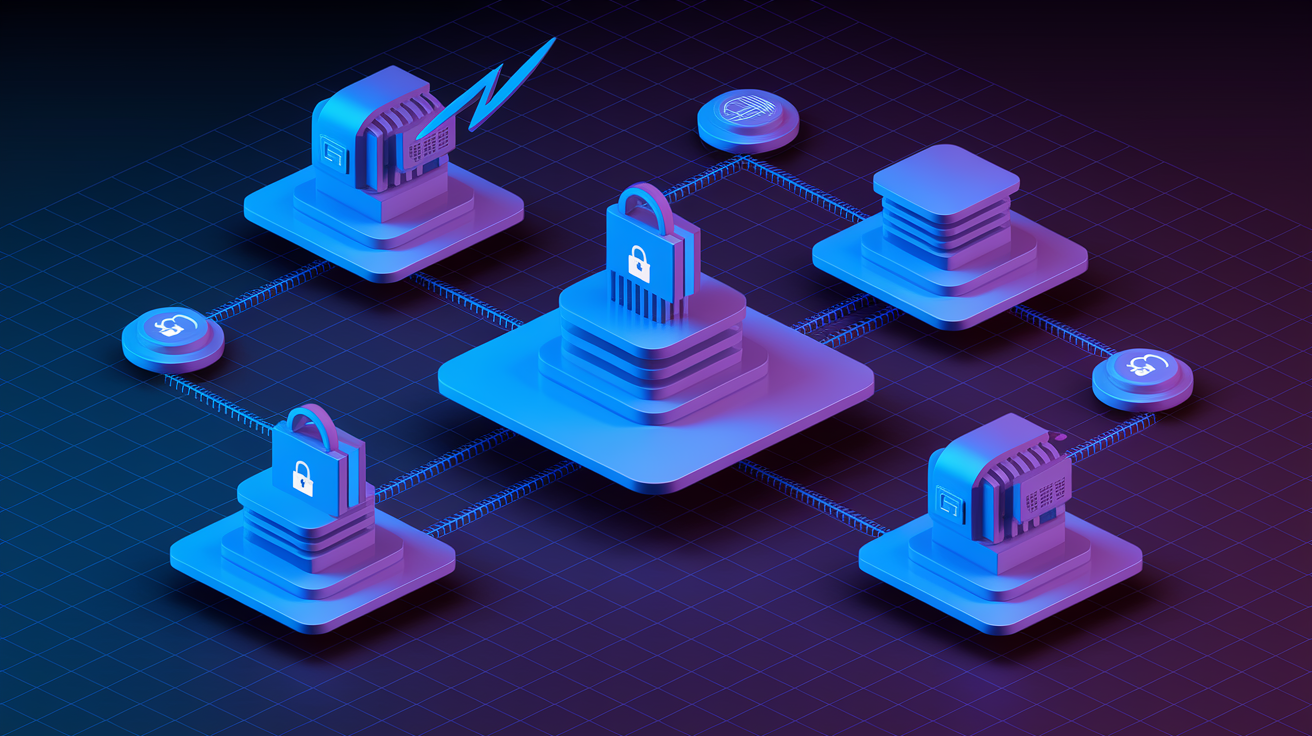
The way data moves from your POS into other systems depends on the integration method, the platforms involved, and the speed and reliability you require. Understanding the technical options helps you choose the path that balances cost, control, and maintenance burden for your operation.
REST API integrations use standard web protocols to exchange data programmatically. Your accounting software, for example, calls the POS API every hour to pull closed sales tickets, then maps each line item, modifier, discount, and tender type into journal entries. APIs require authentication (API keys, OAuth tokens), respect rate limits (how many calls per minute the vendor allows), and must handle versioning when the POS vendor updates endpoints or response formats.
Webhook integrations flip the model. Instead of your system polling the POS, the POS server pushes a message to your endpoint immediately when an event occurs. A transaction completes, inventory drops below threshold, or a shift clock-out happens. Webhooks deliver low-latency updates but require reliable receiving endpoints, retry logic for transient network failures, and secure validation of inbound payloads to prevent spoofing.
Common integration methods include:
• REST APIs: Programmatic HTTP calls to read or write data. Supports real-time or scheduled pulls. Requires managing authentication tokens, rate-limit backoff, and API version changes.
• Webhooks: Event-driven messages sent by the POS to your server when specific triggers fire. Offers sub-second latency. Demands robust error handling, duplicate detection, and payload signature verification.
• Flat-file and ETL processes: Nightly export of sales, labor, or inventory as CSV or XML. Batch import into accounting or BI tools. Simplest to configure but introduces delay and manual reconciliation when files fail.
• Native connectors: Prebuilt integrations offered by POS or software vendors (Shopify POS to Shopify ecommerce, Square to QuickBooks). Fastest time to value. Limited customization and dependent on vendor roadmap.
• Third-party middleware platforms: Translation layers that sit between systems, mapping POS data schemas to target systems. Greater flexibility for multi-system environments. Adds another vendor, subscription cost, and potential failure point.
Typical data objects that flow through integrations include receipts and invoices, tender breakdowns (cash, card, gift card), discounts and promotional codes, refund and void transactions, menu item SKUs and modifiers, ingredient or component mappings for recipe costing, time-clock entries and labor hours by job role, and tax jurisdiction totals.
Data transformation happens when field names, formats, or structures differ. Converting a POS “itemid” to an accounting “productsku,” mapping nineteen payment types to five GL tender accounts, or splitting a combined timestamp into separate date and shift fields. Reliability depends on monitoring sync status, logging every API call and response, setting up alerts for failures, and maintaining fallback procedures when real-time feeds go down.
POS Integration for Financial Reporting and Automated Accounting Workflows

Financial reporting transforms from a monthly scramble into a daily automated workflow when POS data flows directly into your accounting platform. The most common financial integration is the Daily Sales Summary. Each night (or in real time), the system generates journal entries that summarize the day’s revenue, discounts, refunds, sales tax collected, and payment tenders for every location. Revenue gets credited to the appropriate income accounts (food sales, beverage sales, retail merchandise) while debits post to cash, credit card clearing, and accounts receivable. Discounts, comps, and employee meals hit their own expense or contra-revenue accounts. Sales tax collected moves to a liability account awaiting remittance.
Multi-location operators receive separate journal entries per site, preserving the ability to run location-level P&Ls without manual allocation.
Automated P&L generation takes those daily entries and rolls them into scheduled profit and loss statements. Instead of waiting until month-end close, managers receive weekly or even daily P&Ls that reflect up-to-the-minute performance. When food cost invoices, hourly labor, and sales all post automatically, variance reports highlight exactly which days, dayparts, or menu items drove margin swings.
This speed matters when you’re deciding whether to extend a promotion, adjust staffing for the weekend, or renegotiate a supplier contract. Scheduled delivery means the reports land in inboxes every Monday morning without anyone remembering to export and email them.
Labor and payroll workflows benefit equally. POS systems capture clock-in and clock-out times, assign hours to specific roles (server, cook, manager), and track labor during each sales period. Integration pushes that data into payroll software for automatic check calculation and into accounting for daily payroll accrual journal entries.
Instead of booking one large payroll expense when checks print biweekly, accruals spread the cost across the days labor was actually worked. This smooths P&L fluctuations and gives you a real-time view of labor as a percentage of sales. If Tuesday’s labor hits 35 percent and your target is 28 percent, you see it Wednesday morning and adjust Thursday’s schedule. Not three weeks later when the reporting cycle closes.
Tax and settlement consistency improves because tender totals in the POS must reconcile with bank deposits and payment processor settlements. Integration automates the three-way match: POS tender report, bank deposit, processor batch summary. Discrepancies trigger alerts for investigation. Was a transaction voided after the batch closed, did a server pocket cash, did the card processor hold a chargeback? Centralized, automated reconciliation catches errors in hours instead of weeks and provides the audit trail required for financial reviews and tax filings.
Operational Intelligence Enabled Through POS System Integration

Integration doesn’t just automate bookkeeping. It unlocks operational intelligence that drives better staffing, purchasing, menu design, and customer experience. When POS data flows into inventory, scheduling, recipe-costing, and analytics platforms, operators gain visibility into the levers that control profitability and growth.
Flash Reporting and Daily KPIs
Flash reports deliver a snapshot of yesterday’s performance before the morning meeting. Sales by location, labor cost as a percentage of sales, total comps and discounts, average check size, top-selling items, and progress toward weekly revenue goals all update automatically from integrated POS data.
Managers who used to spend the first hour of the day pulling reports and building spreadsheets now spend that hour acting on the numbers. If one location’s labor percentage spiked, they review the schedule and time-clock exceptions. If discount usage doubled, they audit which promo codes fired and whether the campaign is still delivering positive ROI.
Real-time visibility into comps and voids also highlights potential theft or training issues. When one server voids twice as many transactions as peers, the system flags it for review.
Recipe Costing and Menu Margin Optimization
Recipe costing integrations map each POS menu item to an ingredient bill of materials. When you sell a burger, the system knows it consumed four ounces of ground beef, one bun, two ounces of cheese, and a portion of lettuce and tomato. Inventory systems track the landed cost of each ingredient, so every sale generates both a revenue figure and a theoretical food cost.
Compare actual food cost (from supplier invoices) to theoretical cost (from recipe-costed sales), and the variance reveals waste, over-portioning, theft, or supplier price changes. Menu engineering reports rank items by sales volume and gross margin contribution. High-volume, low-margin items might be under-priced or over-portioned. Low-volume, high-margin items are promotion opportunities.
Integrate POS sales mix with recipe costs, and you can model exactly how a price change, portion adjustment, or menu redesign will affect total margin before you print new menus.
Smart Scheduling and Inventory Guidance
Forecasting and scheduling tools consume historical POS data to predict future demand and optimize labor deployment. The system learns that Fridays at 7 p.m. generate twice the sales of Tuesdays at 7 p.m., that the lunch daypart spikes during local event weekends, and that holiday weeks follow different patterns.
Integrated scheduling platforms use those forecasts to recommend optimal shift coverage. Enough labor to handle predicted volume without overstaffing during slow periods. Managers approve or adjust the AI-generated schedule, and the result posts back to the POS for clock-in enforcement and real-time labor tracking.
Inventory guidance works the same way. Analyze six months of POS sales by item, apply trends and seasonality, and generate recommended order quantities for each supplier. Operators who used to order based on gut feel now order based on statistical models that minimize spoilage and stockouts.
Implementation Steps for a Successful POS Integration Project

Successful integration requires structured planning, thorough testing, and disciplined go-live procedures. Rushing through setup or skipping validation steps leads to duplicate transactions, unmapped revenue, and reconciliation chaos that can take months to unwind.
Start with a detailed requirements assessment. List every downstream system that should connect to the POS (accounting, payroll, inventory, ecommerce, CRM, scheduling, reporting) and define what data each system needs, how often, and in what format. Identify the KPIs you’ll use to measure success: reduction in manual journal entry time, reconciliation error rate, time to produce daily P&L, labor cost variance. This assessment drives the rest of the project and ensures you choose integration methods that support your actual workflows, not just the vendor’s demo script.
Implementation follows this sequence:
-
Inventory POS data fields and endpoints: Document every transaction field the POS captures. Item SKU, modifiers, discounts, tenders, tax rates, timestamps, employee IDs, table or customer identifiers. Confirm which fields are exposed via API, which appear in nightly exports, and which require custom development. Map POS terminology to target system terminology (POS “department” to accounting “revenue account,” POS “labor class” to payroll “job code”).
-
Select integration method and partners: Choose between native connectors (lowest setup effort, least flexibility), middleware platforms (broad compatibility, recurring subscription cost), or custom API builds (maximum control, highest dev and maintenance cost). Evaluate vendor support quality, API documentation depth, webhook reliability, error logging and retry capabilities, and multi-location or multi-currency handling. Review SLAs for uptime and data latency.
-
Configure mappings, rules, and multi-location settings: Build the translation layer that converts POS data into accounting journal entries, inventory adjustments, payroll hours, or ecommerce orders. Define rules for tax jurisdiction mapping, tender-type grouping, discount and comp categorization, and employee role assignments. Configure timezone handling for multi-location chains and validate that daily cutoffs align with your reporting calendar (does “today” end at midnight local time or midnight corporate HQ time?).
-
Set up a sandbox or test environment: Never test integration logic in production. Use a sandbox POS instance with sample transactions that cover every edge case. Voids, refunds, split tenders, gift cards, promotions stacked on discounts, tax-exempt sales, multi-location transfers. Push those test transactions through the integration pipeline and validate that journal entries, inventory updates, and payroll records match expected outcomes. Test failure scenarios: what happens if the API is unreachable, if a webhook payload is malformed, if a required field is null?
-
Conduct user acceptance testing with real stakeholders: Have accounting staff review generated journal entries for accuracy and GL mapping. Have managers validate labor reports and scheduling forecasts. Have inventory leads confirm stock adjustments match physical counts. Collect feedback, adjust mappings, and repeat until every stakeholder signs off. Document any known limitations or manual procedures that remain.
-
Execute a phased go-live with monitoring: Launch integration for one location or one function (accounting only, then payroll, then inventory) and monitor closely for the first seven to thirty days. Reconcile daily: compare POS sales totals to accounting revenue, bank deposits to tender reports, labor hours in POS to payroll hours. Set up alerts for sync failures, missing transactions, duplicate postings, and mapping errors. Maintain a rollback plan and keep manual processes ready in case the integration fails during a critical period.
-
Iterate and optimize post-launch: After the initial reconciliation window, review error logs, support tickets, and stakeholder feedback. Refine mappings, add new data fields, adjust sync frequency, and expand integration scope. Schedule quarterly audits to confirm data accuracy as menu items, tax rates, job roles, and business processes evolve.
Product data hygiene matters as much as technical configuration. Standardize SKU naming conventions, ensure product descriptions and images meet the requirements of every channel (ecommerce character limits, B2B case-pack fields), and scrub duplicate or obsolete items before go-live. Poor data quality causes integration failures that look like technical bugs but are actually garbage-in, garbage-out.
Technical Risks, Scaling Challenges, and Compliance Requirements in POS Integrations

Integration projects carry technical and operational risks that require proactive mitigation. API rate limits restrict how many calls your integration can make per minute or per day. Exceed the limit and the vendor throttles or blocks your requests, causing sync delays or failures.
Design integrations with rate-limit awareness: batch requests when possible, implement exponential backoff and retry logic, and monitor usage to stay within thresholds. Webhook reliability varies by vendor. Some platforms guarantee at-least-once delivery with automatic retries, others fire once and move on. If your business logic requires every transaction to sync, you need a fallback polling mechanism to catch missed webhooks and a deduplication layer to handle webhooks that fire multiple times.
Duplicate transactions are a common failure mode. A webhook fires, your system processes it and posts a journal entry, then the webhook fires again due to a network retry. Without deduplication (matching on transaction ID and timestamp), you book the same sale twice. Conversely, missed transactions happen when API calls fail silently or batches skip records due to malformed data. Automated reconciliation that compares POS totals to downstream totals catches these gaps, but only if you run it daily and investigate discrepancies immediately. Waiting until month-end to reconcile turns a few missing records into an unsolvable puzzle.
Multi-location scaling introduces complexity in timezone handling, tax jurisdiction mapping, and network topology. When each location operates in a different timezone, “daily” sales cutoffs must account for local midnight, not a single UTC timestamp. Tax rules vary by city, county, and state. Your integration must map POS tax codes to the correct liability accounts and remittance schedules.
For enterprises with dozens or hundreds of locations, centralized integration architecture (one middleware instance serving all sites) must be sized for peak transaction volume and network partitions that isolate individual locations without breaking the entire system.
Security and compliance are non-negotiable. PCI DSS requires encryption in transit (TLS 1.2 or higher) for any data flow that includes cardholder information, role-based access controls so only authorized users can view transaction details, and logging of all access and changes for audit trails. GDPR and CCPA add requirements for customer data handling. Consent tracking, right-to-erasure workflows, and data residency controls.
Integration contracts and vendor SLAs should specify uptime guarantees, data breach notification timelines, and liability for security failures. Conduct periodic security audits of API keys, webhook endpoints, and access logs to ensure no credential leakage or unauthorized integrations.
Comparing POS Integration Options: Native Connectors, Middleware, and Custom API Builds

Choosing an integration approach means weighing setup speed, flexibility, ongoing maintenance cost, and strategic control. The right answer depends on your technical resources, the complexity of your tech stack, and how much customization your workflows require.
| Method | Pros | Cons |
|---|---|---|
| Native connectors | Fastest setup, vendor-supported, automatic updates, lowest technical skill required | Limited customization, dependent on vendor roadmap, may not support niche systems or custom fields |
| Middleware / third-party platforms | Broad compatibility across systems, visual mapping tools, pre-built error handling, faster than custom builds | Recurring subscription cost, adds another vendor dependency, may introduce latency, limited control over update timing |
| Custom API integration | Maximum control and flexibility, tailor logic to exact business rules, no per-transaction fees to middleware | Requires in-house or contracted dev resources, ongoing maintenance for API version changes, longest time to launch, higher upfront cost |
Native connectors deliver the lowest friction when your POS and target system are both popular platforms with a formal partnership. Setup often takes hours instead of weeks, and the vendor handles API version migrations, schema changes, and bug fixes. The trade-off is rigidity. If the connector doesn’t support a specific field, custom logic, or reporting format you need, you’re stuck or forced to build a supplementary integration.
Middleware platforms offer a middle path. Tools like integration-platform-as-a-service (iPaaS) providers connect hundreds of systems with drag-and-drop mappers, transformation rules, and error-handling workflows. You gain flexibility without writing code, but you pay a recurring subscription and depend on the middleware vendor’s uptime and feature development.
Research comparing unified commerce platforms to point-solution integrations found that unified approaches reduce total cost of ownership by 22 to 37 percent and cut implementation time by roughly 20 percent, because fewer moving parts mean fewer integration projects, less middleware spend, and simpler troubleshooting.
Custom API builds make sense for large enterprises with unique workflows, legacy systems that lack prebuilt connectors, or businesses that view integration logic as a competitive advantage. Building in-house requires developer time, API documentation review, testing infrastructure, and an ongoing maintenance budget to adapt when POS vendors release breaking changes.
The payoff is precision. You map exactly the fields you need, apply custom business rules (like dynamic GL account selection based on item category and location), and retain full visibility into the integration codebase. Evaluate custom builds against the long-term cost of developer hours, the risk of key-person dependency when the original developer leaves, and the opportunity cost of engineering time spent on integration instead of customer-facing features.
Real-World Use Cases That Demonstrate Effective POS System Integration
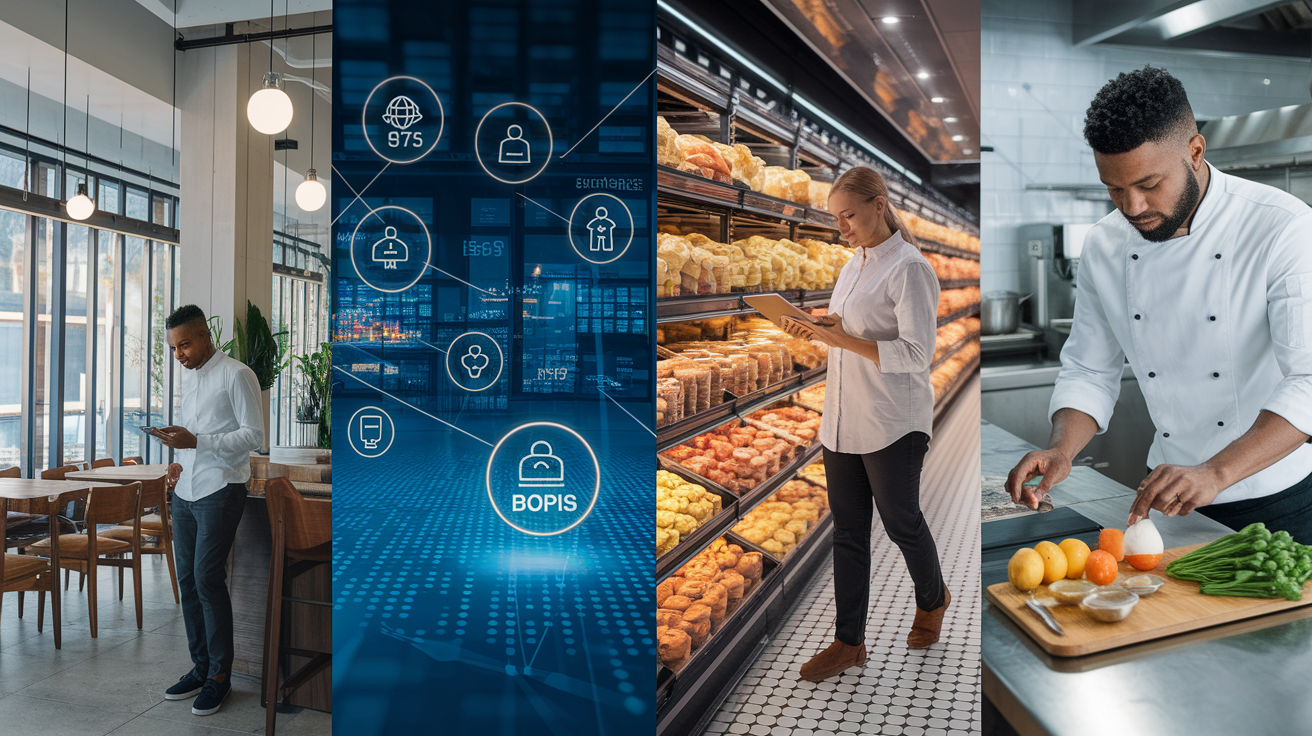
Concrete examples show how integration delivers measurable improvements in speed, accuracy, and profitability across different operational areas.
• Automated daily sales and multi-location GL posting: A restaurant chain with fifteen locations eliminated two hours of manual journal entry each morning by integrating POS to accounting. Daily sales summaries generate per-location journal entries mapping revenue, discounts, taxes, and tenders to GL accounts. The accounting team reconciles bank deposits against POS totals in minutes instead of chasing down site managers for spreadsheets, and month-end close moved from day five to day two.
• Real-time labor cost visibility and scheduling optimization: A retail operator synced POS labor data to scheduling software, enabling real-time tracking of labor as a percentage of sales. When the dashboard showed labor creeping above target mid-shift, managers sent staff home early or called in help based on actual transaction volume rather than gut feel. Over six months, labor percentage dropped three points while customer wait times stayed flat, a direct result of data-driven scheduling.
• Recipe costing and menu margin optimization: A fast-casual chain integrated POS sales with inventory and recipe-costing tools. The system flagged that their most popular sandwich had a 42 percent food cost, well above the 28 percent target. Investigation revealed portion drift: line cooks were adding an extra ounce of protein. Retraining and portion-control tools brought food cost back in line, adding thousands of dollars per month to gross margin without changing the menu or raising prices.
• Unified commerce and loyalty program connectivity: An omnichannel retailer integrated POS with ecommerce and a loyalty platform, allowing customers to earn and redeem points whether they shopped online or in-store. Real-time inventory sync prevented overselling during flash sales, and unified customer profiles enabled personalized email campaigns based on purchase history across channels. One loyalty migration case study reported attracting over 10,000 new members while cutting total cost of ownership by more than 50 percent. Another retailer using unified commerce saw gross merchandise value lift of 8.9 percent compared to fragmented point solutions.
• BOPIS (buy online, pick up in-store) and inventory accuracy: Accurate, real-time inventory at the store level is the foundation of click-and-collect models. A retailer integrated POS inventory updates with ecommerce so online orders only showed items actually in stock at the selected pickup location. Fulfillment accuracy improved, customer complaints about out-of-stock pickups dropped, and stores gained incremental revenue from customers who browsed and added items during pickup visits.
These outcomes share a common thread: integration removes friction, surfaces problems faster, and gives operators the data they need to make decisions that directly affect the bottom line. The ROI comes not from the technology itself but from the faster, better-informed actions the technology enables.
Final Words
In the action, we defined POS integration as the automatic flow of sales, SKUs, tenders, taxes, discounts, and labor from the register into accounting, payroll, inventory, and ecommerce.
We explained common mechanisms, including REST APIs, webhooks, flat files, and native connectors. We covered data mapping and testing, noted risks like rate limits and webhook retries, and showed immediate gains: daily sales summaries, GL mapping, flash reports, and payroll accruals.
Validate mappings, test the first 7–30 days, and monitor logs. With a clear checklist, pos system integration pays off quickly.
FAQ
Q: What is a POS system integration?
A: The POS system integration is the automated connection that moves sales, SKUs, tenders, discounts, taxes, labor hours and receipts from a POS into accounting, inventory, payroll, and ecommerce to eliminate manual entry and speed reporting.
Q: What is the process of POS integration?
A: The process of POS integration involves assessing needs, choosing a method (API, webhook, flat‑file, native connector, or middleware), mapping fields, testing sample days and pay periods, then reconciling the first 7–30 days after launch.
Q: What are 5 types of POS systems?
A: The 5 types of POS systems are cloud‑based POS, on‑premise/server POS, mobile/mPOS, tablet or kiosk POS, and industry‑specific POS (restaurant or grocery) with menu, modifier, and labor features.
Q: What are the three types of integrations?
A: The three types of integrations are REST API for direct, real‑time syncing; webhooks for event‑based pushes; and flat‑file/ETL batch imports for scheduled transfers between POS and back‑end systems.