


Running multiple online stores on separate backends is a management time bomb.
If you’re juggling brands, countries, or B2B and B2C channels, a multi-store ecommerce platform is the fix: one catalog, one inventory view, one order dashboard, multiple storefronts.
This post compares Shopify Plus, Magento, and WooCommerce and explains which delivers the best centralized management based on your scale, tech resources, and need for speed.
Read on for clear trade-offs and three quick actions to audit your current setup.
Defining Multi‑Store Ecommerce and Its Core Purpose

Multi‑store ecommerce is the setup where you’re running two or more independent online stores through a single backend. Instead of juggling separate installations, databases, and admin dashboards for each site, everything gets consolidated. Products, customer data, orders, inventory all live in one place, but each storefront can still have its own branding, URL, currency, and local settings.
Why do businesses go multi‑store? Usually it’s because they’re managing multiple brands under one roof, expanding into new countries with different legal or language needs, splitting B2B and B2C operations, or running franchises across regions. Picture a parent company selling outdoor gear, lifestyle clothing, and supplements. Each brand gets its own storefront, but they’re all pulling from the same fulfillment and support infrastructure. Or think about a retailer selling in North America and Europe. They can launch region-specific sites with local pricing, language, and tax compliance while sharing the same master catalog. You’re cutting cost, complexity, and duplication while keeping everything centralized for reporting and decision-making.
Without multi‑store capabilities, you’re looking at real operational headaches:
- Managing multiple disconnected installs means duplicate data entry, separate updates, and fragmented inventory tracking
- Branding and customer experience get inconsistent when storefronts drift apart because you can’t share assets, templates, or content easily
- Scattered inventory creates overselling risks, delayed shipping, and zero visibility into stock across sites
- Marketing and merchandising workflows become inefficient when you’re manually replicating campaigns per storefront without automation
- Scaling becomes a nightmare because every new storefront demands more technical resources, admin staff, and integration work
Multi‑store platforms solve these problems. You can grow horizontally without multiplying your support load or technical debt.
Essential Features Required for Effective Multi‑Store Management
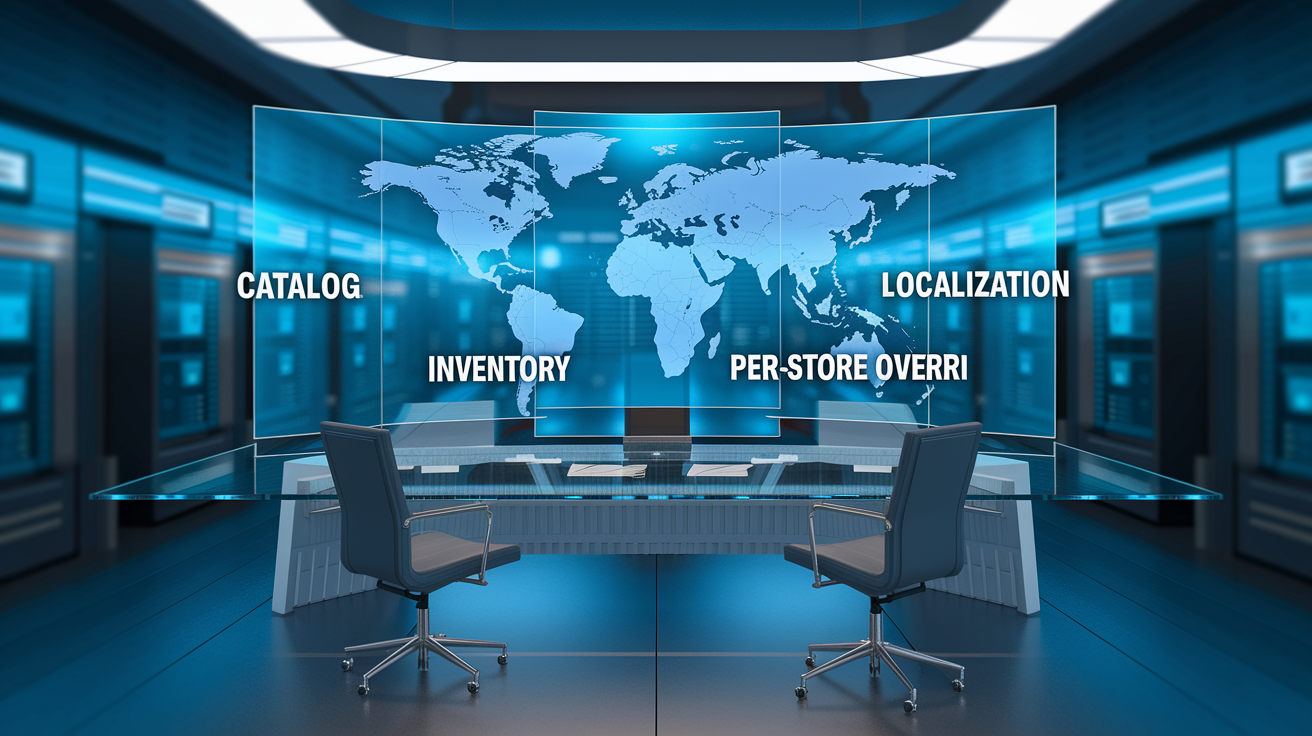
Centralized catalog control is non-negotiable. You need to define a master product catalog that’s shared across all storefronts, or at least assign SKUs selectively to specific stores. This prevents duplicate product entries, inconsistent descriptions, and pricing chaos. Set global product attributes like dimensions, materials, core images, then allow per-store overrides for localized copy, pricing, and availability. A home goods brand might feature the same sofa SKU on US and EU sites but adjust the product name, currency, VAT treatment, and seasonal promos per region. Catalog centralization also speeds up new store launches since existing SKU data gets reused instead of re-entered.
Inventory and order consolidation keeps stock levels synced in real time across all storefronts. No more overselling the same physical unit across multiple sites. Leading platforms offer either a single unified inventory pool or segmented warehouse allocations that reserve stock per region or brand. Order data flows into one order management interface where your team can view, fulfill, and report on transactions regardless of which storefront they came from. This cuts fulfillment errors, shortens order-to-ship time, and gives you visibility into which storefronts drive revenue and margin. Returns processing gets simpler too when customers can see order history across all your branded sites under a single account.
Storefront customization lets each site keep its own theme, domain, branding assets, navigation structure, and promotional messaging while staying connected to the shared backend. You can deploy distinct design templates, customize checkout flows, and localize content without duplicating core configuration or integrations. A wholesale-only storefront might disable public registration and hide retail pricing. Your consumer-facing store enables guest checkout and dynamic discounts. Strong platforms support multi-language content, multi-currency pricing lists, and region-specific tax rules per store. Compliance and relevance in each target market.
Administrative controls and permissions let you assign roles that limit access by storefront, department, or function. A regional marketing manager might handle promotions and content for European storefronts but can’t touch North American inventory or fulfillment queues. These granular controls prevent accidental changes, support distributed teams, and improve audit trails. Automation tools cut manual work by syncing price updates, inventory adjustments, and catalog changes across selected stores based on predefined rules or schedules.
| Feature | Function |
|---|---|
| Centralized product catalog | Define SKUs once and selectively assign or customize per storefront |
| Unified inventory management | Sync stock levels in real time to prevent overselling and improve allocation |
| Consolidated order dashboard | View and fulfill orders from all storefronts in a single interface |
| Per-store customization | Apply unique themes, branding, and checkout rules per storefront |
| Multi-currency and localization | Support region-specific pricing, languages, and tax configurations |
| Role-based access controls | Restrict user permissions by storefront, function, or region |
Multi‑Store Capabilities of Shopify Plus, Magento, and WooCommerce

Shopify Plus offers native multi‑store support through separate store installations that share an enterprise contract and payment terms but remain independent at the backend level. You manage storefronts individually via separate admin panels, though centralized dashboards and apps provide cross-store reporting and inventory syncing. Shopify Plus caps you at 5 native storefronts using Stencil themes or up to 15 headless storefronts. This separation simplifies scaling and security but you’ll need third-party apps or custom development to get full catalog or inventory unification. Shopify’s SaaS infrastructure handles hosting, performance, and security automatically. Faster time-to-market, lower DevOps burden. But you’re dealing with platform-specific customization limits and potential vendor lock-in since core logic and integrations stay proprietary. Shopify Plus works well for brands prioritizing rapid international or multi-brand expansion with limited technical resources.
Magento (Adobe Commerce) natively supports multi‑store, multi-site, and multi-view configurations within a single installation. You can define multiple storefronts sharing one database, catalog, and order pool, or configure entirely separate websites with segmented catalogs and inventory. This flexibility handles complex B2B/B2C scenarios, franchise models, and white-label storefronts from one codebase. Magento’s open-source foundation and modular architecture let you customize deeply, integrate extensively, and control business logic. The platform supports millions of SKUs and handles high transaction volumes when properly architected with clustered databases, caching layers, and CDN distribution. However, Magento demands significant hosting, development, and ongoing maintenance investment. You need dedicated DevOps, PHP and MySQL expertise, and careful upgrade planning to avoid breaking things. Magento is the go-to for large enterprises and B2B leaders willing to invest in infrastructure and customization for maximum extensibility.
WooCommerce, built on WordPress, doesn’t include multi‑store capabilities out of the box. You’re either deploying WordPress Multisite with WooCommerce activated per site or using third-party plugins to sync catalogs, inventory, and orders across separate WordPress installs. The Multisite approach shares users and content management but creates performance and plugin compatibility challenges at scale. Dedicated multi‑store plugins or custom API integrations can unify data but add cost and complexity. WooCommerce’s strength is flexibility, an extensive plugin ecosystem, and low entry cost. Attractive for small to mid-sized merchants running a handful of storefronts. Scaling WooCommerce to enterprise multi‑store volumes typically requires headless architecture, managed hosting, and custom development. WooCommerce fits businesses seeking WordPress content management familiarity and incremental growth without upfront platform licensing fees.
| Platform | Multi‑Store Approach | Strengths | Limitations |
|---|---|---|---|
| Shopify Plus | Separate store installs under one contract; up to 5 native or 15 headless storefronts | Fast deployment, SaaS hosting, automatic scaling, strong app ecosystem | Independent admin panels, requires apps for full unification, platform lock-in |
| Magento / Adobe Commerce | Native multi-store, multi-site, multi-view within single installation | Deep customization, unified admin, supports millions of SKUs, open-source flexibility | High hosting and development costs, requires dedicated DevOps, complex upgrades |
| WooCommerce | WordPress Multisite or third-party sync plugins | Low entry cost, extensive plugins, WordPress CMS integration | No native multi-store, performance challenges at scale, plugin compatibility issues |
Pricing Comparison for Leading Multi‑Store Ecommerce Platforms
Shopify Plus runs on a subscription model starting around $2,000 per month per store, though enterprise contracts may bundle multiple storefronts at negotiated rates. Payment processing fees typically land between 1.5% and 3.5% plus per-transaction charges depending on merchant volume and gateway selection. Additional costs include paid apps for advanced multi‑store sync, inventory management, or ERP integrations. That can add several hundred to several thousand dollars per month. Shopify’s all-in pricing simplifies budgeting by including hosting, security, PCI compliance, and platform updates within the subscription. Scaling to many storefronts can multiply subscription costs quickly. You might face limitations on customization depth without additional development investment in headless architecture or custom apps.
Magento Open Source is free to download and use but requires self-hosting. That introduces costs for cloud infrastructure, managed services, or dedicated servers. Typical hosting expenses range from $100 to $1,000+ per month for small to mid-sized operations. Enterprise-scale hosting with load balancing, autoscaling, and CDN distribution can reach $5,000 to $20,000+ per month. Adobe Commerce (Magento’s enterprise edition) licensing starts near $22,000 per year for smaller enterprise tiers and scales to $40,000 to $200,000+ annually based on gross merchandise value and feature requirements. Development and integration costs for multi‑store implementations commonly range from $50,000 to $250,000 for mid-market projects and $250,000 to over $1 million for global enterprise rollouts with heavy customization and ERP/PIM integration. Ongoing maintenance and support budgets typically run 15% to 30% of the initial implementation cost annually. Magento’s cost structure favors businesses prioritizing control, scalability, and feature depth over out-of-the-box simplicity.
WooCommerce itself is a free plugin, but multi‑store operations rack up expenses for hosting, premium plugins, and development. Shared hosting plans start as low as $5 to $50 per month but lack the performance and security needed for serious multi‑store use. Managed WooCommerce hosting from providers like WP Engine, Kinsta, or SiteGround ranges from $100 to $1,000+ per month depending on traffic, storage, and support levels. Multi‑store sync plugins or custom API development can cost $79 to $299 per license annually per plugin. Custom development for centralized inventory or order management may run $5,000 to $50,000 depending on complexity. For businesses running multiple WordPress Multisite installations, costs multiply per site unless you deploy centralized infrastructure. WooCommerce’s low entry cost appeals to small businesses and startups, but total cost of ownership rises significantly as multi‑store requirements grow.
| Platform | Base Cost | Additional Multi‑Store Costs |
|---|---|---|
| Shopify Plus | ~$2,000/month per store; payment processing 1.5% to 3.5% + per transaction | Paid apps for sync and integrations ($100 to $1,000+/month); headless development if needed |
| Magento / Adobe Commerce | Open Source: free; Adobe Commerce: $22k to $200k+/year license; hosting $100 to $20k+/month | Development $50k to $1M+; integrations, modules, ongoing maintenance 15% to 30% annually |
| WooCommerce | Core plugin free; hosting $5 to $1,000+/month | Plugins $79 to $299/year each; custom development $5k to $50k+; multisite infrastructure costs |
Technical Requirements and Scalability Considerations

Multi‑store ecommerce environments put more demand on hosting infrastructure than single-storefront setups because they process higher order volumes, serve more concurrent users, and manage larger product catalogs and customer databases. At a minimum, small to mid-sized multi‑store operations need hosting with 2 to 4 CPU cores, 4 to 8 GB of RAM, and SSD storage to handle database queries and page rendering efficiently. Enterprise deployments typically run on 8 or more CPU cores, 16 to 64 GB of RAM, clustered or replicated databases, and autoscaling infrastructure that adds capacity during peak traffic periods. Platforms like Shopify Plus abstract hosting complexity through their SaaS model. Self-hosted solutions like Magento and WooCommerce require you to provision and tune servers, configure caching layers like Redis or Varnish, and deploy CDN services like Cloudflare, Fastly, or Akamai to accelerate global content delivery.
Performance becomes critical when multiple storefronts share a single database or inventory pool. Without proper indexing, query optimization, and caching, simultaneous traffic spikes across storefronts can degrade page load times and checkout responsiveness. Magento 2 requires Elasticsearch for product search functionality, adding another service to deploy and monitor. Full-page caching, object caching, and database query caching should be enabled and tuned to reduce backend load. For WooCommerce, managed hosting providers often include performance optimizations out of the box. Unmanaged deployments require manual configuration of caching plugins and server-level tuning. Regular load testing across all storefronts ensures your infrastructure can handle expected peak volumes without slowdowns or outages.
Third-party integrations multiply technical complexity in multi‑store environments. You’re commonly connecting ERP systems for inventory and pricing, PIM platforms for product enrichment, OMS solutions for order orchestration, and local payment gateways per region. Each integration must be architected to handle per-storefront routing, data transformation, and error handling. API-first platforms simplify integration by exposing well-documented endpoints and supporting webhooks for real-time data syncing. Budget time and resources for integration testing, staging environments, and rollback plans to avoid disrupting live storefronts during updates or new integrations.
Future scalability depends on architectural decisions made during initial implementation. Choosing platforms with API-native, headless, or modular architectures allows incremental feature additions and front-end flexibility without full re-platforming. Planning to add dozens of storefronts or expand into regions with strict data residency requirements? Evaluate database sharding, multi-region hosting, and compliance frameworks early. Monitoring tools that track per-storefront performance metrics, order processing times, and API response rates help identify bottlenecks before they impact customer experience. Scalability isn’t just about handling more traffic. It’s about maintaining operational simplicity as the number of storefronts grows.
Use Cases: When Multi‑Store Ecommerce Is the Right Choice
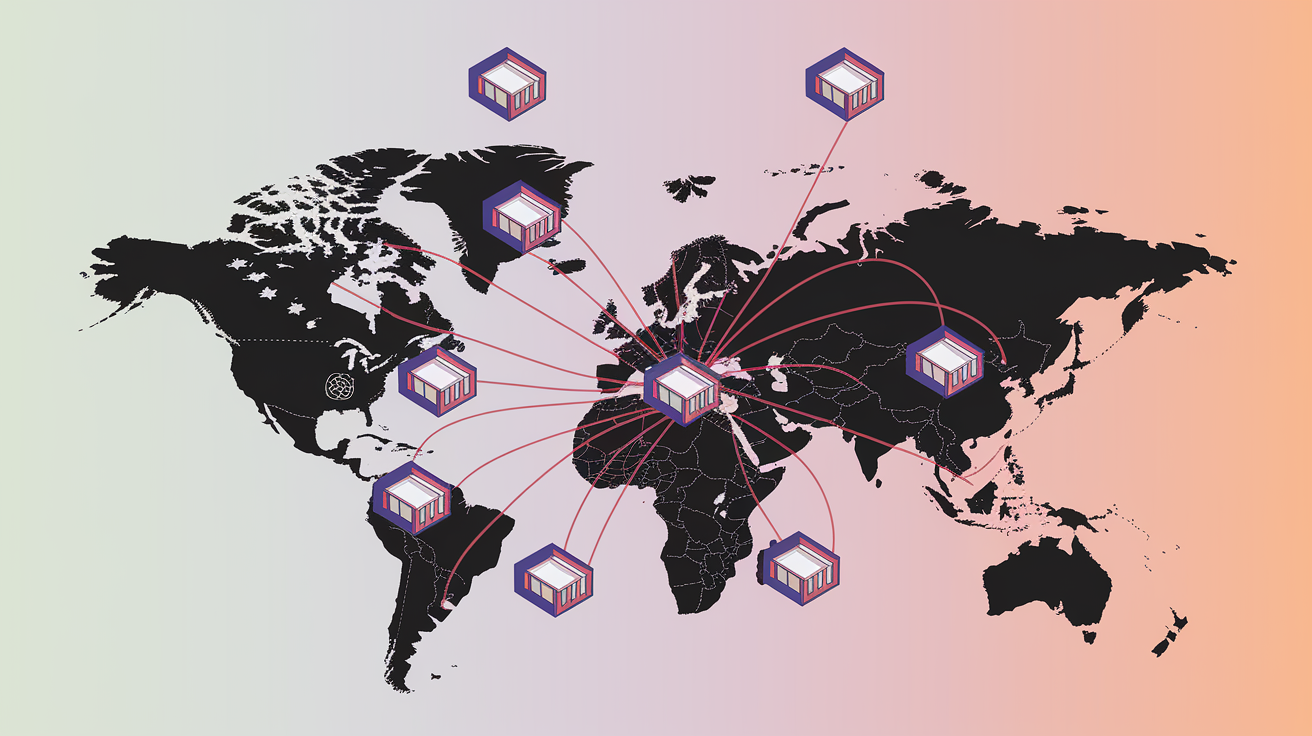
International expansion is one of the most common drivers for going multi‑store. Entering new countries means dealing with distinct legal, tax, language, and currency requirements that make localized storefronts necessary. A US-based fashion retailer expanding into the European Union might launch separate storefronts for France, Germany, and Spain. Each displays prices in euros with VAT included, offers localized payment methods like SEPA Direct Debit or Klarna, and provides content translated into the local language. Multi‑store management lets the retailer share the same master catalog and inventory pool while complying with regional regulations and providing a native shopping experience. Centralized reporting across all international storefronts gives visibility into which markets perform best and where to allocate marketing budgets.
Running multiple brands under one corporate umbrella is another scenario where multi‑store ecommerce delivers clear value. A parent company operating distinct lifestyle, luxury, and budget brands can maintain brand separation by deploying independent storefronts with unique visual identities, product assortments, and pricing strategies. All managed from a single backend. This preserves brand equity by preventing cross-brand confusion while allowing shared fulfillment, customer service infrastructure, and purchasing power with suppliers. A holding company selling premium outdoor gear, affordable camping equipment, and adventure travel accessories can target different customer segments with tailored messaging and positioning without duplicating operational overhead.
Wholesale and B2B operations often require separation from retail storefronts to support different pricing structures, payment terms, and customer experiences. A manufacturer selling directly to consumers via a retail storefront may also operate a wholesale portal offering volume discounts, net payment terms, and account-based ordering for resellers and distributors. Multi‑store platforms let the manufacturer define separate catalogs, hide retail pricing from wholesale accounts, and apply credit limits or approval workflows on the B2B storefront while maintaining unified inventory and order visibility. This separation improves customer experience by delivering the right features and pricing to each audience without cluttering the interface or exposing pricing conflicts.
Franchise and regional partner models benefit from multi‑store ecommerce when a central brand owner provides the platform, catalog, and operational support while regional operators manage local marketing, customer service, and fulfillment. A national retailer with franchise locations in multiple states can deploy per-region storefronts that share a core product catalog but allow local operators to adjust promotions, highlight regional inventory, and capture orders that fulfill from nearby stores. This gives franchise partners autonomy within brand guidelines while the parent organization retains control over product data, compliance, and reporting. Centralized analytics help the franchisor identify high-performing regions and replicate successful tactics across the network.
Implementation Steps for Launching a Multi‑Store Ecommerce Setup
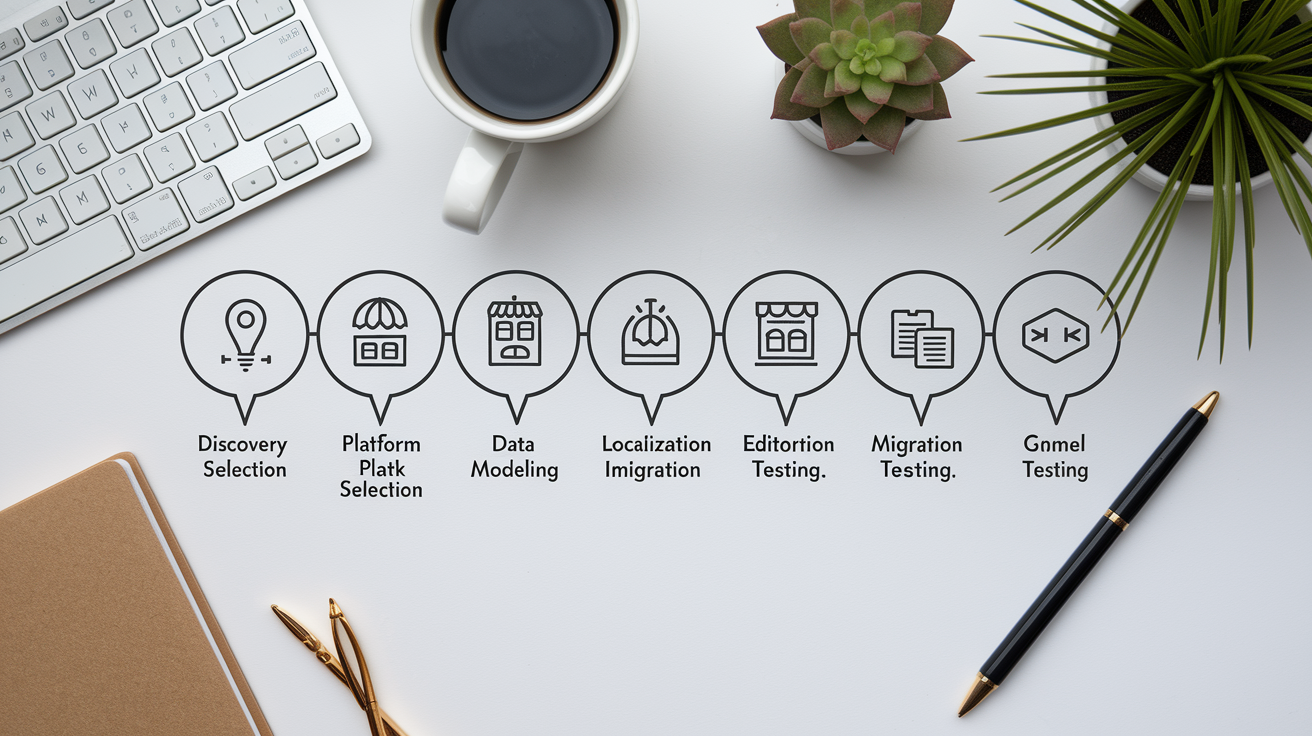
Implementing a multi‑store ecommerce system requires structured planning and coordination across technical, operational, and business teams to avoid costly rework and ensure storefronts launch smoothly. Moving from single-store to multi‑store or consolidating disconnected systems means mapping existing data, defining governance rules, and testing integrations thoroughly before cutover.
- Conduct discovery and define business requirements by identifying how many storefronts are needed, which markets or brands they’ll serve, whether catalogs will be shared or segmented, and what localization features are required per storefront like currency, language, tax rules, and payment gateways
- Select the platform and architecture approach based on technical capabilities, budget, scalability needs, and team expertise. Choose between SaaS solutions for speed and lower operational burden or self-hosted platforms for deeper customization and control
- Design the data model and catalog structure by determining whether to use a single master catalog with per-store visibility rules, fully separate catalogs, or a hybrid model. Define SKU-level attributes like pricing lists, inventory allocation, and localization overrides
- Configure store views and localization settings including URLs, domains, themes, checkout flows, multi-currency pricing, tax calculation rules, and region-specific content. Each storefront delivers a native experience while maintaining shared backend logic
- Integrate third-party systems like ERP for inventory and pricing synchronization, PIM for product enrichment, OMS for order routing and fulfillment, payment gateways per region, tax engines for compliance, and marketplaces if syndication is required
- Migrate and validate data by importing or syncing existing product catalogs, customer records, order history, and inventory levels. Run reconciliation checks to confirm accuracy across all storefronts before cutover
- Test thoroughly across all storefronts by simulating customer journeys, placing test orders, validating payment processing and tax calculations, checking inventory sync accuracy, and load testing infrastructure to ensure performance under peak traffic scenarios
Before starting implementation, assemble a cross-functional team including platform owners, developers, operations staff, finance for payment and tax setup, and marketing for localization and launch planning. Clear communication and documented requirements prevent scope creep and ensure all stakeholders understand timelines and dependencies.
After launch, ongoing governance is essential to maintain consistency and prevent configuration drift across storefronts. Define approval workflows for catalog changes, establish naming conventions and content standards, and schedule regular audits of pricing, inventory accuracy, and storefront performance metrics to catch issues early and continuously optimize the multi‑store environment.
Final Words
In practice, this post walked through what multi‑store ecommerce does, the must‑have features, how Shopify Plus, Magento, and WooCommerce handle it, pricing differences, technical needs, common use cases, and a step‑by‑step launch plan.
It matters because the right platform and architecture cut admin work, keep branding consistent, and let you scale into new markets without breaking operations.
Next: pick one pilot store, map hosting and inventory flows, and test a rollout. A solid multi store ecommerce platform will make expansion smoother—and that’s a win.
FAQ
Q: What is multi‑store ecommerce?
A: Multi‑store ecommerce is the setup that runs multiple online storefronts from one backend, letting merchants manage products, orders, customers, and branding variations centrally to reduce admin work and speed expansion.
Q: Who typically uses multi‑store ecommerce and what problems does it solve?
A: Multi‑store ecommerce is typically used by franchises, global brands, and multi‑brand retailers; it solves operational complexity, inconsistent branding, scattered inventory, inefficient workflows, and limited scalability.
Q: What core features are required for effective multi‑store management?
A: The core features required include a centralized product catalog, shared or segmented inventory, unified order processing, localized storefront customization, user‑permission controls, and automation for syncing data across stores.
Q: How do Shopify Plus, Magento, and WooCommerce differ for multi‑store setups?
A: The platforms differ: Shopify Plus supports multiple stores but often needs apps or custom workflows; Magento natively supports multi‑store from one install; WooCommerce requires multisite setups or extensions.
Q: What are the pricing differences between Shopify Plus, Magento, and WooCommerce for multi‑store?
A: Pricing differences: Shopify Plus starts at several thousand USD per month; Magento costs vary widely with licensing and hosting; WooCommerce is free core but needs paid extensions and hosting.
Q: What technical requirements and scalability considerations matter for multi‑store ecommerce?
A: Technical requirements include stronger hosting, scalable architecture, efficient data syncing, and proper integrations; Magento may need dedicated servers, WooCommerce depends on hosting, while Shopify Plus handles scaling automatically.
Q: When is multi‑store ecommerce the right choice?
A: Multi‑store ecommerce is right for international expansion, running multiple brands, separating wholesale and retail, or serving regional sites needing localized catalogs, pricing, or compliance.
Q: What are the implementation steps to launch a multi‑store setup?
A: Implementation steps are: choose platform, plan architecture, structure catalogs, configure store views, integrate tools, test end‑to‑end, and launch with monitoring and rollback plans.
Q: What common challenges or watchouts should operators expect with multi‑store setups?
A: Common challenges include higher hosting costs, data‑sync errors, complex inventory mapping, duplicate content and SEO issues, permission management, and longer QA cycles before changes.
Q: What should I check first before starting a multi‑store project?
A: First check your top 20 SKUs, market requirements, current tech stack and hosting capacity, team roles, and whether localized pricing, taxes, and fulfillment need separate stores.