


Think Google is just a search engine? Think again.
Google ecommerce is a connected toolkit that lets you list products, run ads, and track what’s actually making you money across Search, Shopping, Images, and Maps.
That matters because it’s where shoppers see products, advertisers buy clicks, and analytics ties those clicks back to real sales.
If you sell online, mastering Merchant Center, Shopping, Ads, and Analytics stops guesswork and starts measurable growth.
This post walks through each tool, why it affects revenue and margin, and the first setup steps you should run this week.
Overview of Google’s Ecommerce Ecosystem
Google’s ecommerce ecosystem is basically a connected set of tools that lets you list products, run ads, and track what’s actually making you money across Search, Shopping, Images, and Maps. Four main platforms handle most of the work: Google Merchant Center, Google Shopping, Google Ads, and Google Analytics. Merchant Center is where your product catalog lives. You upload feeds with titles, images, prices, availability. Once products are in there, they can show up in free listings on the Shopping tab or get promoted through paid ads you manage in Google Ads. Analytics sits at the end, tracking how people interact with your listings, which products convert, and where revenue comes from.
Google Shopping puts product listings right in search results when someone types “running shoes” or “wireless headphones.” You get product images, prices, merchant names, review ratings pulled straight from Merchant Center feeds. Paid Shopping ads sit at the top and bottom. Free listings fill the center of the Shopping tab. Google Ads gives you a few campaign types. Standard Shopping lets you control bids and product groups manually. Performance Max uses machine learning to spread your budget across Search, Shopping, Display, YouTube. Search campaigns target specific keywords with text ads. Analytics connects everything by measuring which campaigns, products, and user paths actually drive sales, using event tracking for stuff like addtocart, begin_checkout, purchase.
The core pieces do different things:
Google Merchant Center stores and manages product data, verifies your website, controls which products show up in free and paid listings.
Google Shopping surfaces products in search results, the Shopping tab, across Google properties using your feed data and relevance signals.
Google Ads runs paid campaigns to promote products through Shopping ads, Performance Max, Search ads, using CPC bidding.
Google Analytics measures ecommerce performance by tracking user behavior, revenue, conversion rates, attribution across all Google traffic.
Setting Up Google Merchant Center
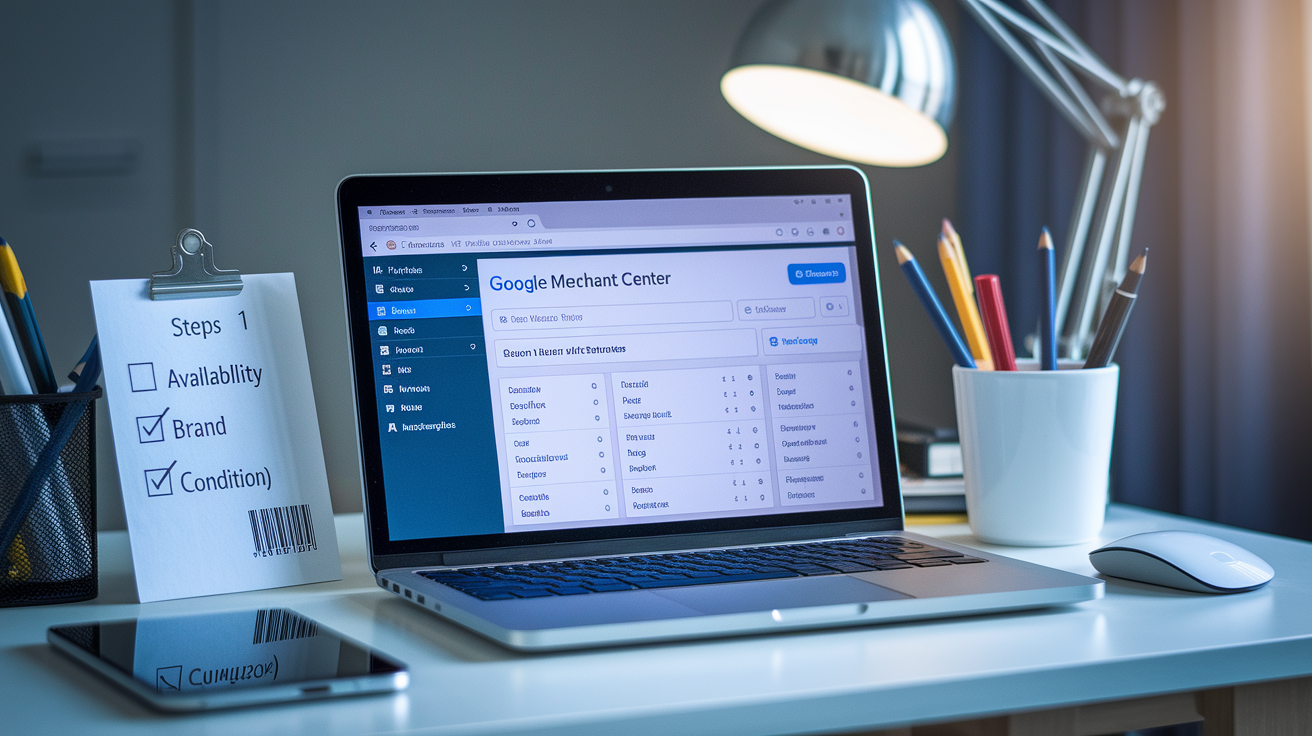
Merchant Center setup is the first real step if you want products showing up on Google. The platform wants accurate product data, proper feed formatting, compliance with Google’s rules on titles, images, pricing, shipping. Before uploading products, you need to verify you own your website and make sure your site meets Google’s landing page requirements. Working checkout, clear return policy, secure payment processing, contact info. Feeds can go in manually via spreadsheet, sync through third-party apps, or push automatically using the Content API for Shopping. Google’s strict about data standards. Every product needs a unique identifier (GTIN for most categories), correct price and availability, high-resolution images, descriptive titles that match what people search for.
-
Create a Merchant Center account. Sign up at merchants.google.com, pick your business country, link your website. Google will ask you to verify ownership through an HTML tag, Google Analytics property, or Google Tag Manager container.
-
Verify and claim your website URL. Add the verification tag to your site’s header or use an existing Google service connection. Without this, products can’t be published.
-
Upload your product feed. Build a feed with required attributes (id, title, description, link, imagelink, price, availability, brand, gtin, condition) and optional fields like saleprice, producttype, googleproduct_category. Upload via Google Sheets, scheduled fetch, or Content API.
-
Configure shipping settings. Set flat-rate shipping, carrier-calculated rates, or free shipping thresholds. Shipping must match what’s on your site or you’ll get disapprovals.
-
Set up tax configuration. Define tax rates for US states or confirm tax-inclusive pricing for other regions. Inconsistent tax handling triggers pricing mismatches.
-
Wait for product approval. Google reviews new feeds within 3 to 5 business days. Products flagged for policy violations (missing GTINs, incorrect prices, poor images) get disapproved until you fix them.
Common errors that slow things down include image links that don’t work, prices that don’t match the landing page, missing or wrong GTINs, vague product titles, unavailable landing pages. Run the Merchant Center diagnostics tool daily to catch feed problems early. Stale inventory data and broken links will pull products out of rotation. Keep a local product cache that updates nightly so price and availability stay synced across your site and your feed.
Understanding Google Shopping and Free Listings
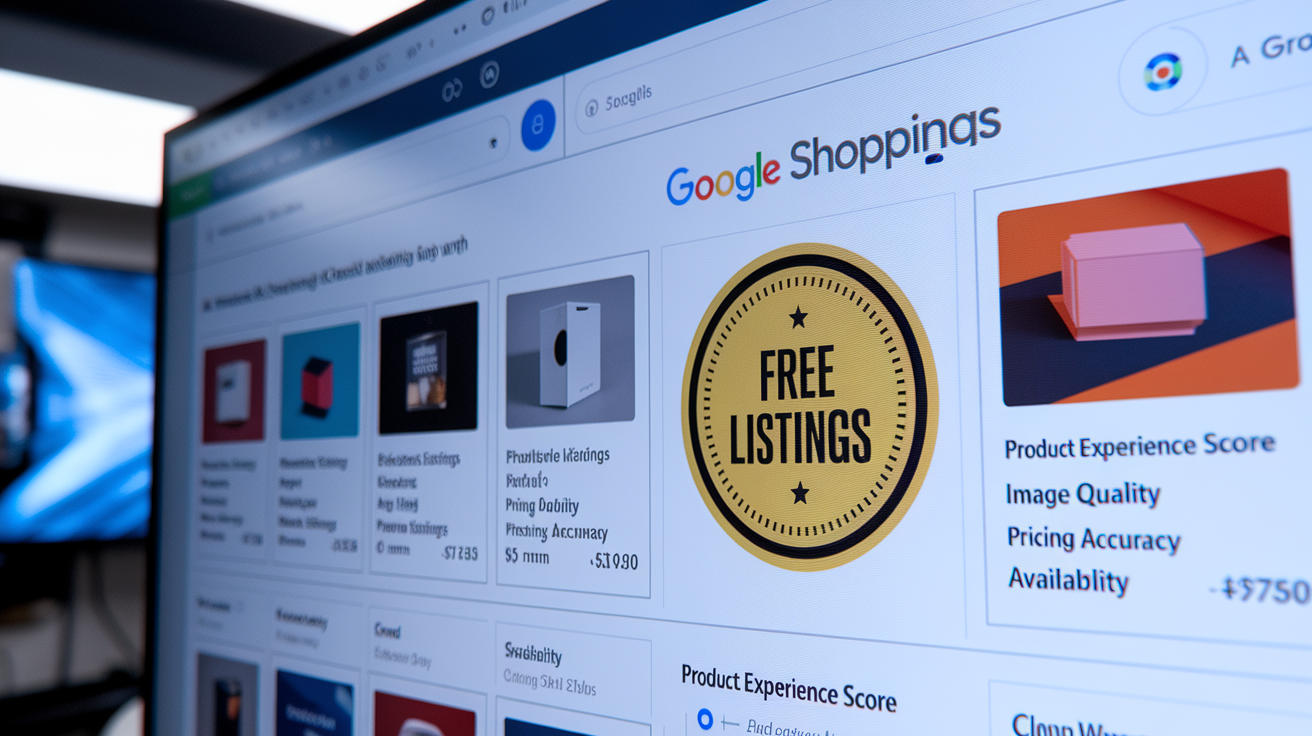
Free listings let you display products in the Shopping tab and across Google properties without paying for clicks. This rolled out in 2020 to make it easier for smaller sellers and increase product variety on Google. Products that meet Merchant Center’s data standards automatically qualify for free placement. No extra opt-in required. Visibility in free listings depends on feed quality, product relevance to user queries, and something Google calls “product experience score,” which factors in image quality, title clarity, pricing accuracy, user engagement signals like click-through rate. Free listings don’t guarantee high placement. Google prioritizes products that match search intent and offer clear, competitive information.
Ranking in free listings works differently than paid ads. Google uses structured product data to match listings to queries, so titles and descriptions need terms people actually search for. “Men’s waterproof hiking boots size 10” will do better than “outdoor footwear.” Image quality matters more in Shopping results than in text search. Low-resolution or generic stock photos reduce click-through rates and lower visibility over time. Pricing accuracy is non-negotiable. If your feed lists a product at $49.99 but the landing page shows $54.99, Google will suspend the product and flag your account. Availability must reflect real-time stock. Listing out-of-stock items as available damages both user experience and your product experience score.
Four things directly affect free listing visibility:
Product titles front-load keywords that match user search behavior. Include brand, model, size, color, key attributes in the first 60 characters.
Images use high-resolution photos on white or transparent backgrounds. Show the full product without text overlays or promotional graphics.
Pricing accuracy make sure feed prices match landing page prices within seconds of any change. Use automated syncs for large catalogs.
Availability and stock updates mark out-of-stock items unavailable immediately. Frequent stock-outs lower trust signals and reduce future impressions.
Using Google Ads for Ecommerce Growth
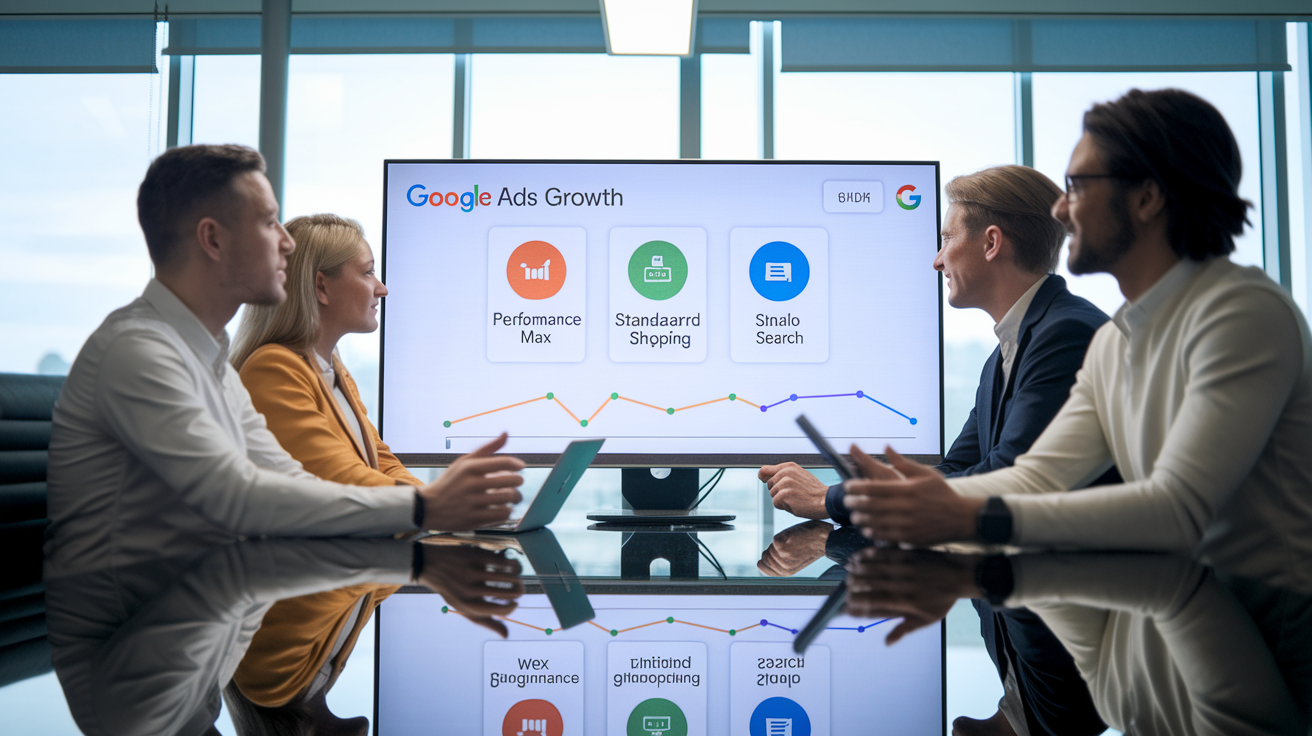
Google Ads has three main campaign types for ecommerce: Performance Max, Standard Shopping, Search. Each one handles different control and automation needs. Most sellers run a combination instead of picking just one. Campaign choice depends on catalog size, internal expertise, budget, whether you want broad reach or precise control over bids and segmentation. Performance Max and Standard Shopping both pull from Merchant Center feeds. Search campaigns use keyword targeting and text ads to capture high-intent queries.
Performance Max
Performance Max is Google’s fully automated campaign type that spreads budget across Search, Shopping, Display, YouTube, Gmail, Discover using machine learning. You provide product feeds, image and video assets, audience signals, a target ROAS or CPA. Then Google’s algorithm decides where and when to show ads. Performance Max works best for sellers with large catalogs, consistent conversion data, limited time for manual optimization. The campaign needs at least 15 images, 5 headlines, 5 descriptions, ideally video assets to fill all placements. Automation means less control. There’s no way to exclude specific products, set manual bids, or view granular placement performance. Performance Max prioritizes overall account goals over individual product margins, so high-volume, low-margin SKUs might absorb budget if they convert frequently.
Standard Shopping
Standard Shopping campaigns give you manual control over product groups, bids, negative keywords. You segment your catalog by brand, category, product type, or custom labels, then assign different bids to each segment based on margin, conversion rate, strategic priority. This format works well for businesses with distinct product tiers. Luxury items that need higher bids, clearance inventory that tolerates lower ROAS, seasonal products that need short-term budget spikes. Standard Shopping lets you exclude search terms that waste spend, prioritize campaigns by performance, allocate budget to specific product subsets. The downside is time. Effective Standard Shopping management takes ongoing bid adjustments, negative keyword maintenance, feed-level product group restructuring.
Search Campaigns
Search campaigns use keyword targeting and text ads to capture people who search for specific terms. This format works alongside Shopping ads by letting you control messaging, highlight differentiators like free shipping or warranty coverage, target branded queries where Shopping results might feature competitors. Search ads work best for high-intent, transactional keywords like “buy Canon EOS R5” or “best price Dyson V15,” and for defensive branded campaigns that protect traffic from competitor bidding. Ad copy must line up tightly with the landing page. Mismatched messaging or slow page load times lower Quality Score, which increases cost-per-click and reduces impression share. Search campaigns need active keyword research, regular addition of negative keywords to prevent wasted spend, A/B testing of headlines and descriptions to improve CTR.
Tracking Ecommerce Performance with Google Analytics
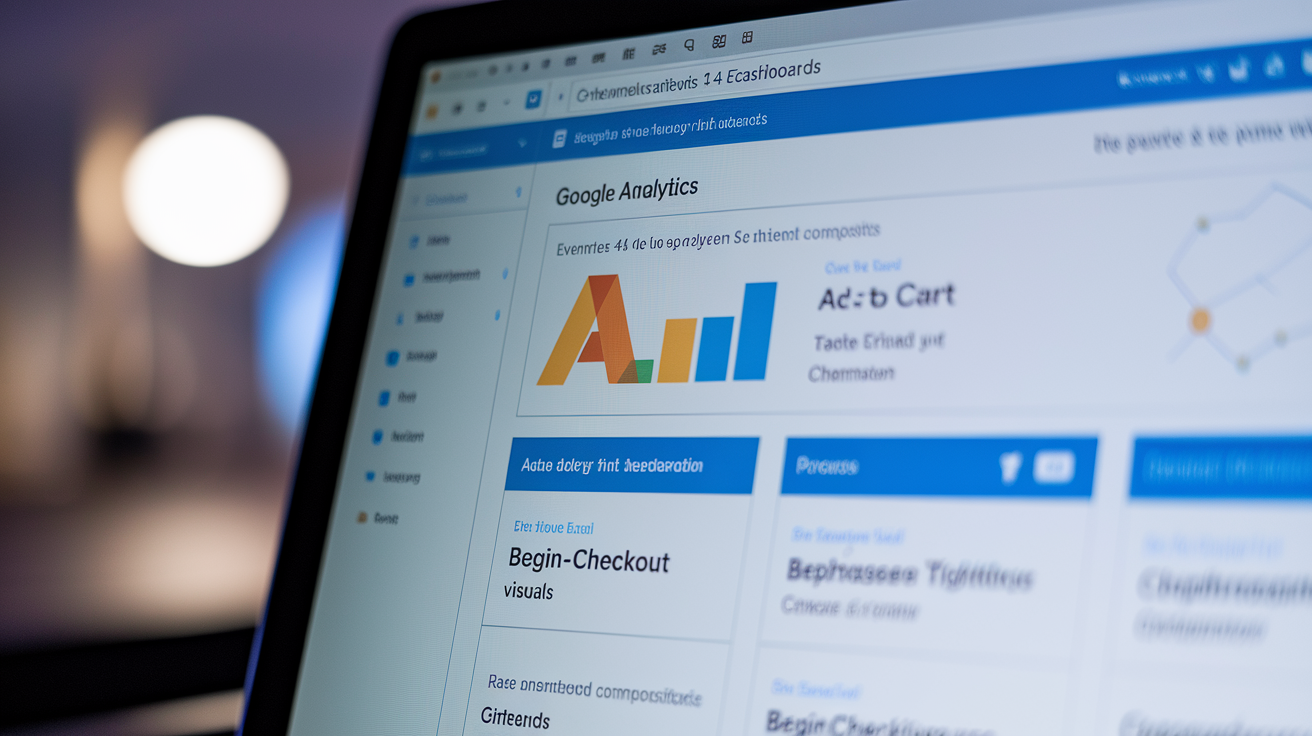
Google Analytics 4 measures ecommerce activity using event-based tracking instead of the session-based pageview model from Universal Analytics. GA4 automatically collects enhanced measurement events like pageview, scroll, click. But ecommerce-specific events (addtocart, begincheckout, purchase) need manual setup through Google Tag Manager or direct code on product and checkout pages. Once you’ve got that running, GA4 builds reports showing revenue by traffic source, product performance by SKU, conversion funnels, user paths from first visit to purchase. The platform supports data-driven attribution models that assign fractional credit to each touchpoint in a user’s journey, replacing the last-click attribution default in older Google Analytics versions.
GA4’s ecommerce reports break down which products generate revenue, which traffic sources deliver the highest purchase rates, where users drop off during checkout. The “Monetization” section includes item purchase metrics, product list performance, promotion effectiveness. Path exploration reports let you trace user behavior. Sessions that start with organic search, move to a Shopping ad click, convert after viewing three product pages. Attribution reports show how Shopping, Search, Display, direct traffic contribute to conversions over time windows ranging from same-day to 90 days. This visibility helps you understand whether paid Shopping ads drive immediate purchases or assist conversions that close later through direct or branded search.
| Metric | Meaning | Why It Matters |
|---|---|---|
| Purchase Revenue | Total transaction value from completed purchases | Primary indicator of campaign ROI and overall ecommerce performance |
| Add-to-Cart Rate | Percentage of product page sessions that result in an add-to-cart event | Reveals product page effectiveness and pricing or messaging friction |
| Checkout Abandonment Rate | Percentage of users who begin checkout but do not complete purchase | Identifies friction in payment, shipping options, or form complexity |
| Average Order Value (AOV) | Mean purchase value per completed transaction | Guides pricing strategy, bundling offers, and minimum free-shipping thresholds |
| Item Purchase Rate | Percentage of item views that result in a purchase | Shows which SKUs convert efficiently and which need optimization or demotion |
Pricing, Costs, and Budgeting Across Google Ecommerce Tools
Google Merchant Center is free to use. No listing fees, subscription costs, charges for product uploads. Free listings on the Shopping tab cost nothing per click or impression. Google Ads, though, runs on a cost-per-click (CPC) auction model where you bid for placement and pay each time someone clicks an ad. Actual CPC depends on competition in the product category, keyword demand, Quality Score, bid strategy. Categories like electronics, fashion, home goods typically see CPCs between $0.30 and $1.50. Competitive niches like jewelry or luxury items can go past $3.00 per click. Performance Max and Standard Shopping campaigns let you set daily budgets and target ROAS (return on ad spend) or CPA (cost per acquisition) goals, which Google’s algorithm uses to adjust bids in real time.
Budget allocation for ecommerce ads should reflect product margin, conversion rates, competitive intensity. A common starting point is 10 to 20% of projected revenue to paid ads, then adjust based on ROAS performance. High-margin products can handle higher CPCs and lower ROAS thresholds. Low-margin, high-volume items need tighter cost controls. Seasonal peaks (back-to-school, Black Friday, holiday shopping) need temporary budget increases to maintain impression share when competition spikes. You should watch daily spend and pause underperforming campaigns quickly to stop budget waste on low-converting traffic.
Three budgeting best practices:
Start with category-level segmentation. Assign separate budgets to high-margin and low-margin product groups so profitable items aren’t starved by high-volume, low-ROAS SKUs.
Set bid caps in Standard Shopping campaigns. Prevent runaway CPCs by capping max bids at levels that keep cost-per-conversion within acceptable margins.
Monitor impression share and lost impression share reports. When budget constraints limit visibility, check whether increasing spend improves ROAS or just inflates cost without revenue lift.
Comparing Google’s Ecommerce Tools With Amazon, Shopify, and Meta
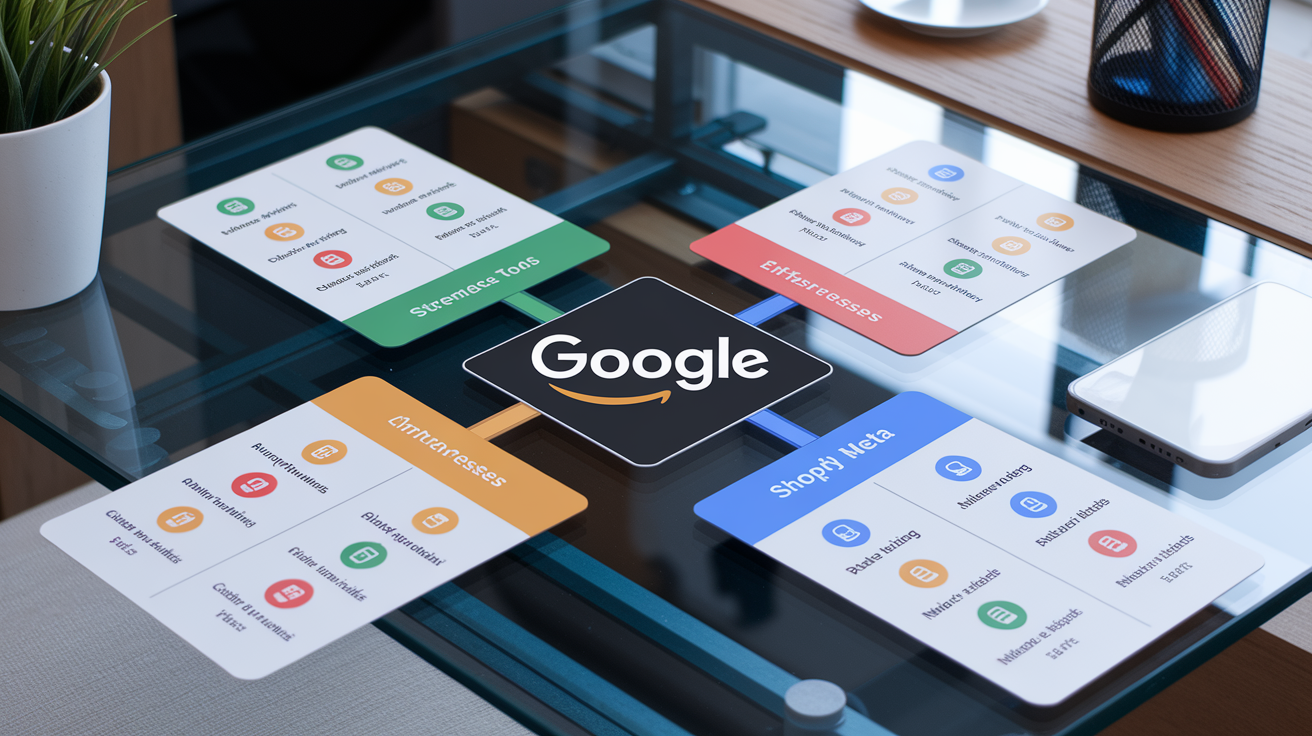
Google’s ecommerce ecosystem competes with and often works alongside Amazon’s marketplace, Shopify’s storefront infrastructure, Meta’s social commerce ads. Each platform handles different parts of the ecommerce funnel and runs on distinct business models. Amazon owns the transaction, controls fulfillment, charges referral fees plus optional FBA fees. It’s a marketplace where sellers rent shelf space. Shopify provides storefront software, payment processing, app integrations, but sellers drive their own traffic and manage customer acquisition. Meta (Facebook and Instagram) does well at social discovery and interest-based targeting, using creative-first ads to reach users who aren’t actively searching for products. Google focuses on search-intent traffic. Users who type product queries into Search or browse the Shopping tab already signal buying interest, resulting in higher immediate conversion rates than cold social traffic.
Google’s strength is aggregating product options for comparison shoppers. Someone searching “best noise-canceling headphones” sees listings from dozens of retailers, reviews, prices, feature comparisons in a single results page. Google doesn’t control checkout. Clicks send users to your site, where conversion depends on landing page experience, site speed, trust signals, checkout friction. This makes Google well-suited for brands with strong sites and differentiated offerings, less effective for sellers who lack site optimization or compete purely on price. Amazon handles the entire purchase flow, reducing friction but commoditizing products and limiting brand control. Shopify sellers using Google Ads gain flexibility to control messaging, bundle offers, build customer relationships, but must invest in driving traffic that Amazon provides through its marketplace search volume.
Meta’s social commerce model targets users based on interests, behaviors, lookalike audiences instead of explicit search queries. Meta ads work well for impulse purchases, trend-driven products, visual categories like apparel and home decor. Conversion rates on Meta are typically lower than Google because users aren’t actively shopping, but cost-per-click is often cheaper, and creative storytelling can build brand awareness that feeds future Google searches. A lot of ecommerce operators run Meta ads for top-of-funnel discovery and retargeting, Google Shopping for mid-funnel comparison and purchase, Amazon for users who prefer marketplace convenience.
| Platform | Strengths | Weaknesses | Ideal Use Case |
|---|---|---|---|
| High-intent search traffic, comparison visibility, flexible campaign control, no transaction fees | Requires strong landing pages, limited transaction control, CPC costs in competitive categories | Brands with optimized sites, differentiated products, and willingness to manage paid traffic and site conversion | |
| Amazon | Built-in marketplace traffic, handles checkout and fulfillment, high buyer trust | Referral fees (8 to 15%), limited brand control, fierce price competition, restricted customer data access | Commodity or high-volume products, sellers who want fast scaling without site management |
| Shopify | Full storefront control, extensive app ecosystem, direct customer relationships, flexible branding | Requires separate traffic acquisition, higher upfront setup, monthly fees, no built-in traffic | Brands building long-term customer relationships, subscription models, and custom site experiences |
| Meta | Advanced interest and behavior targeting, visual creative focus, lower CPCs, strong retargeting tools | Lower purchase intent, requires creative production, longer conversion funnels, ad fatigue risk | Visual products, impulse buys, audience building, retargeting past site visitors |
Best Practices for Google Ecommerce Success

Success across Google’s ecommerce tools depends on feed quality, campaign structure, consistent optimization. High-performing sellers treat Merchant Center as a product database that must stay synced with site inventory in real time. Stale prices or out-of-stock items damage both free listing visibility and paid ad performance. Product titles should mirror how users search, front-loading brand, model, key attributes like size, color, material in the first 60 characters. Images must be high-resolution, show the full product on clean backgrounds, avoid text overlays or promotional banners that reduce clarity. Competitive pricing doesn’t mean undercutting everyone. It means staying within range of market rates and using sale_price fields to highlight discounts during promotions.
Campaign structure should separate high-margin products from low-margin volume drivers, either through product group segmentation in Standard Shopping or custom labels in Performance Max. Negative keywords prevent wasted spend on irrelevant or low-intent queries. Terms like “free,” “DIY,” “repair,” or competitor brand names rarely convert and inflate CPC without delivering revenue. Automation tools like smart bidding and Performance Max improve efficiency when conversion tracking is accurate and historical data spans at least 30 days. Without clean data, automation amplifies bad signals. You should review search term reports weekly to find new negative keywords and discover high-performing queries that deserve dedicated Search campaigns.
Core optimization actions for sustained performance:
Run daily feed syncs. Use scheduled fetch or Content API to push price and availability updates every 24 hours. Avoid manual uploads that create sync delays.
Use custom labels for segmentation. Tag products by margin tier, seasonality, or clearance status, then adjust bids and budgets by label in Standard Shopping campaigns.
Audit product images monthly. Replace low-resolution, poorly lit, or generic stock images with clear product photography that increases CTR.
Implement negative keywords aggressively. Start with a baseline list of 50 to 100 irrelevant terms, then add 10 to 20 new negatives weekly based on search term reports.
Track attribution beyond last-click. Use GA4’s data-driven attribution to understand how Shopping, Search, Display ads assist conversions that close through other channels.
Test landing page speed and mobile experience. Slow-loading pages and mobile friction kill conversions. Aim for sub-3-second load times and single-column mobile checkout flows.
Final Words
In the action: Google’s ecommerce stack—Shopping, Merchant Center, Google Ads, and Analytics—turns product data into visibility, traffic, and measurable sales.
You learned how to set up Merchant Center, keep feeds clean for free and paid listings, choose Performance Max vs Standard vs Search, and track purchases in GA4.
Next steps: fix your top SKUs in Merchant Center, run a small Performance Max test, and watch conversion events. With google ecommerce in place, you’ll get cleaner signals and faster growth.
FAQ
Q: What is e-commerce Google? / Does Google have eCommerce?
A: E-commerce Google describes Google’s suite—Merchant Center, Google Shopping, Google Ads, and Analytics—that lets merchants list products, run paid and free listings, drive traffic, and measure sales across Google surfaces.
Q: Can I get a job after Digital Garage?
A: You can get a job after Digital Garage; the course boosts digital skills and a certificate, but hiring usually also needs portfolio work, experience, networking, or internships to convert learning into a role.
Q: What are the 7 types of e-commerce?
A: The seven types of e-commerce are Business-to-Consumer (B2C), Business-to-Business (B2B), Consumer-to-Consumer (C2C), Consumer-to-Business (C2B), Business-to-Government (B2G), Government-to-Citizen (G2C), and m‑commerce.