


Think chatbots are just glorified FAQs? Think again.
A modern ecommerce chatbot runs 24/7, handles hundreds of conversations, and plugs into your catalog, CRM, and payments.
That matters because customers want instant answers and hiring enough agents gets expensive fast.
Proactive chat during browsing or checkout can boost orders by up to 300%, and bots automate tracking, returns, and password resets.
This post shows what these bots do, how they work, and the small steps to deploy one without wrecking the customer experience.
Understanding What an Ecommerce Chatbot Is

An ecommerce chatbot is software that talks to your customers. Some run on AI. Others follow simple if/then rules. Either way, they’re there to answer questions, suggest products, and help people check out without needing a human on the other end.
They work 24/7. They handle hundreds of conversations at once. And they plug into your product catalog, payment systems, and CRM so they can do things like track orders, check inventory, and nudge someone through checkout.
Why does this matter? Two reasons. Customers expect instant answers now. And hiring enough support staff to meet that expectation gets expensive fast. Over 2 billion people shop online, and 81% of them would rather figure things out on their own before reaching out to support. Chatbots fill that gap. They’re there when someone needs sizing help, wants to know if something’s in stock, or forgot their password. Because they’re wired into your backend systems, they can personalize recommendations based on what someone’s browsing, what they’ve bought before, and what’s available right now.
Here’s what you get when you deploy one:
Cost reduction: Automate up to 80% of basic questions and cut service costs by roughly 30%
Speed: Answer thousands of people at once with zero wait time
More conversions: Proactive chat during browsing or checkout can boost orders by up to 300%
Less busywork: Password resets, tracking requests, return forms, FAQs. All handled without tying up your team.
Key Functions and Capabilities of Ecommerce Chatbots
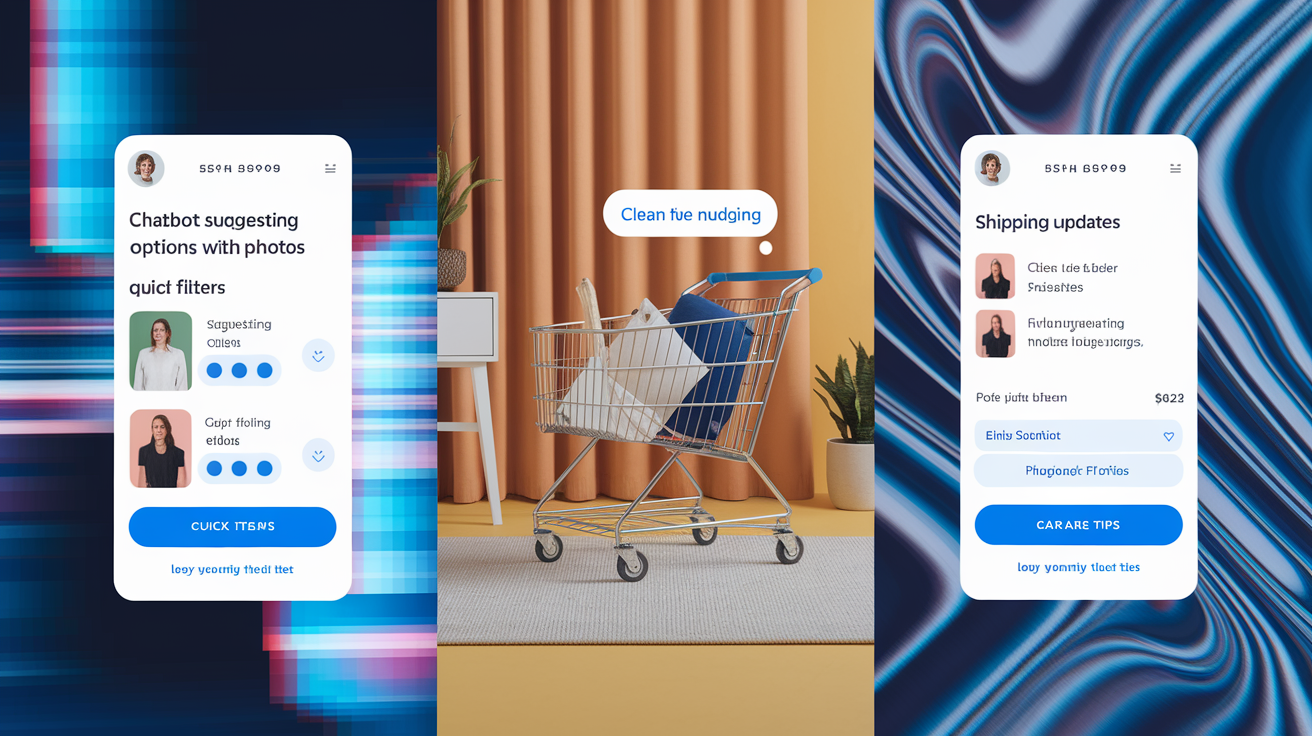
Modern chatbots do more than spit out canned answers to shipping questions. Sure, they cover the basics like return windows, payment options, and store hours. But the better ones use natural language processing to understand stuff like “Got any waterproof hiking boots in size 10 that ship to Canada?” and pull real answers from live inventory.
Product discovery is where things get interesting. A bot can ask about activity type, budget, color, size, whatever matters, then filter your catalog down to the best matches. Let’s say you sell outdoor gear. Your bot asks if they’re trail running or just walking around town. Checks the weather where they live. Finds out if they want lightweight or insulated. Then it surfaces three options with photos, prices, and stock status. That’s faster than scrolling through 50 pages of boots.
Cart recovery is one of the most trackable wins. Abandonment rates hover around 70% across the industry. Automated messages via chat, SMS, or messaging apps can recover about 35% of those lost sales. The bot sees what’s sitting in the cart and reaches out with a nudge. Maybe it offers help. Maybe a discount code. Maybe just reassurance that returns are free and checkout is secure. Because it knows what someone left behind, it can make the message feel personal instead of spammy.
Post-purchase support keeps things moving after the sale. Order confirmations. Shipping updates. Delivery alerts. Care tips or upsell suggestions. When someone wants to return something, the bot verifies the order, generates a label, and updates your CRM without anyone lifting a finger. You keep costs down. The customer gets what they need.
What chatbots actually do:
- Answer product and policy questions using your catalog and customer data
- Guide shoppers to the right product through conversational filtering
- Recover abandoned carts with personalized, automated outreach
- Handle order tracking, returns, and delivery updates
- Collect preference data through quizzes and interactive prompts
How Ecommerce Chatbots Work

Chatbots combine natural language processing, automation rules, and API connections to figure out what someone wants and deliver the right response. When a shopper types a question or taps a prompt, the bot parses the text to identify intent. Are they checking order status? Looking for a product? Trying to apply a discount? Need a human? Rule-based bots follow decision trees. If the message says “track order,” fire the order-lookup flow. AI-powered bots use machine learning to understand context, tone, and variations without needing every possible phrase pre-programmed.
Once the bot knows what you’re asking, it hits your backend systems through APIs. It might query your order management system for tracking details, check warehouse inventory in real time, pull purchase history from your CRM, or process a payment. These integrations let the bot deliver accurate, current information and complete transactions inside the chat window. Someone asks “Where’s my order?” The bot calls the shipping carrier’s API and replies with the tracking number, current location, and estimated delivery, all in seconds.
NLP and Automation
Natural language processing lets chatbots understand intent even when people phrase things differently. Instead of requiring exact keywords, NLP models analyze sentence structure, pull out entities like product names or order numbers, and classify intent. “Do you have this in blue?” and “Is the blue version in stock?” both map to the same inventory check. Sentiment analysis adds another layer, picking up frustration or urgency and adjusting tone or escalating to a human when things get tense.
Automation triggers kick in based on intent and context. When someone adds items to their cart but leaves your site, the bot waits 30 to 60 minutes, then sends a personalized message via chat, SMS, or Facebook Messenger. If they reply with a question, the bot answers. If they check out, the automation stops. You’re turning passive visitor data into active recovery attempts without manual work.
Implementing an Ecommerce Chatbot Step-by-Step

Good implementation means the bot aligns with what you’re trying to do, plugs into your systems cleanly, and doesn’t feel robotic. Rush it and you’ll end up with frustrating loops, irrelevant answers, and people bailing on the chat. A structured rollout cuts those risks and sets you up for ongoing improvement.
-
Define what you’re trying to accomplish: Are you reducing support volume? Boosting conversions? Recovering carts? Collecting customer data? Clear goals shape how you design conversations and what you track.
-
Pick a chatbot platform: Look at integration options (Shopify, WooCommerce, Magento, your CRM), AI capabilities (rule-based vs NLP), pricing (per conversation, subscription, enterprise), and how responsive the vendor is when you need help.
-
Map out conversation paths: Identify the most common customer journeys. Initial product search. Sizing questions. Checkout help. Order tracking. Script bot responses for each path and build in escalation triggers for anything complex or sensitive.
-
Connect to your backend: Wire the chatbot to your product catalog, inventory, order management, CRM, and payment systems via APIs. Make sure the bot can read and write data, like updating preferences or logging support tickets.
-
Train the bot with real data: For AI bots, feed in historical chat logs, support tickets, and product FAQs to sharpen intent recognition. For rule-based bots, refine decision trees based on actual questions you’re getting.
-
Set your brand voice: Program responses to match your brand personality. Friendly, professional, playful, whatever fits. Make sure visual stuff like avatars and button labels match your site design.
Testing starts before launch and never really stops. Run the bot through real scenarios. Abandoned cart recovery. Out-of-stock inquiries. Return requests. Multi-item orders. Track conversation completion rate (how often issues get resolved without escalation), first contact resolution, and satisfaction scores. Check chat logs every week to spot gaps where the bot can’t answer or users get stuck. Update flows, add new intents, expand training data. A chatbot you ignore will degrade as your catalog, policies, and customer expectations shift.
Integrating Chatbots With Ecommerce Platforms and Tools

Chatbots get powerful when they connect to the systems managing your products, customers, and transactions. Integration depth decides whether your bot just answers static FAQs or actually does things like checking live inventory, personalizing recommendations based on purchase history, or processing refunds. Platforms like Shopify, WooCommerce, and Magento have APIs and pre-built connectors that let chatbots read product catalogs, access customer profiles, pull order data, and trigger workflows in real time.
Shopify integrations usually give you access to real-time inventory, customer order history, abandoned cart data, and product variants. So the bot can confirm stock, suggest add-ons based on what’s in the cart, and send personalized recovery messages with discount codes. WooCommerce and Magento work similarly. Magento’s API-first setup supports more complex stuff like B2B quote workflows, multi-store management, and advanced segmentation. BigCommerce focuses on extensibility, making it easier to build custom integrations for headless commerce or unique checkout flows.
Beyond your ecommerce platform, chatbots often tie into CRM systems (HubSpot, Salesforce), email tools (MailChimp, Klaviyo), live chat software (Intercom, LiveChat), helpdesk ticketing (Zendesk), analytics (Google Analytics, Mixpanel), and payment processors (Stripe, PayPal). Messaging integrations like Facebook Messenger, Instagram, WhatsApp, SMS, and Apple Messages for Business extend your bot’s reach beyond your website. You meet customers where they already are. When you’re evaluating platforms, check the integration library and API flexibility. Gaps mean manual workarounds that kill your automation gains.
Comparing Top Ecommerce Chatbot Platforms
Picking the right platform comes down to your tech stack, support volume, budget, and how much AI horsepower you need. Some tools lean into ease of use with drag-and-drop builders and ready-made templates. Others offer deeper customization and enterprise analytics at higher price points and steeper learning curves.
| Platform | Key Features | Ideal For |
|---|---|---|
| ChatBot | In-house AI (no OpenAI/Google Gemini), visual builder, Shopify + LiveChat integration, claims up to 80% query resolution | Stores wanting full control over AI models and tight Shopify integration |
| HubSpot Chatbot Builder | CRM-linked personalization, no-code builder, website + Facebook Messenger; advanced features behind paid tiers | Businesses already using HubSpot CRM for marketing and sales automation |
| Tidio | Lyro AI engine, omnichannel (web, Messenger, WhatsApp, email, Instagram), visual flow builder, pre-made templates | Small to mid-sized stores needing multi-channel support without deep technical setup |
| ManyChat | Rules-based with AI Assistant, Instagram/WhatsApp/SMS/Facebook Messenger, commerce flows, post-sale automation | Social-commerce brands driving traffic from Instagram and Facebook ads |
| Intercom | AI agent “Fin” trained on help center content, smart triage, deep Shopify/Stripe integrations, robust analytics | Mid-to-large businesses with complex support needs and budget for premium pricing |
When you’re comparing platforms, focus on integrations with your existing stack first. Confirm the bot can handle your query volume and complexity. Rule-based works fine for straightforward FAQs. You’ll need NLP-driven AI for nuanced product questions. Model ROI by estimating how many tickets or abandoned carts the bot will resolve. Run trials with real customer scenarios before you commit. Make sure the vendor has responsive support and clear documentation for when you need to tweak things down the line.
Pricing and Cost Considerations

Chatbot pricing swings pretty wide depending on features, usage volume, AI complexity, and how many integrations you need. Entry plans often start around $15 to $50 a month. You get basic rule-based automation, limited conversations, and maybe one or two channel integrations. Mid-tier subscriptions run $100 to $300 per month and add AI-powered natural language processing, multi-channel support (website, Messenger, Instagram, WhatsApp), CRM connectors, and higher message limits. Enterprise plans can push past $1,000 monthly or shift to per-conversation pricing. You get sentiment analysis, custom API work, dedicated account management, white-label branding.
Per-conversation pricing charges a small fee, usually $0.01 to $0.10, for each completed interaction. Costs scale with traffic. Works well if you’re seasonal and see spikes during Black Friday or holidays but quieter volume the rest of the year. Subscription plans give you predictable monthly costs and unlimited conversations within tier limits. Better suited to stores with steady, high-volume support needs. Before picking a tier, do the math on what the bot saves you. If automating 1,000 tickets a month frees up 50 agent hours at $20 per hour, a $200 monthly subscription delivers 5x ROI before you even count conversion lifts or cart recovery.
What drives chatbot cost:
AI sophistication: Rule-based bots cost less than NLP or generative AI systems
Message volume: Higher conversation limits or per-message fees bump monthly spend
Integration complexity: Pre-built connectors are cheaper. Custom API work adds development fees.
Support and training: Premium tiers usually include onboarding, live support, and dedicated success managers
Real-World Use Cases and Examples
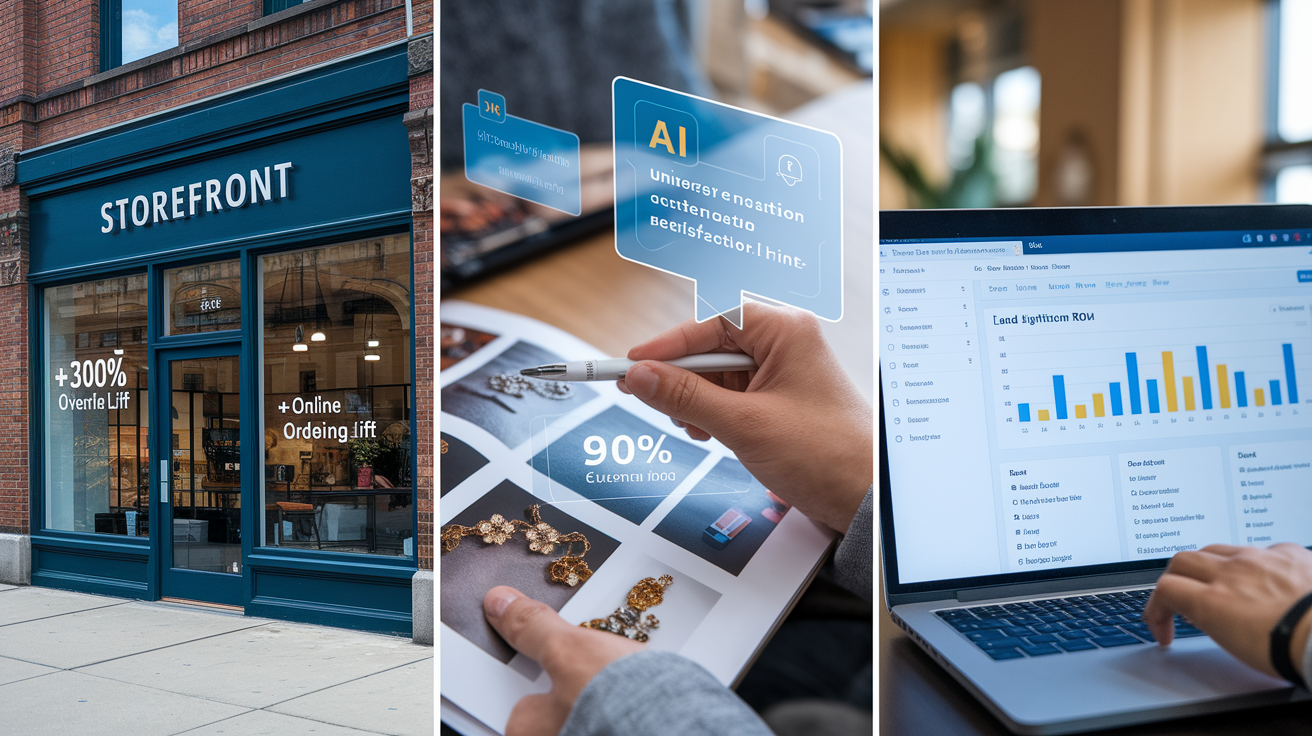
Chatbots deliver trackable results when you align them with specific business goals. Virgin Media O2 says one in five sales now involve conversational interactions. Deploying bots for both customers and internal agents cut average handling time by 13.5%. That dual approach, self-service for customers and assist tools for agents, maxes out efficiency across the whole support workflow. Signet Jewelers hit 90% customer satisfaction using AI-powered personalized shopping conversations. Turns out high-touch categories like jewelry benefit from guided discovery even in a digital channel.
Open Universities Australia saw a 250% return on investment from automated lead generation. Lead qualification rates doubled after upgrading from rule-based flows to generative AI agents. The bot pre-qualified prospective students by asking about study goals, prior education, and preferred course formats, then sent high-intent leads to enrollment advisors with full context. Aramark piloted QR-based ordering at U.S. sporting venues using Apple Messages for Business and Apple Pay. Fans could order food from their seats and pay in-chat without downloading an app or standing in line. Frictionless transactional commerce.
What actual deployments have delivered:
+300% increase in online ordering reported by clients running top-tier conversational commerce bots
35% cart recovery rate for automated abandoned-cart outreach, against a 70% industry abandonment baseline
13.5% reduction in agent handling time when internal bots surface customer data and suggested responses to human agents
Final Words
In the action, we defined what an ecommerce chatbot does, laid out its core functions, showed how NLP and automation power it, and walked through setup, integrations, pricing, and real use cases.
You’ve seen why it matters: faster support, better product discovery, fewer abandoned carts, and lower costs.
Next steps: pick a platform, test flows on your top SKUs, measure conversion and support time, and iterate.
Do this right and an ecommerce chatbot becomes a clear, revenue-driving tool.
FAQ
Q: What is an ecommerce chatbot?
A: An ecommerce chatbot is a software agent that automates customer conversations 24/7, helping with product search, recommendations, order updates, and checkout assistance to speed service and boost sales.
Q: Why do ecommerce chatbots matter for online stores?
A: Ecommerce chatbots matter because they cut support costs, offer instant help, recover abandoned carts, and personalize shopping—lifting conversion while freeing staff to handle complex issues.
Q: What are the core functions and capabilities of ecommerce chatbots?
A: Core functions of ecommerce chatbots include FAQ handling, product discovery, personalized recommendations, cart recovery, order tracking, and automated checkout triggers that reduce friction and improve conversion.
Q: How do ecommerce chatbots work technically?
A: Ecommerce chatbots work by using NLP to interpret intent, rule-based flows and machine learning to pick replies, and API connections to pull order, inventory, and customer data or trigger actions.
Q: How do I implement an ecommerce chatbot step-by-step?
A: To implement an ecommerce chatbot, pick a platform, map conversation flows, integrate with your store and systems, train intents, test real scenarios, and iterate based on user data.
Q: Which systems should ecommerce chatbots integrate with?
A: Ecommerce chatbots integrate with Shopify, WooCommerce, Magento, CRMs, email tools, and inventory systems via APIs to sync orders, customer profiles, stock levels, and marketing triggers in real time.
Q: How do I choose the right chatbot platform?
A: Choose a chatbot platform by comparing pricing, AI accuracy, integration ease, analytics, and support—prioritize solutions that match your order volume, tech stack, and automation goals.
Q: What drives chatbot pricing and cost differences?
A: Chatbot pricing depends on AI sophistication, monthly conversation volume, required integrations, and support level—expect per-conversation fees, tiered plans, or flat subscriptions based on usage.
Q: What metrics should I track to measure chatbot ROI?
A: Track these metrics to measure chatbot ROI: conversion lift, cart recovery rate, average order value, average response time, and reduction in live-agent support hours.
Q: Are there privacy or security concerns with ecommerce chatbots?
A: Privacy and security for ecommerce chatbots require encrypted API connections, clear data retention and access policies, minimizing sensitive PII in chats, and vendor compliance with GDPR or local regulations.
Q: What are best practices for running an ecommerce chatbot?
A: Best practices for ecommerce chatbots include offering a visible human fallback, testing flows regularly, using clear CTAs, monitoring logs for weak intents, and updating training data based on chats.