


Think you can drop an AI chatbot straight into Shopify checkout?
Not without breaking PCI rules and risking checkout friction.
Shopify locks the payment flow, but it provides approved slots: post-purchase pages, order-status blocks, and checkout UI extensions (Shopify Plus) that let chatbots send timely, personalized messages.
This post explains how to integrate AI chatbots into Shopify checkout safely and effectively — which extension points to use, how webhooks and app proxies keep data secure, and what to test first.
Start by checking your Shopify plan and product-data sync.
Technical Foundations for Adding AI Chatbots Inside Shopify Checkout Flows
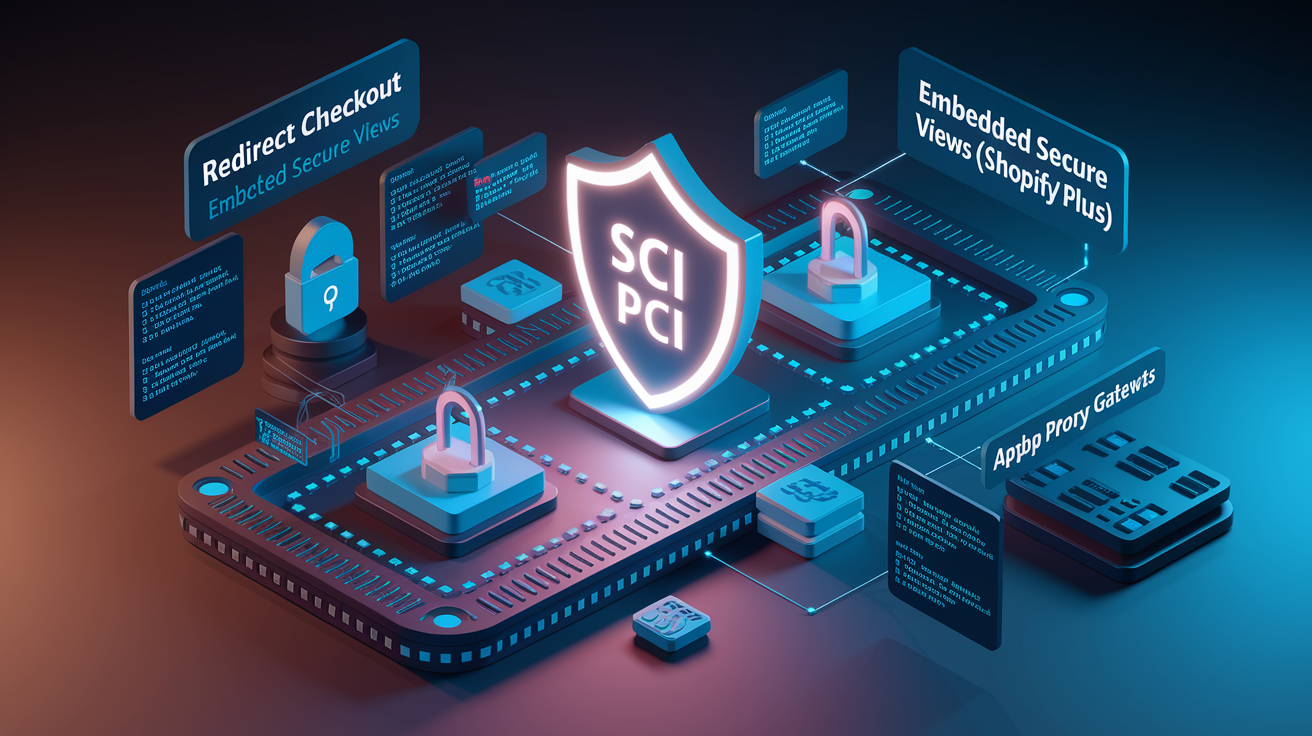
Shopify’s checkout architecture splits transaction security from merchant storefronts through two main flows: redirect checkout (standard) and embedded secure views (Shopify Plus). Both isolate payment processing inside Shopify’s controlled environment. This prevents merchants from dropping arbitrary widgets (chatbots included) directly onto /checkout URLs. Trying to inject third-party scripts at checkout breaks PCI compliance and distracts users when they’re about to buy. Chatbot positioning has to use approved extension points instead: post-purchase pages, thank-you page customizations, or checkout UI extensions that only Shopify Plus merchants can access. If you’re not on Plus, you can activate chatbots right before checkout (on /cart pages) or right after (order-status pages and email).
ACP (Agentic Commerce Protocol) alignment means chatbots need to consume Shopify’s structured product API in real time. When you’re integrating with platforms like ChatGPT Instant Checkout, you’ll implement the open ACP spec (Apache 2.0) or use Stripe’s Shared Payment Token API if you’re already on Stripe infrastructure. Potentially as little as one line of code, according to their docs. App proxies let you make server-side API calls without exposing credentials client-side. Shopify Plus checkout extensibility allows post-purchase upsell blocks, survey widgets, and conditional messaging modules to embed conversational AI without messing up the payment flow. These extension points communicate with your chatbot backend via webhooks and app proxy endpoints, keeping message delivery secure and scalable.
AI agents powering in-chat product discovery and post-purchase workflows depend entirely on Shopify’s product fields: titles, descriptions, prices, inventory counts, variant attributes, images, and alt-text. Any discrepancy (outdated stock levels, incorrect pricing, missing variant metadata) causes failed transactions, poor recommendations, and potential exclusion from future agent-driven visibility. Real-time synchronization isn’t optional.
High-level integration steps:
- Configure a checkout UI extension or post-purchase page block via the Shopify Partner dashboard and assign webhook subscriptions (order/create, fulfillment/update).
- Deploy your chatbot backend in a secure, PCI-compliant environment with API credentials scoped to read orders, update metafields, and query product catalog data.
- Establish an app proxy route (
/apps/chatbot) to handle server-side API calls and maintain session state without exposing tokens to the browser. - Verify the chatbot widget loads asynchronously and doesn’t block page rendering. Test time-to-interactive on mobile devices (more than 70% of Shopify traffic).
- Instrument event logging for message delivery, API errors, webhook retries, and user interactions. Send logs to a monitoring dashboard.
- Execute a full payment-flow test: simulate purchase, confirm webhook fires, verify chatbot acknowledgment message, validate order metadata writes, and make sure there’s no impact on checkout conversion rate.
Selecting AI Chatbot Platforms Compatible with Shopify Checkout and Post‑Purchase Messaging
Native Shopify Inbox offers zero-friction installation and appears directly in the Shopify admin, but it requires human operators and provides no AI automation. Third-party apps (Tidio, Gorgias, Zendesk) offer varying degrees of AI-powered triage, canned responses, and automated follow-ups, with pricing typically scaling per conversation or per support seat. These platforms integrate via official APIs and handle basic post-purchase messaging (order confirmations, tracking updates, FAQ responses), but customization depth and webhook flexibility vary. Custom-coded chatbots using OpenAI, Anthropic, or Dialogflow APIs give you maximum control over training data, conversation logic, and checkout-extension behavior. Initial development costs range from $5,000 to over $20,000, plus ongoing API usage fees that scale with message volume. Shoppers interacting with AI chat convert at 12.3% versus 3.1% for non-chat users. The average customer expects a response within 10 seconds, which eliminates purely human-staffed solutions for high-traffic stores.
Critical evaluation factors include API latency (round-trip time from webhook trigger to message delivery), server-side safety (credential storage, PCI boundaries, data encryption), cost per interaction (AI-handled interactions run $0.50 to $2.00 versus $6.00 to $15.00 for human agents), extensibility (ability to call Shopify APIs, write metafields, trigger flows), and analytics access (transcript logs, conversion attribution, error rates). Platforms that can’t write order metadata or subscribe to fulfillment webhooks will fail at sophisticated post-purchase workflows. Solutions that expose API keys client-side or store payment data violate compliance standards. Latency above two seconds degrades mobile UX and increases abandonment.
Ideal solution scenarios:
- Small merchants (less than 500 orders per month): Native third-party app with prebuilt automations and low monthly fees. Minimal setup, limited customization.
- High-volume post-purchase workflows (more than 2,000 orders per month): Custom-coded chatbot with direct Shopify API access, webhook orchestration, and advanced segmentation logic.
- Shopify Plus stores requiring checkout-embedded messaging: Custom checkout UI extension using Shopify Functions and app proxies. Third-party apps rarely support embedded checkout slots.
- Merchants optimizing for lowest cost-per-interaction: Server-side AI integration with caching, batch API calls, and aggressive retry logic to minimize API costs.
- Brands needing multi-channel consistency (email, SMS, chat): Enterprise platforms (Gorgias, Zendesk) that unify conversation history and support macros across all touchpoints.
Implementing Shopify Checkout Extensions and Trigger Points for Chatbot Activation
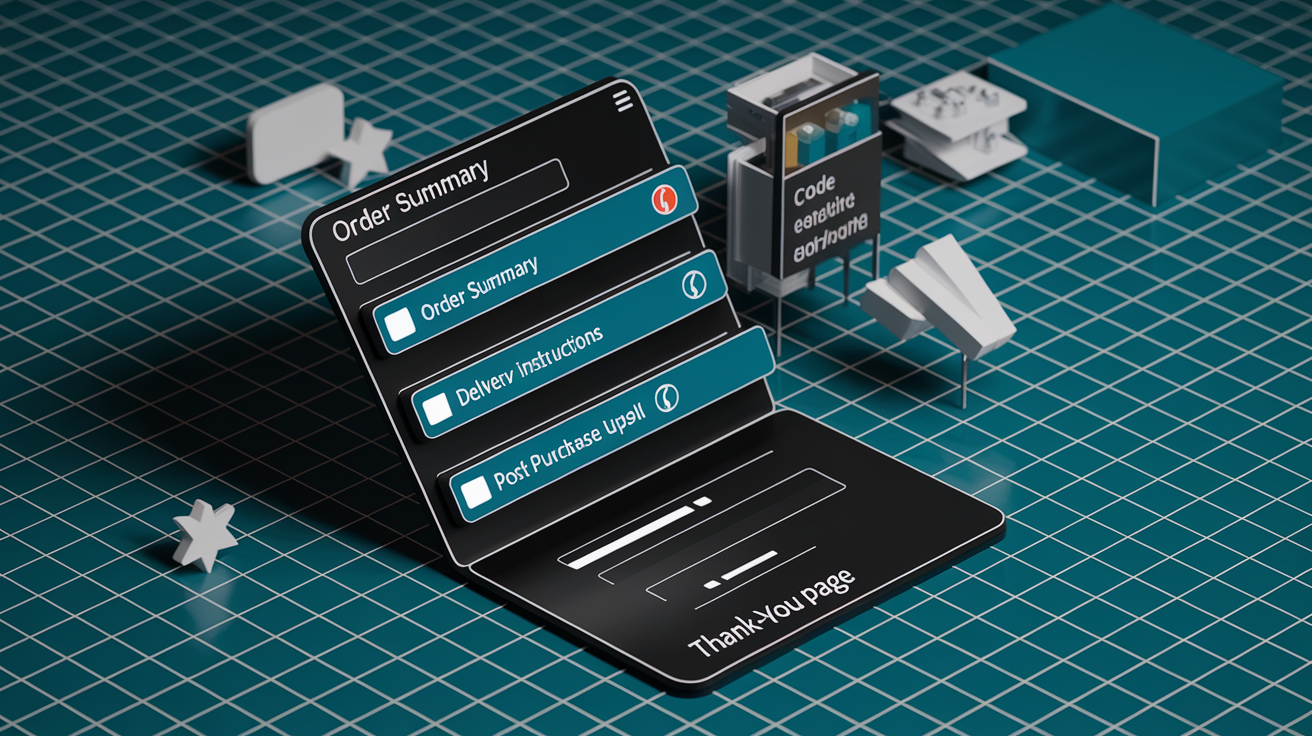
Shopify Plus merchants can activate chatbots inside checkout via checkout UI extensions, which permit custom React components in designated slots: order summary, delivery instructions, post-purchase upsell blocks, and thank-you page modules. Non-Plus merchants position chatbots on pre-checkout pages (/cart, product pages, collection pages) or post-purchase surfaces (order-status page, email confirmations, account portal). Post-purchase pages allow one-click upsells, survey widgets, and chatbot prompts without risking checkout abandonment. Permitted scripts must load asynchronously and can’t delay the “Place Order” button or interfere with payment processing. All chatbot logic executes server-side via app proxies. Client-side JavaScript handles only UI rendering and event capture.
Shopify Webhooks enable real-time chatbot activation by pushing event payloads to your backend endpoint whenever specific actions occur. Subscribe to orders/create to trigger immediate order-confirmation messages, checkouts/update to detect cart modifications or abandoned checkouts, and fulfillments/create and fulfillments/update to send shipping and tracking notifications. Each webhook delivers a JSON payload containing order ID, line items, customer email, fulfillment status, and tracking numbers. Your chatbot backend parses these payloads, queries the Shopify Admin API for additional context (customer tags, order metafields, product metadata), constructs a personalized message, and delivers it via the chat interface or a message queue. Webhook retries follow exponential backoff. Your endpoint must return HTTP 200 within 10 seconds or Shopify will retry up to 19 times over 48 hours.
Personalization logic pulls data from Shopify’s structured product fields: product.title, variant.price, variant.inventory_quantity, product.tags, product.images, and custom metafields. Liquid templating inside chat scripts allows dynamic insertion (“Your {{ product.title }} ships tomorrow”), but Liquid can’t execute inside checkout extensions (Shopify Functions and JavaScript required). Best practices: validate product metadata completeness during training, ensure variant attributes (size, color, material) are unambiguous, use image alt-text for accessibility and AI context, cache frequently accessed product data to reduce API calls, and define fallback messages when metadata is missing or stale.
| Trigger Event | Chatbot Action | Data Required |
|---|---|---|
| orders/create | Send order confirmation message in chat or email | Order ID, line items, customer name, order total, payment status |
| orders/paid | Acknowledge payment success, suggest related products | Payment method, transaction ID, customer tags for segmentation |
| fulfillments/create | Notify customer of shipment, provide tracking link | Fulfillment ID, tracking number, carrier, estimated delivery date |
| fulfillments/update | Send delivery status update or delay notification | Tracking events, current location, revised delivery estimate |
| refunds/create | Confirm return initiation, explain next steps | Refund amount, return reason, restocking info, refund method |
Engineering Post‑Purchase Messaging Workflows with AI Chatbots
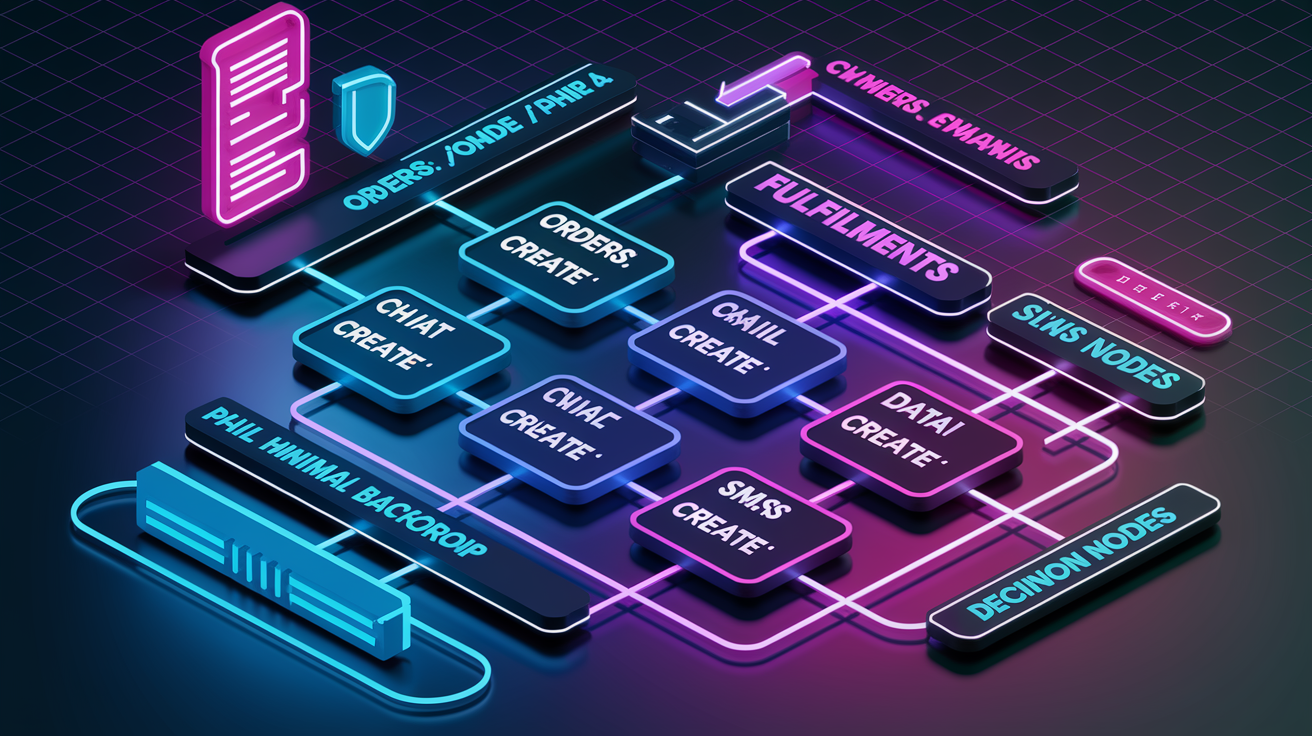
Order confirmation flows begin the moment orders/create fires. Your chatbot backend receives the webhook payload, extracts line items and customer email, queries the Shopify Admin API for product images and variant details, and constructs a confirmation message: “Great, your order (#1234) is placed! You’ll receive a shipping update within 24 hours.” This message can be delivered in-chat if the session is still active, or queued for email or SMS if the customer has closed the browser. API data sources include GET /admin/api/2024-01/orders/{order_id}.json for full order details and GET /admin/api/2024-01/products/{product_id}.json for product metadata. Confirmation messages should include order number, itemized line items, order total, and a link to the order-status page. Never include payment card details or full shipping addresses in plaintext chat.
Tracking and delivery updates depend on fulfillments/create and fulfillments/update webhooks. When a merchant marks an order as fulfilled and adds a tracking number, Shopify pushes the fulfillment object to your endpoint. The chatbot parses tracking_number, tracking_url, and carrier, then sends a proactive message: “Your order has shipped! Track it here: [link].” For multi-item orders with split fulfillments, trigger separate messages per fulfillment event. As carriers push tracking events to Shopify (via integrated apps or manual updates), fulfillments/update webhooks fire with revised statuses (out for delivery, delivered, delivery exception). Configure conditional logic: if status equals “delivered,” send a review-request message 48 hours later. If status equals “delivery_exception,” escalate to live support and notify the customer immediately.
Upsell and cross-sell logic activates on the post-purchase thank-you page or via a follow-up message one to three days after delivery. Segment customers by order history: first-time buyers receive loyalty-program invitations, repeat customers see personalized recommendations based on customer.tags (e.g., “VIP,” “high-AOV,” “subscribed”). Query the Shopify Recommendation API or build custom logic using product associations stored in metafields. Example rule: if order contains SKU “SHAMPOO-500,” recommend “CONDITIONER-500” with a 10% discount code valid for 7 days. Track redemption via unique discount codes and attribute revenue to the chatbot interaction.
Review requests, subscription onboarding, and churn-reduction workflows extend the post-purchase window. Seven days after delivery, send a review-request message with a direct link to the product review form. Optionally incentivize with a $5 discount on the next order. For consumable or subscription-eligible products, prompt enrollment: “Want this delivered every 30 days? Save 15% with a subscription.” For customers who haven’t reordered in 60 days, trigger a win-back message with personalized product suggestions or a time-limited offer.
Key automation flows:
- Survey: 3 days post-delivery, ask “How was your experience? (1 to 5 stars)” and route low scores to live support.
- Reorder: 30 days post-purchase for consumables, send “Running low? Reorder [Product Name] in one click.”
- Loyalty enrollment: First purchase, invite to rewards program with explainer and sign-up link.
- Refund update:
refunds/createwebhook triggers immediate confirmation and timeline for refund processing. - Delay notifications: Fulfillment estimated delivery date passes without “delivered” status. Send proactive apology and revised estimate.
- Support escalation: Customer replies with keywords (“damaged,” “wrong item,” “cancel”). Route to live agent and create a support ticket in Shopify or helpdesk app.
Data Accuracy, SPO Requirements, and Order Metadata for Personalized Messaging

Semantic Product Optimization (SPO) makes sure AI agents can discover, recommend, and transact against your catalog without ambiguity. Real-time synchronization of prices, inventory levels, variant attributes, product images, and metadata is mandatory. Any lag or inconsistency causes failed transactions, incorrect recommendations, and exclusion from future agent-driven visibility. SPO requires unambiguous product titles (“Men’s Waterproof Hiking Boot, Size 10, Brown” not “Boot-Brn-10”), complete variant attributes (size, color, material, fit), descriptive image alt-text for accessibility and AI context, and accurate category assignments. When ChatGPT or another AI agent queries your catalog, it parses these fields to match user intent (“waterproof Bluetooth speaker under £75”). Missing or vague data returns zero results. Incorrect pricing triggers purchase failures and customer complaints.
Order metadata and metafields store conversation states, personalization variables, and workflow triggers. Shopify metafields (order.metafields.custom.chatbot_session_id) can log which chatbot interaction led to the order, enabling attribution and A/B testing. Customer metafields (customer.metafields.custom.preferred_response_time) guide when to send proactive messages. Product metafields (product.metafields.custom.ai_recommendation_score) rank SKUs for upsell logic. Line-item properties capture user-selected options passed through chat (“Gift wrap: Yes”). These fields are writable via the Admin API (PUT /admin/api/2024-01/orders/{order_id}.json) and queryable in real time during message construction, allowing highly personalized responses: “Since you ordered the 500ml size last time, want to try the 1L?”
Data sync risks compound quickly. An out-of-date inventory count lets the chatbot recommend an out-of-stock item, wasting the customer’s time and damaging trust. Incorrect pricing (cached product data showing $49 when the live price is $59) causes checkout errors or disputes. Missing variant attributes (“Size: Unknown”) prevent AI agents from fulfilling specific requests, forcing fallback to generic suggestions or failed matches. To mitigate: enable Shopify’s real-time inventory tracking, schedule nightly product-feed audits, validate variant completeness before tagging SKUs as “chat-ready,” and monitor webhook delivery logs for failed syncs.
Privacy, Consent, and Compliance for AI‑Driven Checkout and Post‑Purchase Messaging

Privacy rules require explicit customer consent before chatbot messaging begins, especially when you’re using purchase history or browsing behavior to personalize responses. GDPR mandates clear opt-in language (“By continuing, you agree to receive order updates via chat”), transparent data-use policies, and easy opt-out mechanisms in every message. Store consent status in customer metafields and respect opt-out requests immediately. Failure risks fines and reputational damage. Data retention policies must define how long chat transcripts, order metadata, and conversation logs are stored. Typically 90 days for operational use, longer only if legally required or explicitly consented. PCI boundaries prohibit chatbots from processing payments, accessing stored payment methods, or displaying full card numbers. Route all payment actions to Shopify’s secure checkout.
AI persuasiveness raises ethical and regulatory concerns. Studies (including research at EPFL) show LLMs can be highly persuasive, especially in personalized, conversational contexts. When recommendations are based on purchase history or real-time behavior (“You looked at this yesterday, still interested?”), customers may perceive messaging as invasive or manipulative. Transparency mitigates risk: label personalized suggestions clearly, explain why a product was recommended, and disclose if any placement is influenced by commercial agreements (though OpenAI currently states ChatGPT shopping results are “not paid placements”). Regulators are watching. If monetization models shift to bidding or affiliate commissions, labeling requirements will tighten.
| Compliance Area | Required Action |
|---|---|
| GDPR | Obtain explicit opt-in for messaging, provide opt-out in every message, honor deletion requests within 30 days, log consent timestamps in customer metafields |
| PCI Boundaries | Never request, store, or display payment card data in chat, route all payment actions to Shopify checkout, do not log CVV or full card numbers in transcripts |
| Opt-Out Messaging | Include “Reply STOP to unsubscribe” or equivalent in automated messages, update customer tags immediately upon opt-out, suppress all future automated sends |
| Transparency Rules | Disclose when recommendations are personalized, label paid placements if monetization changes, explain data use in privacy policy linked in chat footer |
Performance, Latency, and Reliability Considerations for Checkout Bots
Minimizing latency during checkout prevents abandonment and maintains conversion rates. Chatbot widgets must load asynchronously. JavaScript should be injected just before </body> and marked async or defer to avoid blocking page render. Target time-to-interactive under 2 seconds on 3G mobile connections. Use lazy loading for chat history. Only fetch conversation threads when the user opens the widget. Cache product lookups aggressively: store frequently accessed SKU details (price, images, stock) in Redis or a CDN edge cache with 60-second TTLs. Serve static assets (chat UI components, icons, fonts) from a global CDN. Never make synchronous API calls on the critical checkout path.
Webhook monitoring and retry logic are non-negotiable for reliable post-purchase messaging. Shopify retries failed webhooks up to 19 times over 48 hours using exponential backoff. Your endpoint must return HTTP 200 within 10 seconds or the delivery is marked failed and retried. Implement idempotency by storing processed webhook IDs in a database. Ignore duplicate deliveries. Log all webhook payloads and delivery attempts. Monitor API rate limits. Shopify Plus allows 4 requests per second per store. Exceeding this triggers 429 errors and delays message delivery. Use webhook queues (SQS, RabbitMQ) to decouple ingestion from processing, allowing your backend to scale independently. Implement circuit breakers: if the Shopify API returns errors for 3 consecutive requests, pause processing for 60 seconds before retrying.
Mobile performance considerations dominate because over 70% of Shopify traffic originates from mobile devices. Test chatbot UI on iOS Safari and Android Chrome. Verify that the chat launcher button doesn’t obscure critical checkout UI (payment buttons, shipping selectors). Use responsive CSS to adjust widget size and position on small screens. Compress all assets with gzip or Brotli. Avoid large JavaScript bundles. Keep the initial chat widget under 50 KB. Monitor mobile-specific metrics: bounce rate, time-to-interactive, and conversion rate segmented by device type.
Key reliability practices:
- Cache product and order lookups in memory or a fast key-value store with short TTLs (30 to 120 seconds) to reduce Shopify API load and improve response time.
- Define fallback flows for every failure mode (API timeout, missing product data, invalid customer ID) so the chatbot can respond gracefully instead of crashing or going silent.
- Load-test webhook endpoints at 10× expected peak order volume to ensure your backend and database can handle Black Friday traffic without dropped messages.
- Log UI watchdog events (chat widget failed to load, API error displayed to user, message send timeout) and alert on anomalies to catch issues before customers complain.
Designing Conversation Scripts and Microcopy for Post‑Purchase Automation
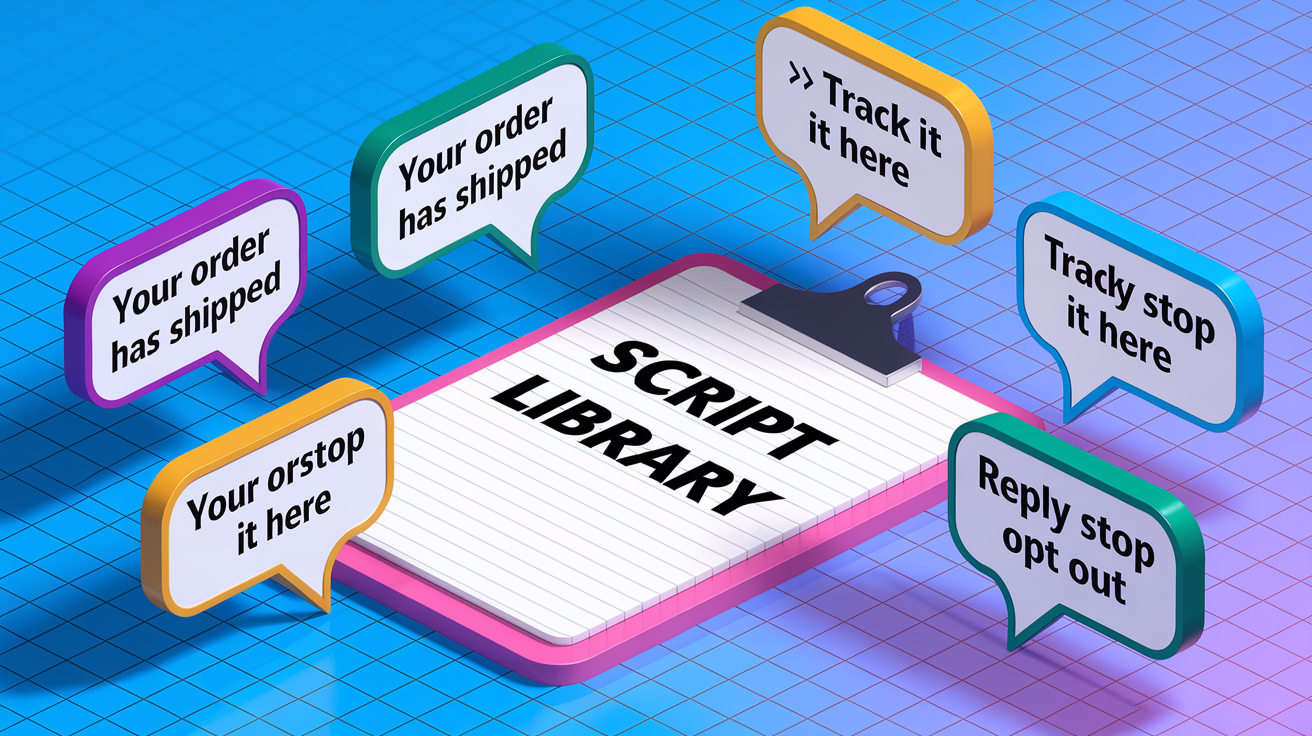
Transactional chat microcopy needs to prioritize clarity, brevity, and compliance. Every message should answer “What happened?” and “What’s next?” in under 20 words. Use active voice and present tense. Avoid jargon, marketing fluff, and unnecessary personalization that feels invasive. Start with the most important information (“Your order has shipped”) before adding secondary details like tracking links or delivery estimates. Include actionable next steps: “Track your order here” or “Need help? Reply to this message.” Always provide an opt-out mechanism in automated messages, even if embedded subtly: “Reply STOP to unsubscribe from shipping updates.”
Escalation logic and live-agent handoff prevent customer frustration when the AI can’t resolve an issue. Define explicit trigger keywords that route conversations to human support: “refund,” “damaged,” “wrong item,” “cancel order,” “speak to a person.” When the chatbot detects a trigger, immediately acknowledge the handoff: “I’m connecting you to our support team now.” Create a ticket in your helpdesk (Gorgias, Zendesk, Shopify Inbox) with full conversation context. Set expectations on response time: “A team member will reply within 2 hours.” Never loop a customer through multiple bot prompts when escalation is needed. One failed attempt should open the handoff path.
Sample Post‑Purchase Dialog Patterns
Shipping update: “Good news. Your order (#1234) has shipped! Estimated delivery: Thursday, Nov 14. Track it here: [link]. Questions? Just reply.”
Delay notification: “We’re sorry. Your order (#1234) is delayed by 2 days due to carrier backlog. New estimated delivery: Saturday, Nov 16. We’ll keep you updated. Reply STOP to opt out.”
Return initiation: “To start a return, visit [return portal link] and enter order #1234. You’ll receive a prepaid label within 24 hours. Need help? Reply to this message.”
Loyalty enrollment: “Thanks for your order! Join our rewards program and earn 100 points (equals $5 off your next purchase). Sign up here: [link]. No spam, opt out anytime.”
Microcopy rules:
- Tone consistency: Match brand voice across all automated messages. If your store is playful, keep microcopy light. If formal, stay professional and direct.
- Opt-out language: Every automated message must include clear opt-out instructions or a visible unsubscribe link. Honor requests immediately.
- Personalization placement: Use first name (“Hi Sarah”) only when you have explicit consent. Avoid over-personalization that feels creepy (“We noticed you browsed this 6 times”).
- Delay transparency: If fulfillment or delivery is delayed, proactively notify customers before they ask. Include revised estimates and a brief reason.
- Trust-building wording: Include security cues in transactional messages (“This message is from [Your Store Name]” or “Order details: [link to order status page]”) to prevent phishing confusion.
KPIs, Analytics, and Revenue Attribution for Post‑Purchase Chatbots

Core KPIs for post-purchase chatbots include conversion lift (percentage-point improvement in buyers who interact with chat versus those who don’t), message open and click rates, error rates (failed API calls, undelivered messages, escalations to live support), and customer satisfaction indicators (survey scores, reply sentiment, opt-out rates). Benchmark expectations: chat users convert at roughly 12.3% versus 3.1% for non-chat users (4× lift). Post-purchase message open rates should exceed 40% for order confirmations and 25% for shipping updates. Error rates below 2% indicate healthy infrastructure. Track chat-to-order conversion rate separately for upsell and cross-sell messages. If fewer than 5% of recipients click through, refine segmentation or offer quality.
Attributing revenue to chat-driven actions requires tagging orders with chatbot interaction metadata. When a customer completes a purchase after interacting with the chatbot, write a metafield (order.metafields.custom.chatbot_attributed = true) and log the session ID. For post-purchase upsells, create a unique discount code per chat message and track redemptions in Shopify’s discount reporting. Compare chatbot-attributed revenue to CAC from other channels. If the chatbot’s effective cost per acquisition (platform fees plus development amortization divided by attributed orders) is lower than paid search or social, shift budget accordingly. Use UTM parameters in tracking links sent via chat to capture attribution in Google Analytics or your analytics platform.
Dashboards and transcript analysis drive continuous improvement. Build a real-time dashboard displaying message delivery rates, API error logs, webhook retry counts, conversation escalation frequency, and revenue attributed to chat. Review chat transcripts weekly to identify failure patterns (common questions the bot can’t answer, confusing phrasing, or missing product data that causes incorrect recommendations). Use transcript sentiment analysis (simple keyword scoring or an NLP model) to flag frustration indicators (“this is not helpful,” “cancel,” “refund”) and prioritize fixes. A/B test microcopy, message timing, and segmentation rules, measuring impact on click-through rate and conversion.
| KPI | Definition | Target/Benchmark |
|---|---|---|
| Conversion Lift | Percentage-point increase in conversion rate for chat users vs non-chat users | +8 to 10 percentage points (e.g., 12.3% vs 3.1%) |
| Message Open Rate | % of automated messages opened (tracked via pixel or click) | >40% for order confirmations; >25% for shipping updates |
| Error Rate | % of messages that failed to send due to API errors, webhook failures, or invalid data | <2% |
| Chat-Attributed Revenue | Total order value tagged with chatbot interaction metadata or discount-code redemption | Track monthly; compare effective CAC to paid channels |
Implementation Checklist for AI Chatbots in Shopify Checkout and Post‑Purchase Messaging
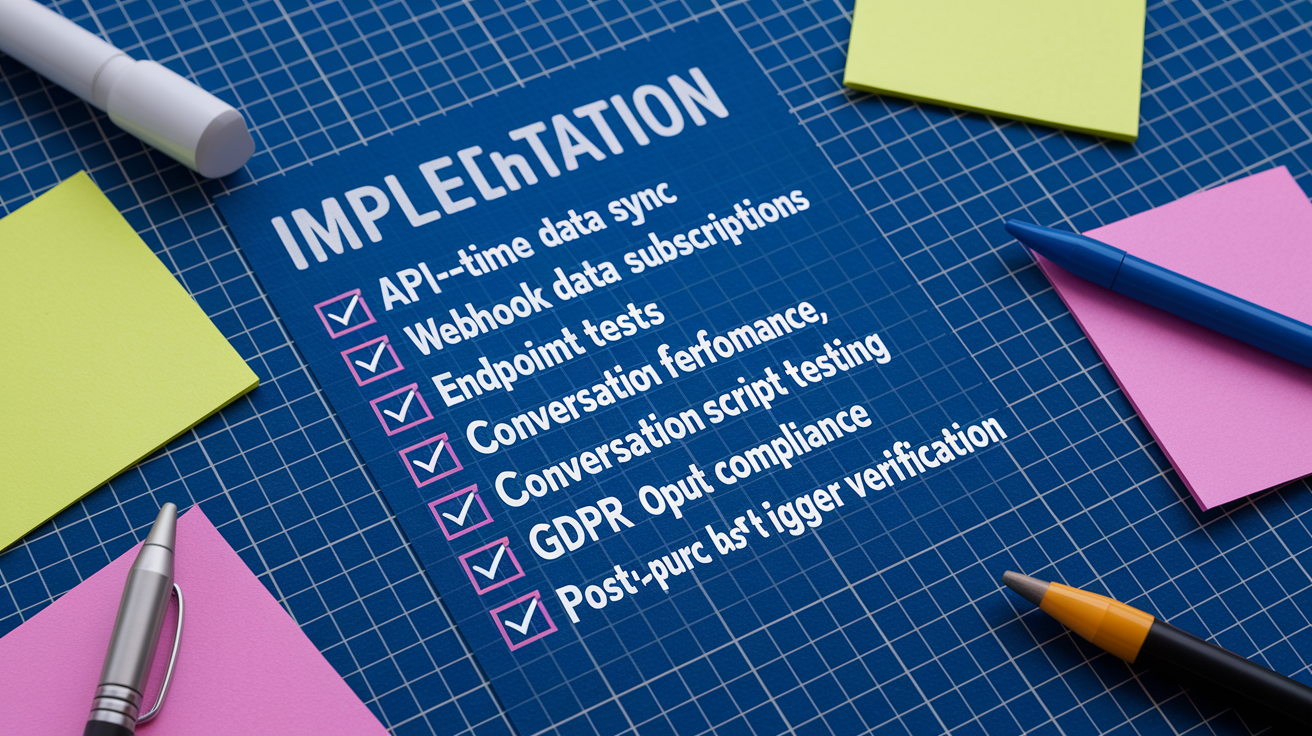
Before launching a checkout-integrated chatbot, validate every technical and operational dependency to prevent failed transactions, data inconsistencies, and compliance violations.
-
API configuration and authentication: Register your app in the Shopify Partner dashboard, request API scopes (
read_orders,write_orders,read_products,write_customers), generate Admin API access tokens, and store credentials in a secure vault (AWS Secrets Manager, environment variables). -
Real-time data sync verification: Audit product catalog completeness. Verify that all SKUs have accurate titles, prices, inventory counts, variant attributes, images, and alt-text. Enable Shopify’s real-time inventory tracking. Schedule automated nightly sync checks that flag missing or stale data.
-
Webhook subscription and endpoint tests: Subscribe to
orders/create,orders/paid,fulfillments/create,fulfillments/update, andrefunds/createwebhooks. Deploy a public HTTPS endpoint (SSL required) that returns HTTP 200 within 10 seconds. Test webhook delivery using Shopify’s webhook tester. Verify payloads log correctly and trigger expected chatbot actions. -
Checkout performance and mobile testing: Load-test the chatbot widget on a staging store using real mobile devices (iOS Safari, Android Chrome). Measure time-to-interactive and confirm the widget loads asynchronously without blocking checkout. Verify the chat launcher doesn’t obscure “Place Order” buttons or shipping selectors on small screens.
-
Metadata structure and tagging: Define custom metafields for orders (
chatbot_session_id,attributed_channel), customers (opt_in_status,preferred_contact_time), and products (chat_ready,ai_recommendation_score). Write and read test metafields via API to confirm permissions and data persistence. -
Conversation script testing: Deploy all automated message templates (order confirmation, shipping update, delay notification, upsell, review request) in a sandbox environment. Test trigger logic with mock webhook payloads. Verify personalization tokens populate correctly and fallback messages display when data is missing.
-
Mobile UX and responsive design: Resize the chat widget for screens as small as 320px wide. Test touch targets (minimum 44×44 pixels), scrollability, and keyboard behavior. Confirm messages render cleanly in both portrait and landscape orientations.
-
GDPR and opt-out compliance review: Validate that every automated message includes opt-out language. Confirm customer opt-out requests update metafields immediately and suppress future sends. Audit data retention policies and ensure chat transcripts are purged per policy (e.g., 90 days).
-
Fallback flows and error handling: Define fallback messages for every failure scenario (API timeout, missing product data, invalid order ID, webhook retry exhausted). Test each fallback by intentionally triggering the error condition. Confirm graceful degradation (generic message) rather than crashes or silence.
-
Post-purchase trigger verification: Place a real test order through checkout. Confirm
orders/createwebhook fires, chatbot sends order confirmation, fulfillment webhook triggers shipping notification, and all messages include correct order details, tracking links, and opt-out instructions. Validate attribution metadata writes to the order record.
Final Words
We covered the technical foundation, platform choices, checkout extension points, post-purchase workflows, data integrity, privacy rules, and performance trade-offs.
You’ve got the high-level steps: pick a compatible platform, keep product data realtime and clean, wire webhooks and app proxies, build clear microcopy, and load-test for latency and mobile.
Follow the checklist and iterate on KPIs. With careful setup and monitoring, integrating AI chatbots into Shopify checkout for post-purchase messaging can be reliable, boost CX, and drive measurable revenue gains.
FAQ
Q: How does Shopify checkout architecture affect where I can place a chatbot?
A: Shopify checkout architecture uses redirect or embedded secure views, so chatbot placement must use approved extension points or post-purchase pages to avoid distracting or breaking the /checkout flow.
Q: Can I place a chatbot directly on the /checkout page?
A: Placing a chatbot directly on the /checkout page is not allowed; you must use permitted extension points, post-purchase pages, or app proxies to inject chat-like experiences without altering the core checkout.
Q: What technical components are required to integrate a chatbot into Shopify checkout?
A: Integrating a chatbot requires ACP-compatible code, an app proxy or checkout extension, secure hosting, Shopify API access, real-time product sync, and compliance with Shopify Plus checkout extensibility rules.
Q: How must product data be handled for AI agents to work correctly?
A: Product data for AI agents must be real-time and accurate—titles, prices, images, variants, and alt-text—so recommendations, discovery, and post-purchase actions remain valid and avoid failed transactions.
Q: Which chatbot platforms are best suited for checkout and post-purchase messaging?
A: Native, third-party, and custom chatbot solutions all work; choose based on API depth, latency, cost, and training needs—native for quick setups, third-party for speed, custom for deep checkout UX control.
Q: What triggers should activate post-purchase chatbot messages?
A: Post-purchase chatbot triggers should include webhooks like order/create, checkout/update, fulfillment/create and update, tracking updates, and return-initiated events to drive timely, automated messages.
Q: How should I design post-purchase messaging workflows with an AI bot?
A: Post-purchase workflows should include chat confirmations, tracking updates, upsell logic, support triage, surveys, and review requests, with merchant-of-record controls for fulfillment and reverse-logistics.
Q: What metadata and metafields should I use for personalized chat?
A: Use metafields and order tags to store conversation state, customer preferences, and product attributes; keep those fields unambiguous and synced to enable correct personalization and SPO-driven recommendations.
Q: What privacy and compliance rules apply to checkout chatbots?
A: Chatbots at checkout must follow GDPR opt-in/opt-out rules, avoid handling PCI-sensitive payment data, provide clear transparency about personalization, and include unsubscribe and data-retention controls.
Q: How do I keep checkout chatbots fast and reliable?
A: Keep chatbots fast by loading async, caching lookups, enforcing retry logic, monitoring webhooks and APIs, and optimizing for mobile to prevent checkout drop-offs and maintain sub-10-second responses.
Q: Which KPIs should I track to measure chatbot impact?
A: Track conversion lift, AOV uplift, response latency, impressions-to-purchase, error rates, and customer satisfaction; use transcript analysis and dashboards to iterate on messaging and attribution.
Q: What should be on my pre-launch checklist for a checkout chatbot?
A: Pre-launch checks include selecting the ACP path, verifying 100% real-time product sync, testing webhooks and payment flows, mobile performance tests, security hardening, fallback flows, and conversation QA.