


Want to sell worldwide without opening local shops or juggling multiple dashboards?
TikTok’s Global Seller Center centralizes international listings, orders, shipping, and payouts in one dashboard.
This post shows how to access seller.tiktok global shop, create your account, pass verification, and activate target markets.
Expect to use a fresh email, enter business details, upload ID and registration docs, and wait about 3-5 business days for approval.
Read on for the exact steps to finish onboarding and start cross-border sales.
Accessing the TikTok Global Seller Center and Creating Your Account
The TikTok Global Seller Center is where you’ll manage international sales, track orders, set up shipping, and watch performance across different regions. You use it to publish products, answer customer questions, run promos, and pull analytics that shape your pricing and stock decisions.
To log in, you need a registered email and password. TikTok sends a verification code to your email or phone each time you sign in. Two-factor authentication isn’t required, but you should turn it on to keep your account locked down. If you’ve already registered on any regional TikTok Shop platform, that email can’t be used again for a global account.
New sellers fill out a short registration form with your business name, legal structure, contact info, and target markets. After you submit, TikTok reviews everything and emails you when you’re approved. Most accounts get initial access in 3 to 5 business days. Complex applications that need extra verification can take longer.
Step-by-step account creation:
- Go to the TikTok Global Seller Center homepage and click “Register” in the top-right corner.
- Enter a valid email and phone number that haven’t been used on TikTok Shop before.
- Pick your business type (sole proprietorship, partnership, or corporation) and choose your primary selling region.
- Upload required ID and business registration documents as the onboarding wizard prompts you.
- Agree to platform terms and submit. Check your inbox for a confirmation email with next steps.
Countries and Regions Supported by TikTok Global Shop

TikTok Global Shop connects sellers with buyers across North America, Europe, Southeast Asia, the Middle East, and Latin America. The platform keeps adding new territories. Each region has its own fulfillment setups, payment methods, and category restrictions. You can activate multiple markets from one account, which centralizes inventory and order handling across borders.
Regional support includes localized currency pricing, automated translation for product titles and descriptions in some languages, and logistics provider integrations. Certain markets need extra compliance steps. Think VAT registration in the EU or specific tax docs in the US. Cross-border sellers should verify current market availability and legal requirements during registration, since supported regions and allowed product categories shift over time.
Major supported regions:
- United States (availability subject to program updates)
- United Kingdom, France, Germany, Spain, Italy, Netherlands
- Indonesia, Malaysia, Philippines, Thailand, Vietnam, Singapore
- Brazil, Mexico
- United Arab Emirates, Saudi Arabia
- Australia
Eligibility Requirements for TikTok Global Shop Sellers

You need to be at least 18 and provide a real business or residential address in a country where TikTok Shop operates. The platform accepts sole proprietors, partnerships, and corporations. Each structure needs different supporting documents. Individual sellers typically register using a personal bank account and government-issued ID. Businesses must submit company registration certificates and an Employer Identification Number where applicable.
All applicants go through identity verification. That means uploading a clear government ID, providing tax documentation, and sometimes recording a short selfie video to confirm the Primary Business Representative. Ultimate Beneficial Owner information is required if one person owns 25 percent or more of the business. This includes the owner’s legal name, date of birth, nationality, and residential address. Incomplete or mismatched documents are the most common reason for application delays or rejections.
Required documents and qualifications:
- Government-issued ID (passport or driver’s license)
- Business registration certificate or sole proprietor declaration
- Bank account statement dated within the past 90 days
- Tax identification number (W-9 for U.S. sellers, VAT or GST number in other regions)
- Product compliance certificates for regulated categories like electronics, cosmetics, or food items
Onboarding Steps for New Sellers

Onboarding starts right after your initial application gets approved. You’ll receive an email with login credentials and a link to finish additional setup tasks. The platform walks you through warehouse configuration, shipping options, payment setup, and product catalog prep. Verification steps might include submitting extra tax forms, linking a payout bank account, and uploading photos or compliance documents for restricted product categories.
Complete onboarding checklist:
- Log into the TikTok Global Seller Center using your registered email and password.
- Verify your email and phone number, then enable two-factor authentication in account settings.
- Upload business registration documents, legal representative ID, and any required compliance certificates.
- Add your payout bank account details and submit the correct tax form for your region (W-9 for the U.S., local equivalents elsewhere).
- Configure warehouse addresses, shipping zones, and fulfillment methods (self-fulfill, third-party logistics, or TikTok-managed fulfillment).
- Upload your first product or import a bulk catalog via CSV template. Make sure all listings include SKU, price, weight, dimensions, HS code, and product images.
Understanding TikTok Global Shop Fees and Commissions

TikTok charges a standard referral fee on each completed sale. Usually ranges from 1 percent to 20 percent depending on the product category and target market. Jewelry carries a reduced rate of 5 percent in some regions. Categories like electronics or fashion might hit higher commissions. These fees get deducted automatically from each sale before funds are released for payout.
Payment processing fees are charged separately, typically between 1.5 percent and 3.5 percent per transaction. These cover the cost of handling credit cards, digital wallets, and other buyer payment methods. Advertising fees apply when you run promotional campaigns, flash sales, or influencer collaborations. Campaign costs are structured as cost-per-click or cost-per-conversion. Promotional fees range from 1 percent to 15 percent of total ad spend depending on campaign settings.
Withdrawal minimums and payout fees vary by region. Some markets allow free bank transfers once per settlement cycle. Others charge a flat fee or percentage for each payout. There aren’t any upfront listing fees for publishing products, though optional premium services like expedited fulfillment or priority listing placement might cost extra.
| Fee Type | Description | Typical Rate |
|---|---|---|
| Referral Commission | Percentage deducted from each completed sale | 1%–20% (category dependent) |
| Payment Processing | Transaction fee for buyer payment handling | 1.5%–3.5% per transaction |
| Advertising & Promotions | Cost for running campaigns, flash sales, or influencer tie-ins | 1%–15% of spend or per-conversion |
| Payout & Withdrawal | Fee for transferring funds to your bank account | Varies by region; often free once per cycle |
Navigating the Seller Dashboard and Core Tools
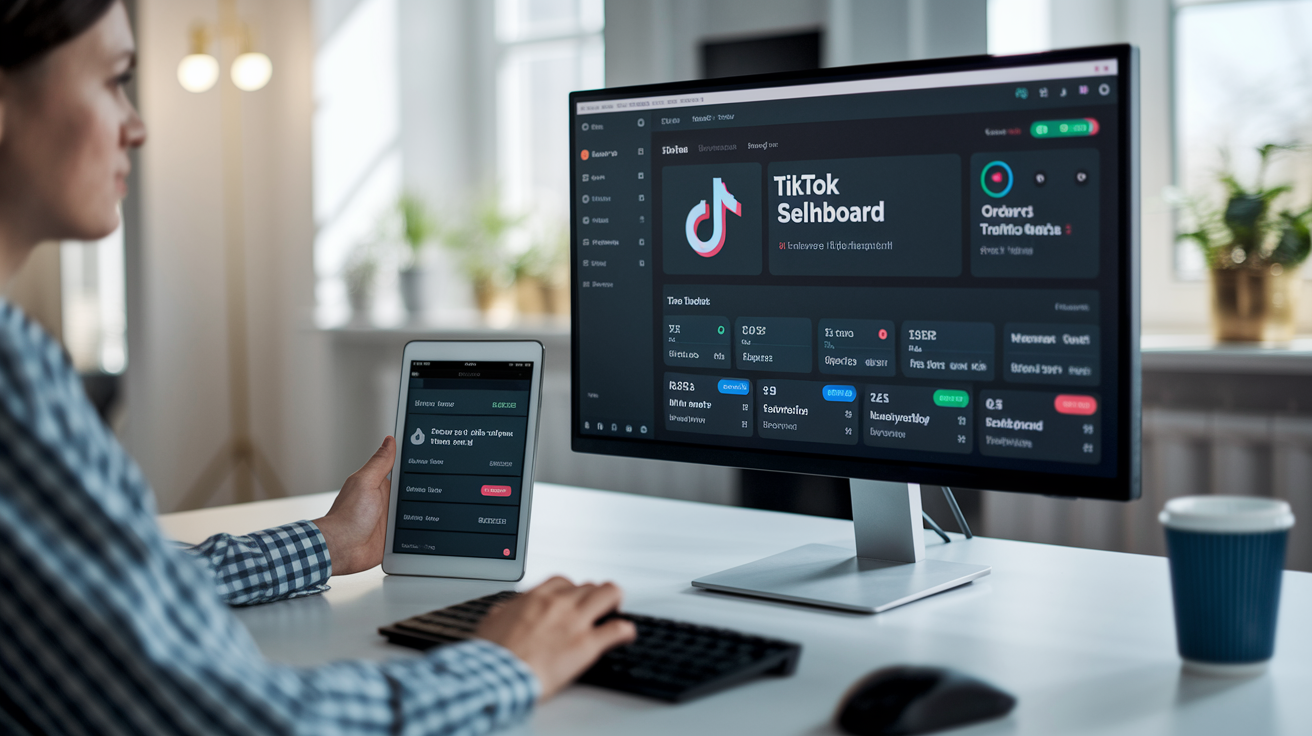
The Seller Dashboard shows a real-time snapshot of your store’s performance. You’ll see total orders, gross merchandise volume, conversion rate, refund rate, and traffic sources. Key performance indicators include on-time delivery rate, after-sales handling time, and instant message satisfaction score. These metrics directly influence your seller performance rating, which affects product visibility and eligibility for promotional programs.
Order management tools let you process orders in bulk, generate shipping labels, update tracking info, and handle returns or refunds. The inventory section syncs stock levels in real time and sends low-stock alerts when SKU availability drops below your defined threshold. You can adjust prices, pause listings, or mark items out of stock without deleting the product page.
The marketing suite includes campaign managers for coupons, flash sales, and live-stream product pinning. Live commerce tools let you schedule broadcasts, assign products to specific time slots during a stream, and track viewer engagement and conversion during each session. API integrations let external systems push inventory updates, pull order data, and automate fulfillment workflows. This cuts down on manual data entry and the risk of overselling.
Key dashboard tools:
- Sales analytics with GMV, order count, return rate, and traffic breakdowns by source
- Product management for single or bulk listing edits, image uploads, and category assignment
- Order processing with bulk action support, tracking updates, and dispute resolution workflows
- Promotional campaign builder for discounts, influencer collaborations, and live commerce scheduling
Creating and Managing Product Listings

Listings start in the Seller Center under “Manage Products.” Click “Add new product” to open the listing form. You need to select a category, write a short product title and detailed description, set a price, and upload at least one high-resolution image. TikTok allows up to five photos per listing. Images should be at least 1000×1000 pixels and show the product from multiple angles.
Each listing needs a unique SKU, stock quantity, weight, and dimensions for accurate shipping calculations. If you’re selling internationally, include the HS code for customs classification and the country of origin. Listings in regulated categories like electronics, cosmetics, or food items require compliance certificates before publication. Incorrect category selection or missing certifications cause review delays and might result in listing rejection.
Step-by-step listing process:
- Log into the Seller Center and navigate to “Manage Products,” then click “Add new product.”
- Choose the correct product category from the dropdown menu. This determines which attributes and compliance fields are required.
- Enter a clear product title (recommended 50 to 100 characters) and a detailed description that highlights features, materials, and sizing.
- Upload 3 to 5 high-resolution product images. The first image becomes your thumbnail in search results.
- Fill in SKU, price, inventory count, weight, dimensions, and HS code if selling cross-border.
- Add product variants like size or color if applicable. Each variant can have its own SKU and stock level.
- Click “Submit for review.” Listings are typically approved within 1 to 3 business days unless additional compliance checks are needed.
Payment Processing and Payout Schedules

TikTok holds funds for a short period after each sale to account for potential returns or disputes. Once an order is marked as delivered and the holding period expires, the sale amount minus fees gets added to your available balance. Payout cycles vary by region. Most markets offer payouts every 7 to 30 days. Some sellers can request accelerated payouts for an additional fee, reducing the wait time to as little as 24 hours.
Supported payout methods include direct bank transfer, Payoneer, and PayPal in select regions. Your registered business name must match the name on the payout bank account. Mismatched names are a common cause of payout failures. Currency conversion fees apply if you choose to receive payouts in a currency different from your sales currency. Always verify your bank details and tax information before your first payout to avoid delays.
Payout considerations:
- Holding periods typically range from 7 to 21 days after delivery confirmation
- Payout bank account name must exactly match the legal name registered on your seller account
- Currency conversion fees apply when receiving funds in a different currency than the sale currency
- Regional banking requirements vary. Some countries require local bank accounts while others accept international accounts
Cross-Border Selling Features and Logistics

TikTok Global Shop supports multi-country selling from a single seller account. You can list products in multiple regions without creating separate stores. The platform offers automated currency conversion, so buyers see prices in their local currency while you manage pricing in a base currency. Localized product titles and descriptions are available in select languages, helping you reach non-English-speaking buyers without manual translation.
Cross-border fulfillment options include self-fulfillment from your own warehouse, partnering with third-party logistics providers, or using TikTok-managed fulfillment centers in key markets. When shipping internationally, you’re responsible for calculating and collecting duties and taxes unless you opt into a Delivered Duty Paid program. The platform provides HS code fields and country-of-origin data to streamline customs declarations, but you must ensure compliance with export regulations in your home country and import rules in the destination market.
Shipping partners integrated with TikTok Shop provide discounted rates and automated tracking updates. You can configure different shipping zones, set flat-rate or weight-based pricing, and offer expedited or standard delivery options. Real-time inventory sync via API or CSV upload ensures stock levels stay accurate across all markets. This prevents overselling and reduces the risk of order cancellations.
Key cross-border logistics features:
- Multi-currency pricing with automatic conversion at checkout based on current exchange rates
- Automated translation tools for product titles and descriptions in major languages
- HS code fields and country-of-origin data to simplify customs paperwork and duty calculations
- Integration with third-party logistics providers for warehousing, pick-and-pack, and international shipping
- Delivered Duty Paid options in select markets, where TikTok or a logistics partner handles import duties and taxes on behalf of the buyer
Final Words
You’ve got the full path to go live on TikTok: how to reach the TikTok Global Seller Center, register and verify, meet eligibility, onboard, list products, set up payments, and handle cross-border logistics.
Do three quick moves now: confirm required documents, sync your top SKUs, and set your payout settings for your region.
Follow the checklist, test one listing, and use seller.tiktok global shop to manage orders. If listings and shipping are solid, you should start seeing sales soon.
FAQ
Q: How do I access the TikTok Global Seller Center and create an account?
A: You access the TikTok Global Seller Center by visiting its portal; create an account by submitting basic business info, choosing a password, verifying your email, and agreeing to platform terms.
Q: Which countries and regions does TikTok Global Shop support?
A: TikTok Global Shop supports cross-border sales to regions including North America, Southeast Asia, and select European markets; major supported regions include North America, Southeast Asia, UK/EU, Australia, Japan, and the Middle East.
Q: What eligibility requirements are needed to sell on TikTok Global Shop?
A: To sell on TikTok Global Shop you must provide government ID, business registration documents, bank details, and meet product compliance rules; category restrictions or extra verification may apply.
Q: What are the onboarding steps for new TikTok Global Shop sellers?
A: Onboarding for TikTok Global Shop includes completing identity and business verification, adding warehouse and shipping info, configuring shipping rules, enabling product sync, uploading SKUs, and testing orders.
Q: How do TikTok Global Shop fees and commissions work?
A: TikTok Global Shop fees include category-based commissions, optional advertising or service fees, payment processing charges, and occasional platform service fees; rates vary by category and region, so review fee schedules before listing.
Q: What core tools are available in the seller dashboard?
A: The seller dashboard provides analytics, product management, order tracking, promotional tools, and fulfillment status; use analytics to monitor conversion and inventory, and promotions to drive traffic.
Q: How do I create and optimize product listings on TikTok Global Shop?
A: To create and optimize listings, upload clear images, write concise descriptions, set SKUs and competitive prices, choose correct categories, add attributes, and test titles for search visibility.
Q: How does payment processing and payout scheduling work for sellers?
A: Payment processing uses bank transfers with region-specific holding periods; payouts occur on scheduled cycles depending on your region—check payout settings, holding periods, and minimum thresholds in your account.
Q: What cross-border selling features and logistics support does TikTok Global Shop offer?
A: TikTok Global Shop offers cross-border warehousing, partnered shipping, customs support, automated inventory and order sync, and fulfillment routing to simplify international orders and reduce delivery times.