

Think Amazon tracking works like UPS? Think again.
Amazon Logistics (AMZL) keeps final-mile scans inside Amazon, so TBA numbers usually don’t show up on carrier sites.
That matters: the fastest, most accurate delivery info is in Your Orders or the Amazon app, not third-party trackers.
This guide gives the quickest steps to pull real-time status, use email/SMS tracking links, read AMZL status labels, and troubleshoot when tracking stalls or a package appears delivered but is missing.
Start by opening Your Orders or the app.
How to Track Your Amazon Package (Fastest Method)
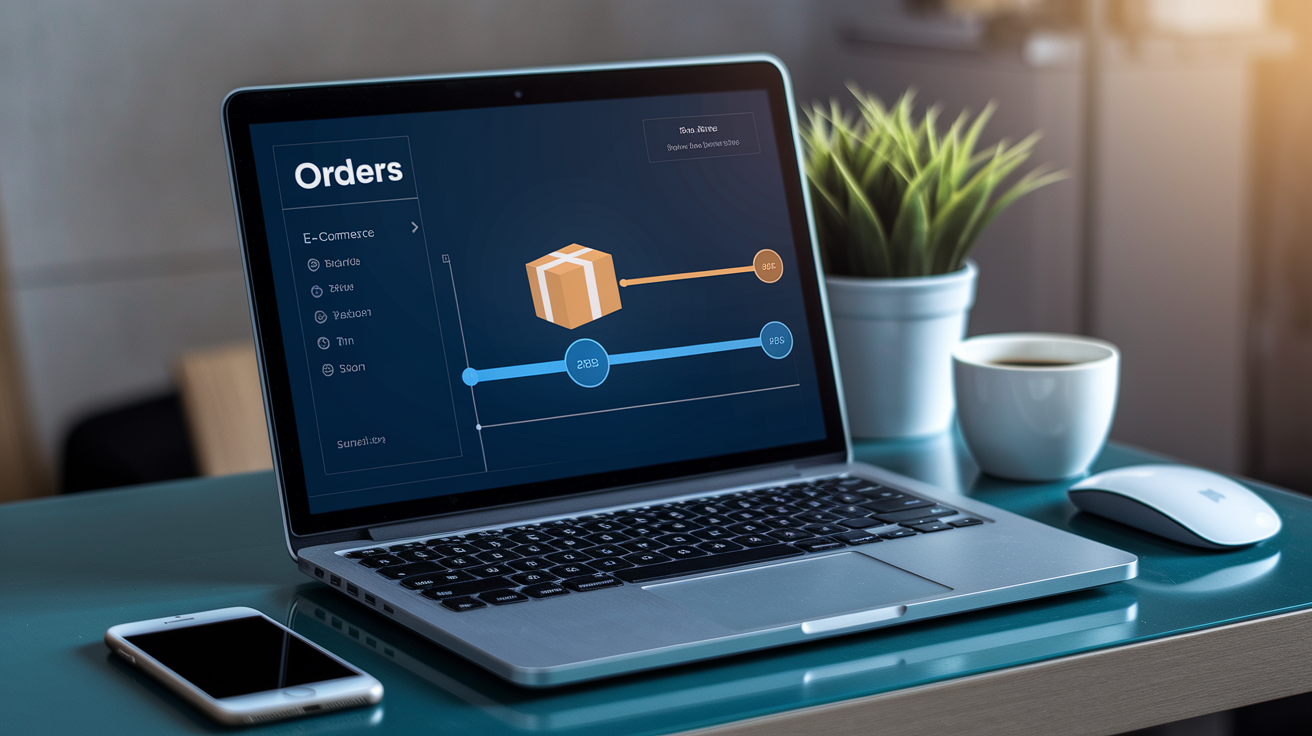
Sign into your Amazon account and head to the Orders section. This is the quickest way to get real-time tracking, especially for Amazon Logistics shipments. AMZL doesn’t pass its tracking through external carrier portals. Everything updates directly inside Amazon’s system, so you’ll see every scan without bouncing around to different sites.
Here’s how you do it:
- Open your browser and go to amazon.com (or your local Amazon site).
- Click Returns & Orders in the top-right corner.
- Find the order you’re looking for in your recent purchases.
- Click Track Package next to the item. This pulls up the detailed shipment page.
- Check the timeline and current status. The tracking number (usually starts with TBA, TBM, or TBC) shows up below the carrier name.
- Copy the tracking page URL from your browser if you want to bookmark it or share it without logging back in.
AMZL tracking works differently from standard carriers because TBA numbers aren’t searchable on UPS, USPS, or FedEx sites. If you paste a TBA number into a third-party tracker, you’ll probably get “not found” unless that site specifically pulls from Amazon. When Amazon handles the last mile, the tracking lives in Amazon’s system, not on an external portal. If your order shows “AMZL_US” as the carrier, expect all updates inside Your Orders instead of a traditional courier tracker.
Alternative Ways to Track Your Amazon Delivery
You don’t always need to log into Amazon to check your shipment. Amazon sends tracking links through email and SMS, and those links work from any device without needing your password. Super useful when you’re not on your main computer or just don’t feel like opening the full site.
Your shipping confirmation email has a “Track your package” link that opens the same page you’d see in Your Orders. On mobile, long-press the link and select Copy Link to paste it into notes or a universal tracker. You can also bookmark it for instant access later.
Four quick alternatives:
- Email tracking link: Open your shipping confirmation and tap “Track your package.” It works without login if you’re still signed in on that device.
- SMS tracking link: If you turned on delivery notifications via text, Amazon sends a short URL straight to tracking.
- Shared tracking URL: Copy the full tracking page URL from Your Orders and send it to anyone. They can view progress without your account credentials.
- Order number entry: Some universal tracking tools accept Amazon order numbers (format: 123-4567890-1234567) instead of TBA IDs.
All these routes pull from the same Amazon tracking database, so updates show up at the same time across every method.
How to Track Amazon Packages Using the Mobile App
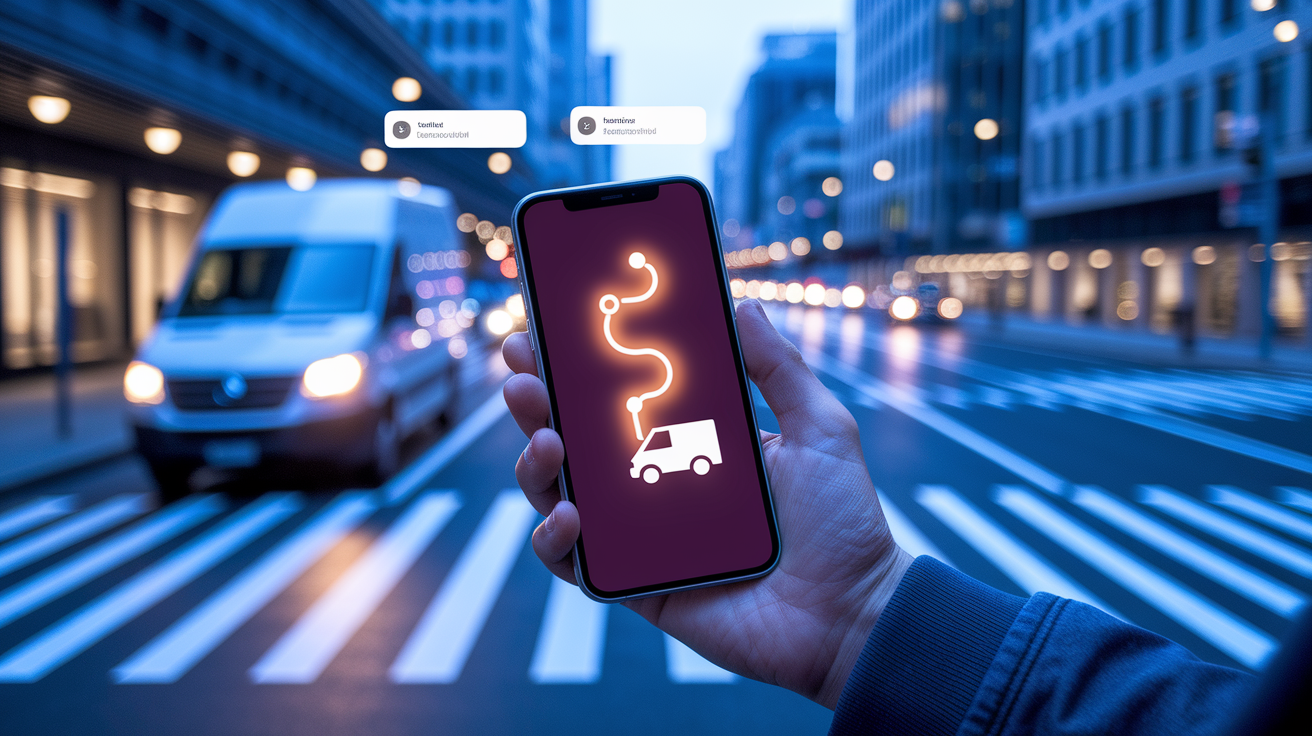
The Amazon mobile app gives you the fastest tracking on a phone because it supports push notifications and, in many cities, live map tracking. When your package is out for delivery with AMZL, you might see your driver’s actual location on a map. The desktop site doesn’t always show this as clearly.
Steps to track in the app:
- Open the Amazon app and tap the three-line menu icon (☰) in the bottom-right corner.
- Tap Your Orders near the top.
- Find your order and tap the item thumbnail or order card.
- Tap Track Package to open the shipment screen.
- Review the timeline, current status, and delivery estimate. If live tracking is available, tap View Map to see where your driver is.
The app sends push notifications as your package moves: “Shipped,” “Out for Delivery,” “Arriving Today,” “Delivered.” Turn on notifications in your phone’s settings under the Amazon app to get these alerts. Live map tracking only appears when AMZL is delivering and the driver is on an active route. GPS refreshes every few minutes. If your city doesn’t have live tracking yet, you’ll still get standard status updates and an estimated delivery window. The app also has a “Contact Us” button that opens chat or phone support directly, which beats navigating through help menus when tracking stops moving.
Amazon Logistics Tracking Statuses Explained
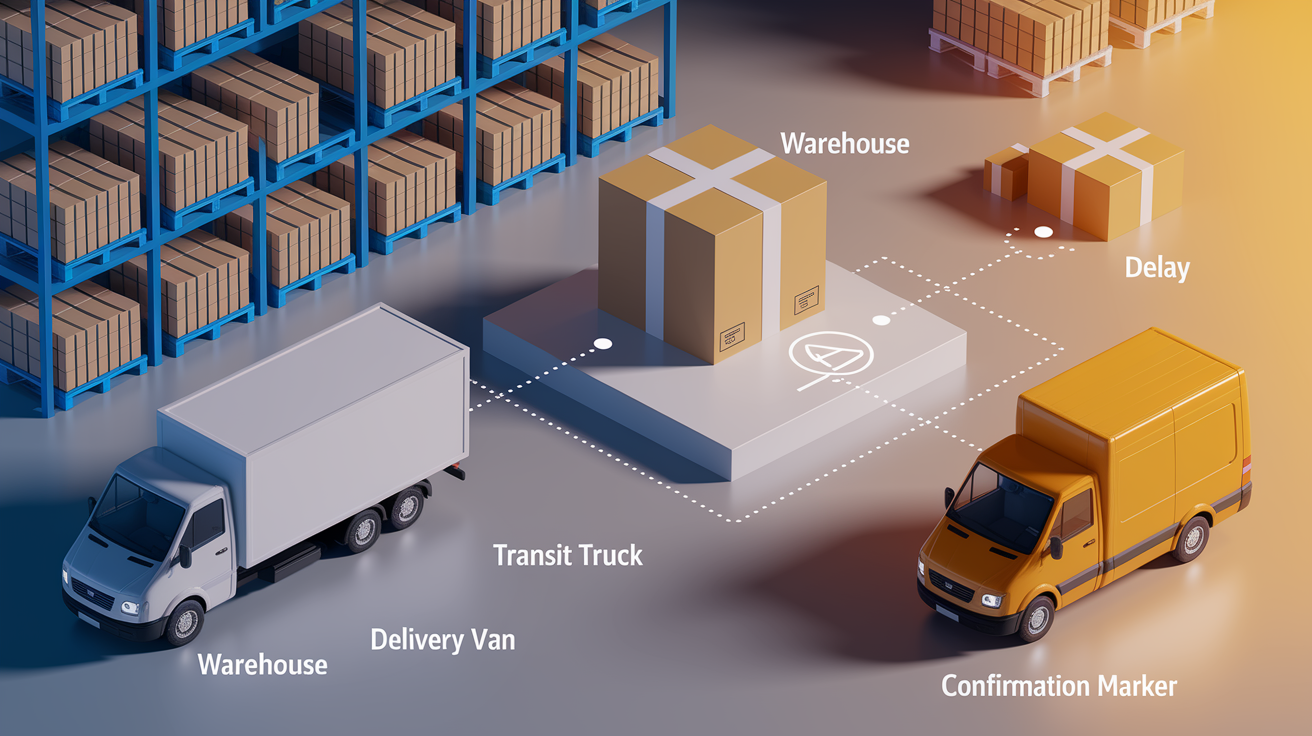
AMZL uses specific labels that tell you exactly where your package is. Understanding each one helps you know when to expect it and when something might be off.
| Status | Meaning |
|---|---|
| Shipped | Package left the fulfillment center and is in Amazon’s possession. |
| In Transit | Moving between Amazon facilities or on a truck between hubs. Not on the final delivery route yet. |
| Out for Delivery | Loaded onto a delivery vehicle and headed to your address. Expect delivery same day. |
| Arriving Today | Package is on schedule for same-day delivery. Often shows up with “Out for Delivery.” |
| Delivered | Driver confirmed delivery at your address. Check porch, mailbox, or building management. |
| Pending | Shipment is still being prepared or waiting for first scan after label creation. |
| Delivery Attempted | Driver tried but no one was home or access was blocked. Expect a second attempt next day. |
| Delayed | Package missed its window due to route issues, weather, or facility backup. New estimate will show up. |
Statuses update every few hours during transit but get more frequent once the package is out for delivery. Gaps between scans are normal when packages move between hubs or sit on a truck between facilities. AMZL scans can be less detailed than UPS or FedEx because Amazon goes for speed over constant check-ins. If a status hasn’t changed in 24 hours and your estimated date hasn’t passed, the package is probably still moving fine. Weekend and holiday slowdowns can delay scans even when the package is physically on track.
If “Delivered” appears but you don’t see anything, wait a few hours. AMZL drivers sometimes mark delivery before the final drop, especially in big apartment buildings.
Amazon Logistics Delivery Timeframes
AMZL drivers run between 8:00 AM and 8:00 PM local time most days. During peak seasons (Prime Day, Black Friday, December holidays), that window can stretch to 10:00 PM because routes get packed and drivers handle more stops per shift. Sunday delivery is standard for AMZL, so you might get packages seven days a week if your address is on an active route.
Same-day and next-day delivery are available for Prime members in qualifying metros. Same-day orders placed before the cutoff (usually noon or 2 PM) go out on an evening route. Next-day orders ship from nearby fulfillment centers and arrive the following business day. Standard AMZL delivery without Prime typically takes three to five business days, depending on distance from the closest center.
Route density and driver load affect timing more than carrier capacity. AMZL assigns drivers to specific territories, so your package could arrive early if you’re near the start of a route or late in the evening if you’re at the end. Weather, traffic, and apartment access problems can push stops later. If tracking shows “Out for Delivery” in the morning but hasn’t updated by evening, the driver is probably still working through a long route. AMZL rarely delivers after 10 PM except during extreme peak periods.
Troubleshooting: When Tracking Isn’t Updating or a Package Is Missing
Tracking can freeze during handoffs between Amazon facilities or when a package sits on a truck between hubs. If your status hasn’t changed in 48 hours but your estimated date hasn’t passed, the package is likely still moving without a recent scan.
Check these first:
- Wait 24 hours after “Delivered”: AMZL sometimes marks delivery before the driver actually places the package. Check again in a few hours.
- Search safe drop spots: Look behind planters, inside screen doors, at side entrances, or with building management in apartments.
- Verify your delivery address: If you have multiple addresses saved, make sure the order went to the right one.
- Check with neighbors or reception: Drivers sometimes leave packages with a nearby unit or front desk if they can’t get access.
- Look for delivery photos: AMZL drivers often snap a photo at drop-off. The image shows up in your tracking page under “Delivered.”
Tracking might pause when a package moves between facilities without an intermediate scan, especially overnight. Weekends and holidays reduce scan frequency because fewer people work the sortation hubs. International shipments going through customs can sit for days with no update while paperwork clears. If tracking hasn’t budged in several days and your estimated date is past, contact Amazon support through the “Get Help” button on the order page.
If tracking says “Delivered” but you never got the package, wait until the end of the delivery day and check every possible drop point. Theft happens but it’s less common than misdelivery or delayed placement. Amazon typically approves refunds or replacements within 48 hours of a missing package claim if you report it through the order page. AMZL makes up to three delivery attempts on consecutive days for shipments needing a signature. After the third failed attempt, the package goes back to Amazon and you get an automatic refund.
Final Words
Open Your Orders and pull up the tracking link, that’s the fastest way to see AMZL updates. We walked through exact desktop clicks, mobile app taps, and email/SMS tracking links you can use without logging in.
You also learned how to read AMZL statuses, typical delivery windows, and what to check when tracking stalls or a package seems missing.
Use these steps to save time and cut support tickets. amazon logistics tracking should feel less like a mystery now.
FAQ
Q: How to track an Amazon Logistics package?
A: You track an Amazon Logistics package by opening Amazon, going to Your Orders, selecting the order, and clicking “Track package” to view status, tracking number, and delivery updates; the app shows live-map tracking.
Q: Who delivers Amazon Logistics and is it USPS?
A: Amazon Logistics is run by Amazon drivers and contracted delivery partners; it isn’t USPS. Occasionally Amazon hands off parcels to local carriers, but AMZL primarily uses Amazon’s own fleet and internal tracking.
Q: Is TBA an Amazon tracking number?
A: TBA in Amazon tracking means “To Be Announced” and is a placeholder, not a valid carrier tracking number; it shows shipping details aren’t available yet, so check Your Orders or confirmation emails later.